반응형


UI 디자인 스타일 219 - 2


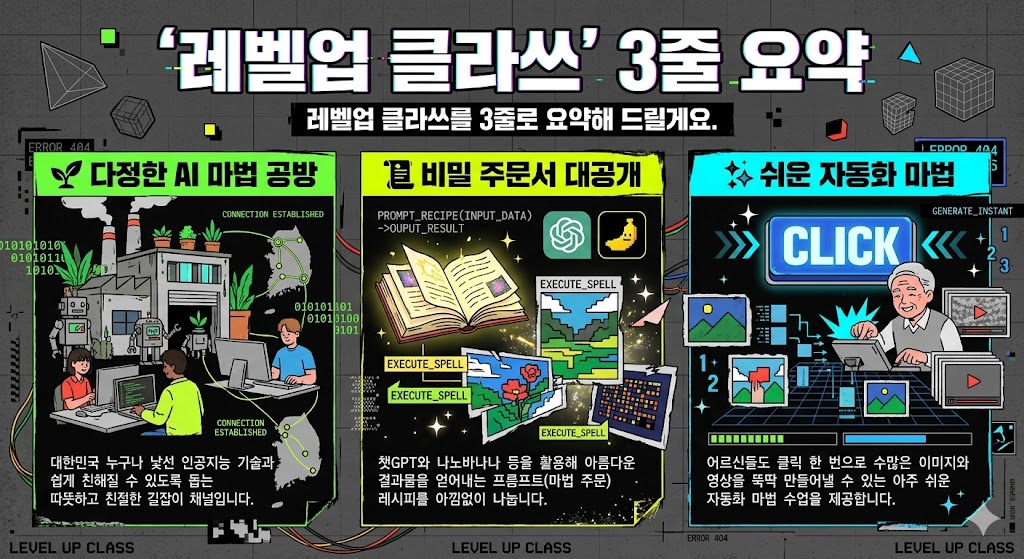
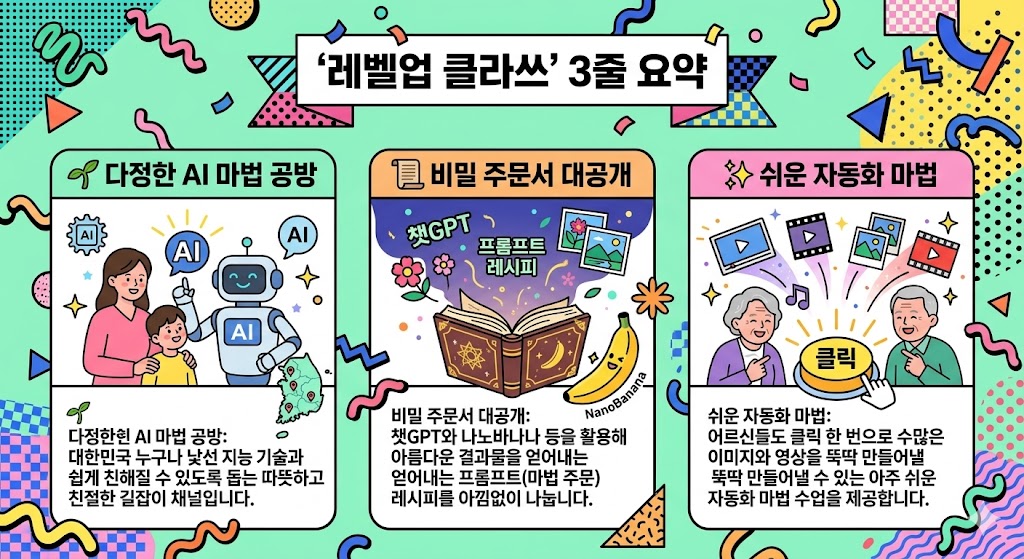
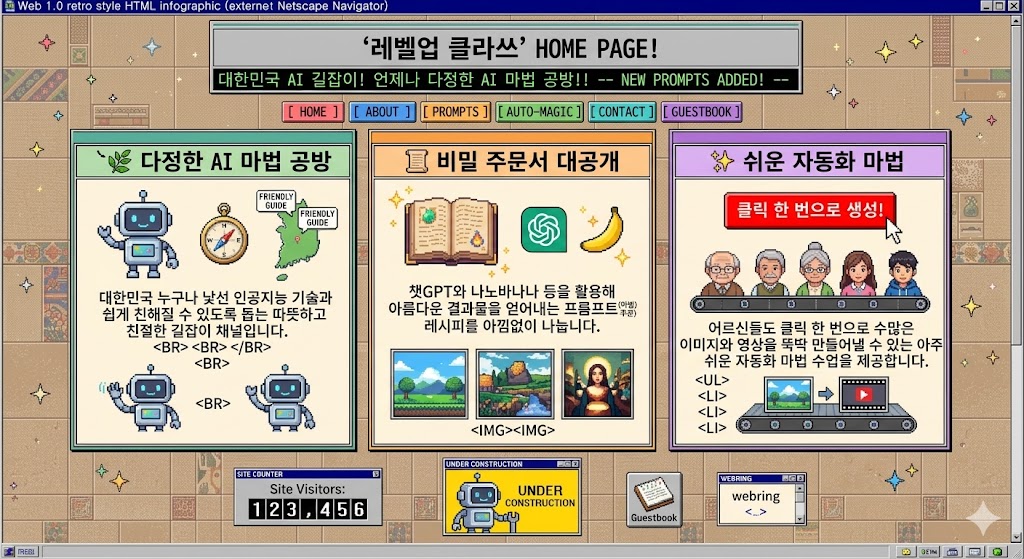
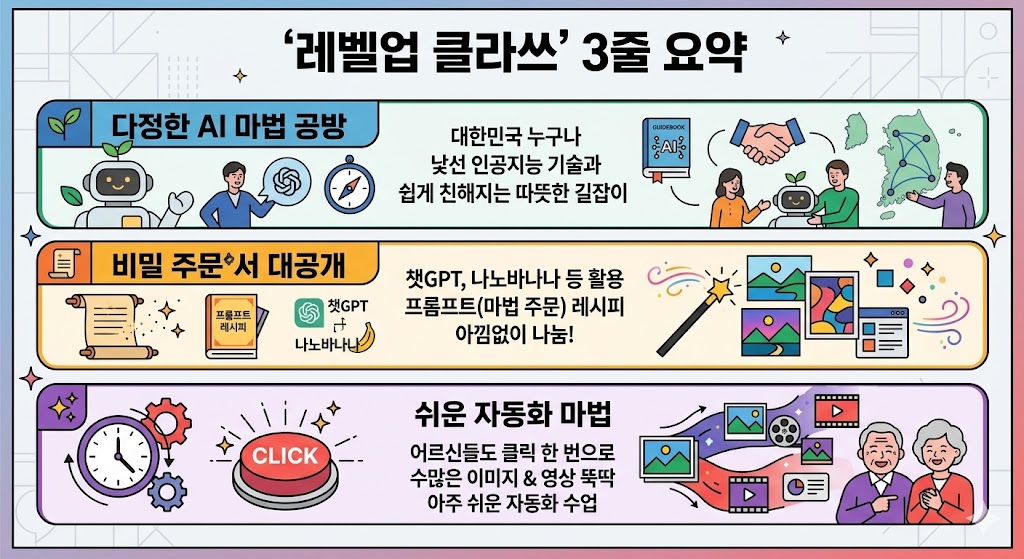
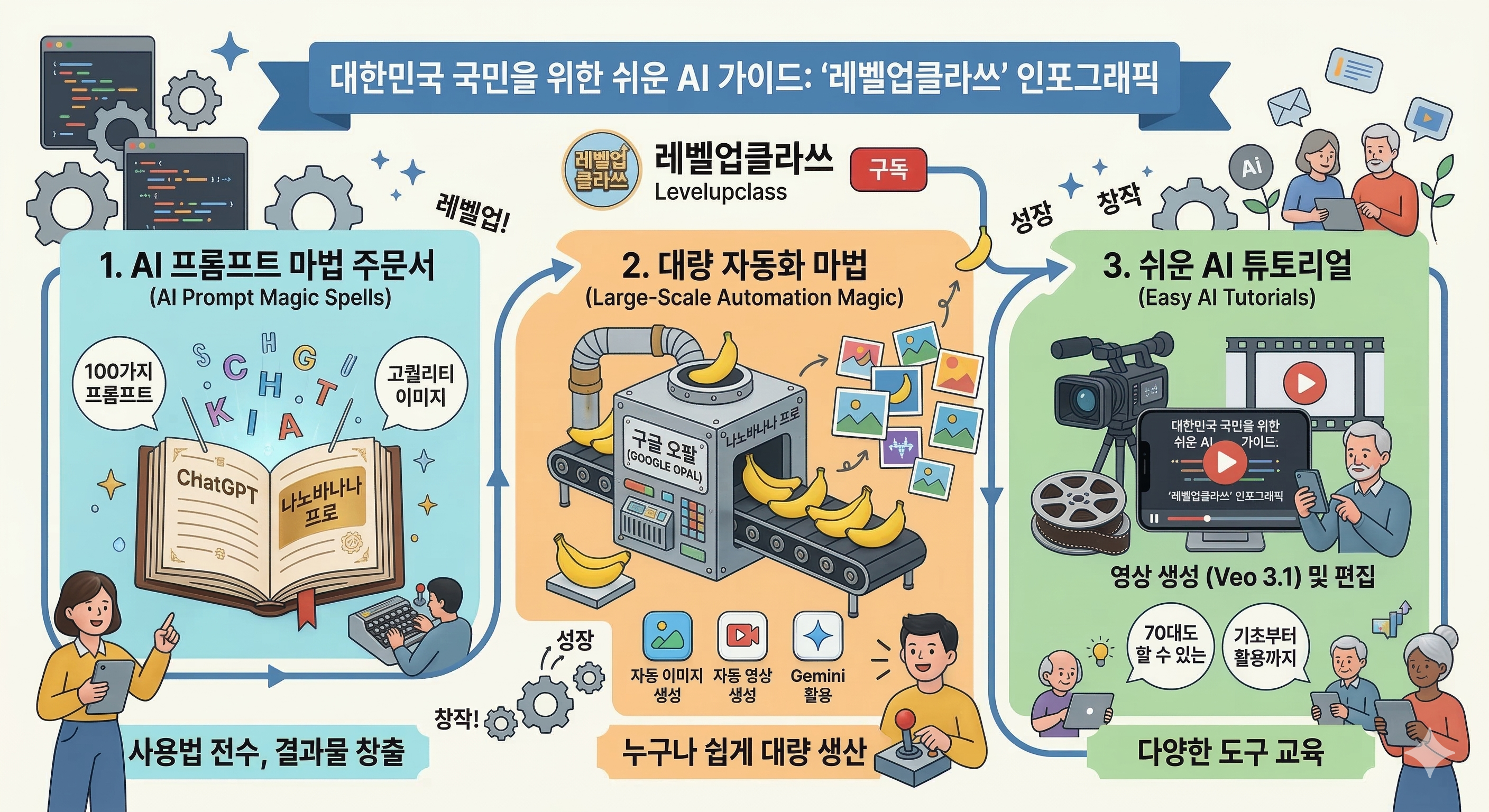
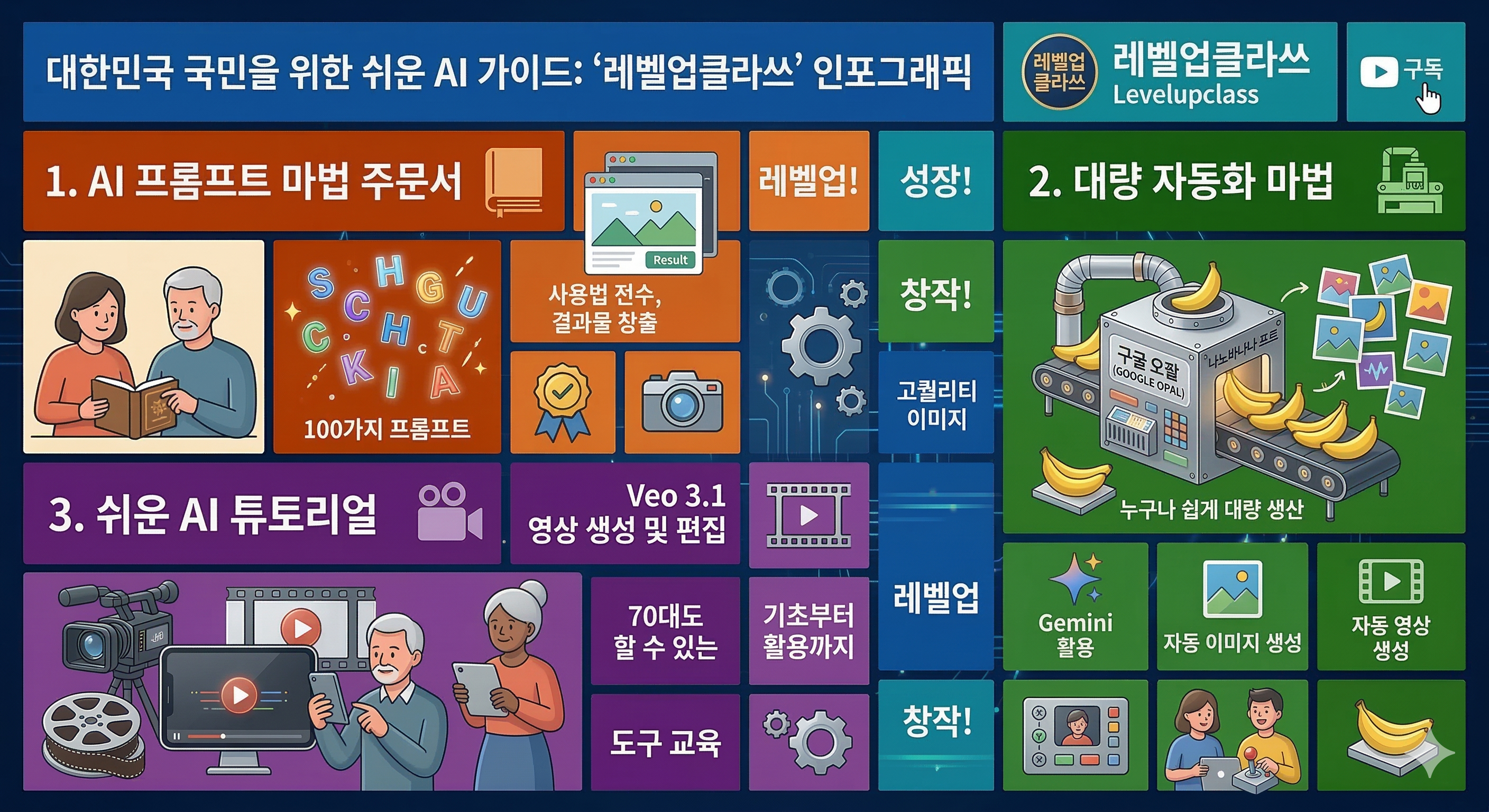
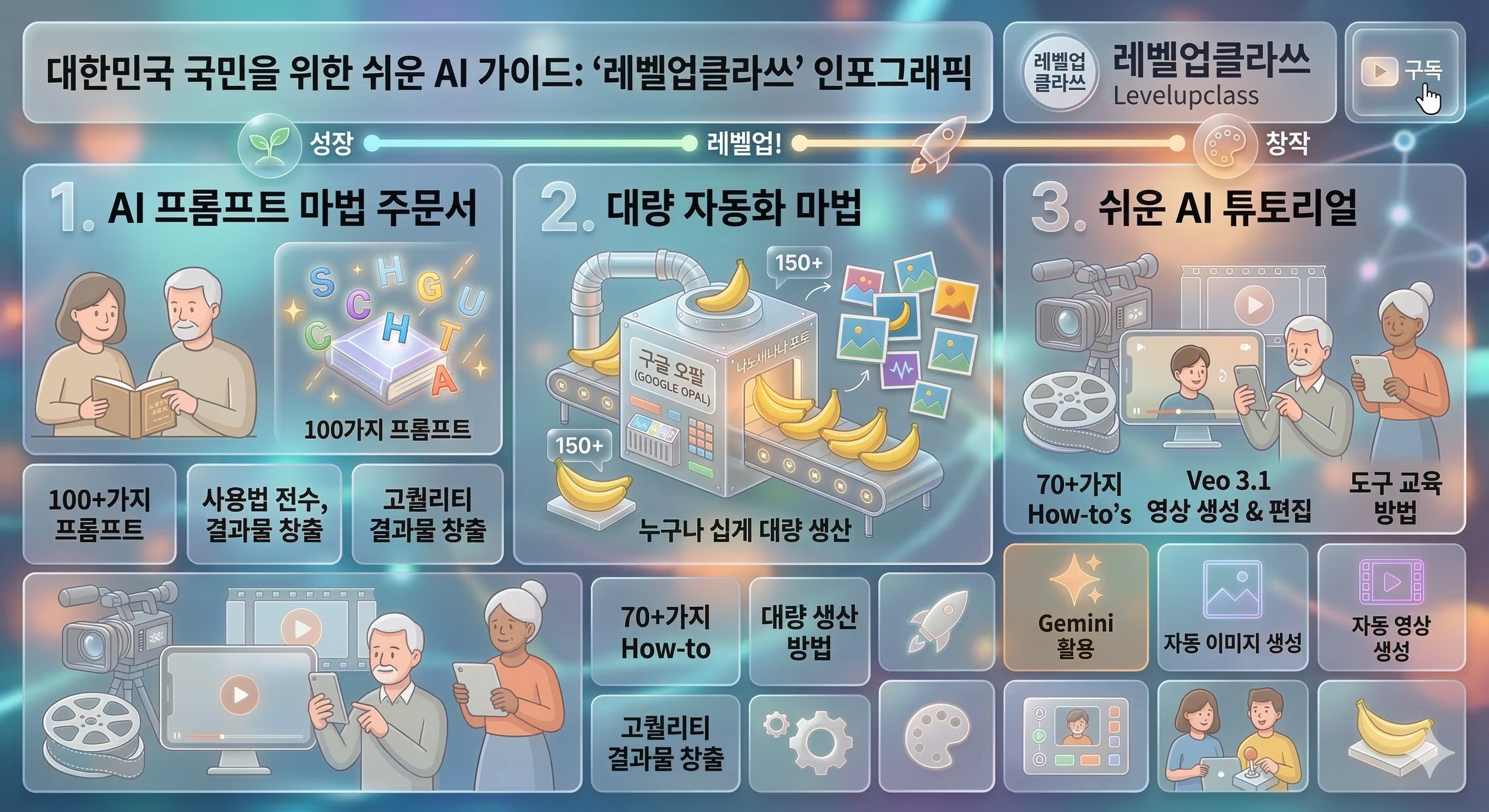
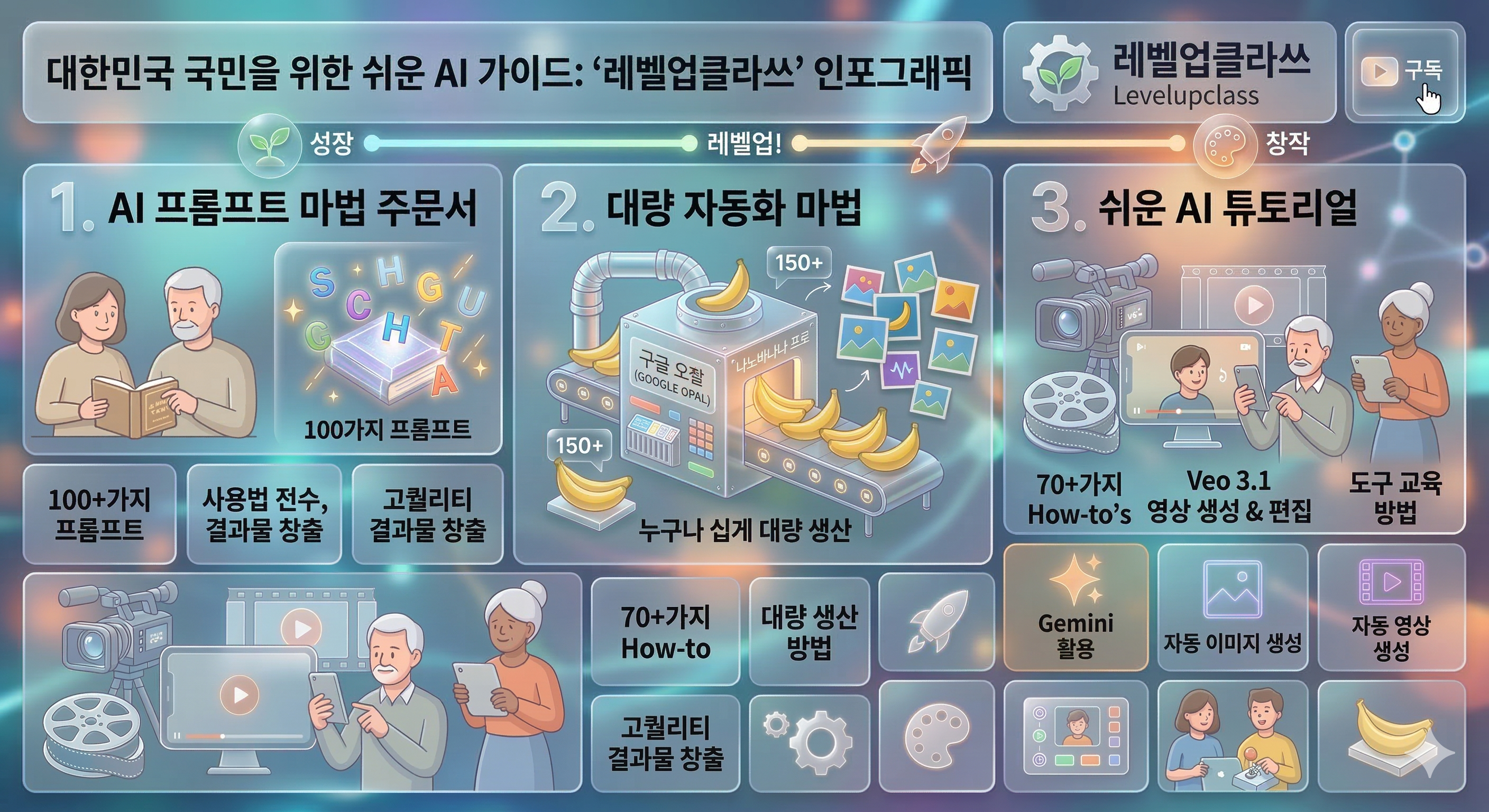
제미나이 나노바나나2를 통해서 이미지를 생성했습니다.


UI Style Prompts — 219 Styles

UI Style Prompts

219 / 219

UI 스타일별 한영 프롬프트 브라우저 — 클릭하여 프롬프트 확인 및 복사


목차


8. 사진·이미지 처리 스타일 (118–125, 8개)


  118. 풀 블리드 이미지 (Full-bleed imagery)

  119. 히어로 이미지 중심 (Hero-image UI)

  120. 에디토리얼 포토 (High-end editorial photo)

  121. 필름 룩 (Film look)

  122. 시네마틱 (Cinematic)

  123. 보케 (Bokeh)

  124. 블러 배경 (Blurred background)

  125. 패럴랙스 포토 스토리텔링 (Parallax photo storytelling)


9. 모션·애니메이션 스타일 (Motion Language) (126–138, 13개)


  126. 노 모션/절제·리듀스드 모션 (Static/Reduced motion)

  127. 마이크로인터랙션 (Micro-interactions)

  128. 스프링/바운스 (Springy/Bouncy)

  129. 리니어/기계적 (Linear/Mechanical)

  130. 물리 기반 (Physics-based)

  131. 모핑 UI (Morphing UI)

  132. 전환(트랜지션) 헤비 (Transition-heavy)

  133. 스켈레톤/쉬머 로딩 (Skeleton/Shimmer)

  134. 스크롤텔링 (Scrollytelling)

  135. 패럴랙스 모션 (Parallax)

  136. 키네틱 타이포 (Kinetic typography)

  137. 루프 장식 모션 (Looping decorative motion)

  138. HUD 애니메이션(스캔/글리치/비트) (HUD animation)


10. 레이아웃·정보 밀도 룩 (139–155, 17개)


  139. 카드 기반 UI (Card-based UI)

  140. 배지/칩 중심 (Chips & badges)

  141. 대시보드형 (Dashboard UI)

  142. 데이터 덴스 (Data-dense)

  143. 화이트스페이스 헤비 (Whitespace-heavy)

  144. 브로큰 그리드 (Broken grid)

  145. 비대칭 레이아웃 (Asymmetric layout)

  146. 매거진 레이아웃 (Magazine layout)

  147. 벤토 그리드 (Bento grid)

  148. 메이슨리 (Masonry)

  149. 스플릿 뷰 (Split view)

  150. 사이드바 중심 (Sidebar-first)

  151. 커맨드 팔레트 중심 (Command palette-centric)

  152. 위저드/스텝퍼 헤비 (Wizard/Stepper-heavy)

  153. 폼 퍼스트 (Form-first UI)

  154. 검색 퍼스트 (Search-first UI)

  155. 피드 퍼스트 (Feed-first UI)


11. 장르/무드 기반 테마 (156–175, 20개)


  156. 사이버펑크 (Cyberpunk)

  157. 신스웨이브 (Synthwave)

  158. 베이퍼웨이브 (Vaporwave)

  159. Y2K / Y2K 리바이벌 (Y2K revival)

  160. 레트로퓨처리즘 (Retrofuturism)

  161. 스페이스 / Sci‑Fi HUD (Space/Sci‑Fi HUD)

  162. 밀리터리/항공 HUD (Military/Aviation HUD)

  163. 솔라펑크 (Solarpunk)

  164. 스팀펑크 (Steampunk)

  165. 디젤펑크 (Dieselpunk)

  166. 노아르 (Noir)

  167. 고딕 (Gothic)

  168. 럭셔리 (Luxury)

  169. 프리미엄 미니멀 (Premium minimal)

  170. 키즈/툰 (Kids/Toon)

  171. 카와이 (Kawaii)

  172. 웰니스 (Wellness)

  173. 에코/내추럴 (Eco/Natural)

  174. 핀테크 트러스트 (Fintech trust)

  175. 게이밍 UI (Gaming UI)

12. 텍스처·패턴 기반 룩 (176–187, 12개)


  176. 그리드 패턴 오버레이 (Grid overlay)

  177. 닷 패턴 (Dots)

  178. 스트라이프 (Stripes)

  179. 체커 (Checker)

  180. 노트/종이 질감 (Notepad/Paper texture)

  181. 필름 더스트 (Film dust)

  182. 캔버스/천 질감 (Canvas/Fabric)

  183. 브러시드 메탈 (Brushed metal)

  184. 콘크리트/스톤 (Concrete/Stone)

  185. 우드 (Wood)

  186. 리놀륨/플라스틱 (Plastic/Linoleum)

  187. 반사/물결 (Reflection/Ripple)


13. 플랫폼·디자인 언어 기반 (188–193, 6개)


  188. iOS / HIG 계열 룩

  189. Android / Material 계열 룩

  190. Windows / Fluent 계열 룩

  191. macOS / HIG 데스크톱 룩

  192. 웹앱 SaaS 표준 룩 (sidebar/topbar/card)

  193. 엔터프라이즈 UI 룩 (표/필터 중심)


14. 입력/상호작용 패러다임 기반 (194–202, 9개)


  194. 터치 퍼스트 (Touch-first)

  195. 키보드 퍼스트 (Keyboard-first)

  196. 컨버세이셔널 UI (Conversational UI)

  197. 보이스 UI (Voice UI)

  198. 제스처 UI (Gesture UI)

  199. 펜/잉크 UI (Ink/Stylus-first)

  200. 공간 UI (Spatial UI: AR/VR/MR)

  201. 앰비언트/캄 테크 (Ambient/Calm tech)

  202. 제로 UI (Zero UI)


15. 상태/테마 계열 (203–208, 6개)


  203. 다크 모드 룩 (Dark mode aesthetic)

  204. 라이트 모드 룩 (Light mode aesthetic)

  205. 하이 콘트라스트 테마 (High contrast theme)

  206. 세피아/야간독서 모드 (Sepia/Night reading)

  207. 컬러블라인드 세이프 팔레트 (Colorblind-safe palette)

  208. 리듀스드 모션 테마 (Reduced motion theme)


16. 버튼/컨트롤 마감 스타일 (209–219, 11개)


 209. 필드(Filled)

  210. 아웃라인(Outlined)

  211. 고스트(Ghost)

  212. 텍스트 버튼(Text-only)

  213. 필 형태(Pill)

  214. 샤프(Sharp)

  215. 세그먼티드 컨트롤(Segmented control)

  216. 토글 헤비(Toggle-heavy)

  217. 슬라이더 헤비(Slider-heavy)

  218. 칩 헤비(Chip-heavy)

  219. 피지컬 컨트롤(Physical-like controls)


[118] 풀 블리드 이미지 - Full-bleed imagery


KR 설명: 이미지가 화면 가장자리까지 꽉 차게 펼쳐지는 스타일입니다.

EN Description: A visual style where imagery extends edge to edge across the screen.


KR 1. 풀 블리드 이미지 스타일을 적용해서 파워포인트를 만드세요.

EN 1. Create a PowerPoint presentation in the Full-bleed imagery style.


KR 2. 풀 블리드 이미지 스타일을 적용해서 인포그래픽을 만드세요.

EN 2. Create an infographic in the Full-bleed imagery style.


KR 3. 풀 블리드 이미지 스타일을 적용해서 이미지를 생성하세요.

EN 3. Generate an image in the Full-bleed imagery style.


[119] 히어로 이미지 중심 - Hero-image UI


KR 설명: 하나의 큰 대표 이미지를 중심으로 화면을 구성하는 스타일입니다.

EN Description: A layout style dominated by one large hero image.


KR 1. 히어로 이미지 중심 스타일을 적용해서 파워포인트를 만드세요.

EN 1. Create a PowerPoint presentation in the Hero-image UI style.


KR 2. 히어로 이미지 중심 스타일을 적용해서 인포그래픽을 만드세요.

EN 2. Create an infographic in the Hero-image UI style.


KR 3. 히어로 이미지 중심 스타일을 적용해서 이미지를 생성하세요.

EN 3. Generate an image in the Hero-image UI style.


[120] 에디토리얼 포토 - High-end editorial photo


KR 설명: 고급 매거진 화보처럼 세련되고 정제된 사진을 중심으로 하는 스타일입니다.

EN Description: A polished style centered on refined editorial-quality photography.


KR 1. 에디토리얼 포토 스타일을 적용해서 파워포인트를 만드세요.

EN 1. Create a PowerPoint presentation in the High-end editorial photo style.


KR 2. 에디토리얼 포토 스타일을 적용해서 인포그래픽을 만드세요.

EN 2. Create an infographic in the High-end editorial photo style.


KR 3. 에디토리얼 포토 스타일을 적용해서 이미지를 생성하세요.

EN 3. Generate an image in the High-end editorial photo style.
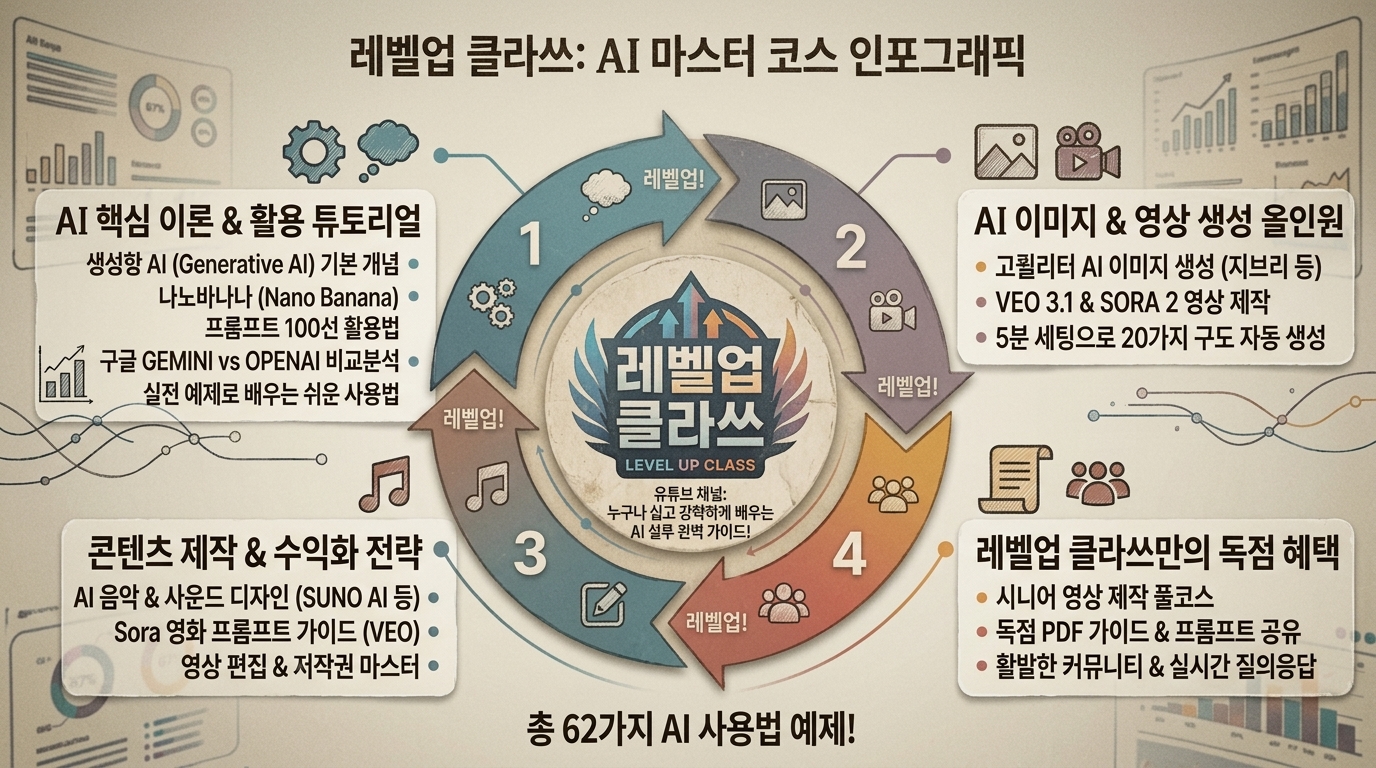


[121] 필름 룩 - Film look


KR 설명: 필름 그레인과 색감으로 아날로그 영화 분위기를 내는 스타일입니다.

EN Description: A cinematic style that uses grain and tone reminiscent of analog film.


KR 1. 필름 룩 스타일을 적용해서 파워포인트를 만드세요.

EN 1. Create a PowerPoint presentation in the Film look style.


KR 2. 필름 룩 스타일을 적용해서 인포그래픽을 만드세요.

EN 2. Create an infographic in the Film look style.


KR 3. 필름 룩 스타일을 적용해서 이미지를 생성하세요.

EN 3. Generate an image in the Film look style.


[122] 시네마틱 - Cinematic


KR 설명: 조명과 명암을 극적으로 사용해 영화 장면처럼 연출하는 스타일입니다.

EN Description: A dramatic style that uses lighting and contrast to feel cinematic.


KR 1. 시네마틱 스타일을 적용해서 파워포인트를 만드세요.

EN 1. Create a PowerPoint presentation in the Cinematic style.


KR 2. 시네마틱 스타일을 적용해서 인포그래픽을 만드세요.

EN 2. Create an infographic in the Cinematic style.


KR 3. 시네마틱 스타일을 적용해서 이미지를 생성하세요.

EN 3. Generate an image in the Cinematic style.
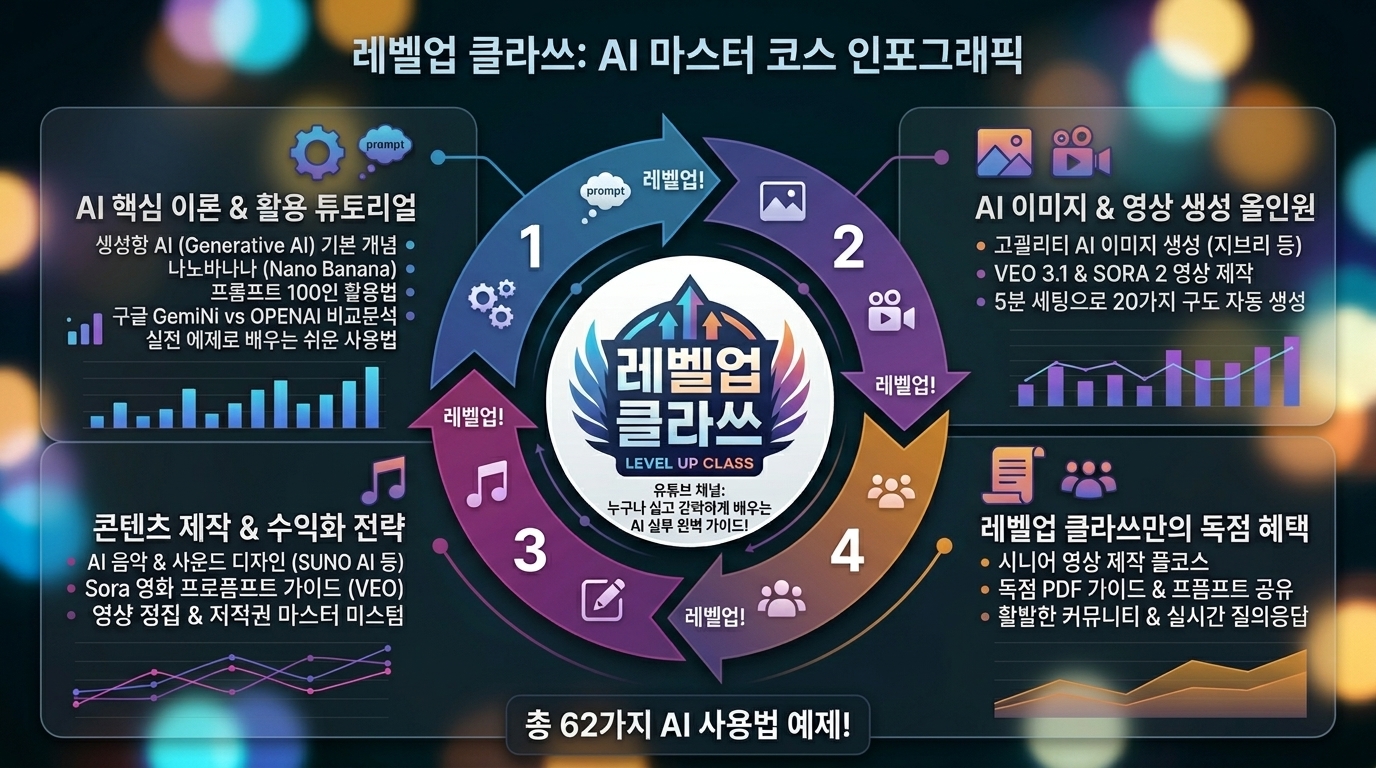


[123] 보케 - Bokeh


KR 설명: 초점 밖 빛망울과 얕은 심도로 부드럽게 보이게 하는 스타일입니다.

EN Description: A photographic style that uses bokeh and shallow depth for a soft visual mood.


KR 1. 보케 스타일을 적용해서 파워포인트를 만드세요.

EN 1. Create a PowerPoint presentation in the Bokeh style.


KR 2. 보케 스타일을 적용해서 인포그래픽을 만드세요.

EN 2. Create an infographic in the Bokeh style.


KR 3. 보케 스타일을 적용해서 이미지를 생성하세요.

EN 3. Generate an image in the Bokeh style.
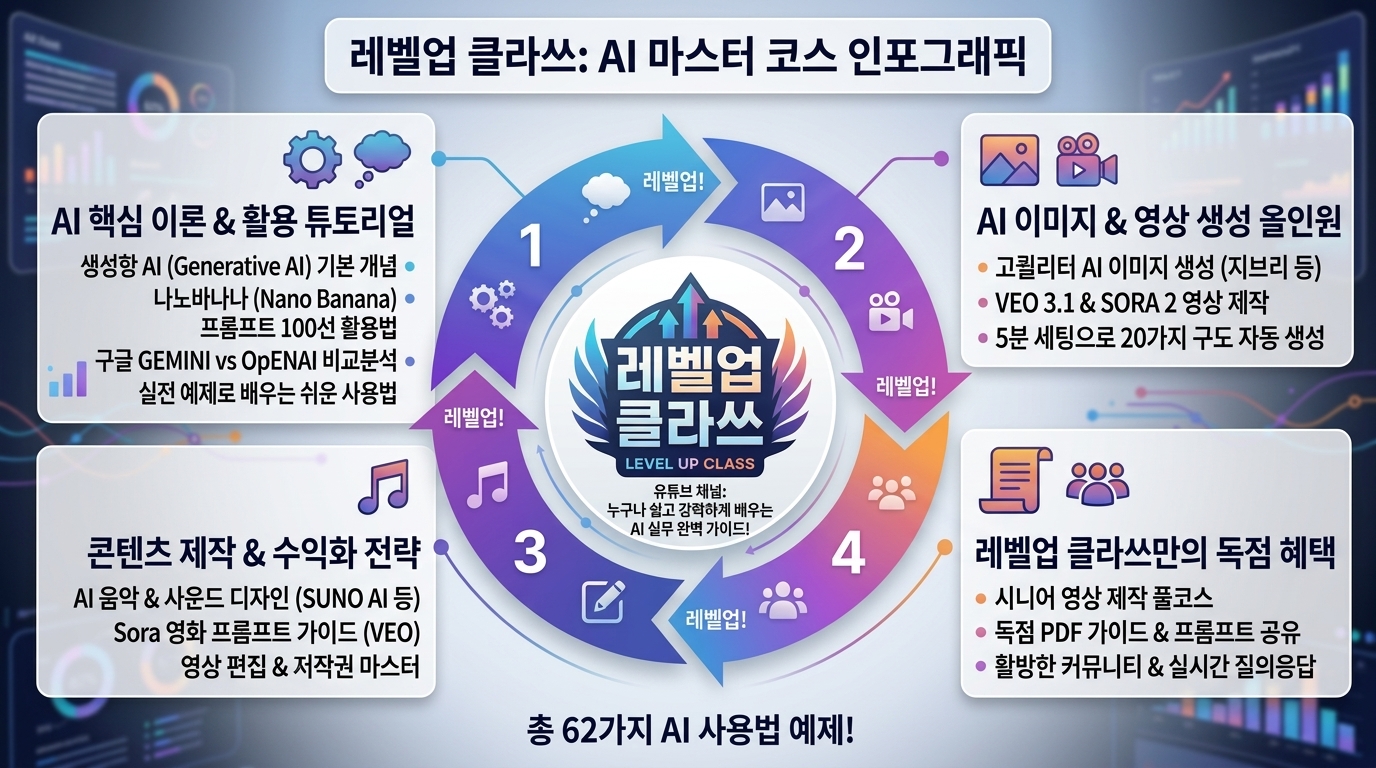


[124] 블러 배경 - Blurred background


KR 설명: 배경을 흐리게 처리해 전경 콘텐츠를 더 선명하게 돋보이게 하는 스타일입니다.

EN Description: A style that blurs the background to emphasize foreground content.


KR 1. 블러 배경 스타일을 적용해서 파워포인트를 만드세요.

EN 1. Create a PowerPoint presentation in the Blurred background style.


KR 2. 블러 배경 스타일을 적용해서 인포그래픽을 만드세요.

EN 2. Create an infographic in the Blurred background style.


KR 3. 블러 배경 스타일을 적용해서 이미지를 생성하세요.

EN 3. Generate an image in the Blurred background style.


[125] 패럴랙스 포토 스토리텔링 - Parallax photo storytelling


KR 설명: 사진 레이어가 스크롤에 따라 깊이 있게 움직이는 스토리텔링 스타일입니다.

EN Description: A storytelling style where photo layers move with depth during scrolling.


KR 1. 패럴랙스 포토 스토리텔링 스타일을 적용해서 파워포인트를 만드세요.

EN 1. Create a PowerPoint presentation in the Parallax photo storytelling style.


KR 2. 패럴랙스 포토 스토리텔링 스타일을 적용해서 인포그래픽을 만드세요.

EN 2. Create an infographic in the Parallax photo storytelling style.


KR 3. 패럴랙스 포토 스토리텔링 스타일을 적용해서 이미지를 생성하세요.

EN 3. Generate an image in the Parallax photo storytelling style.
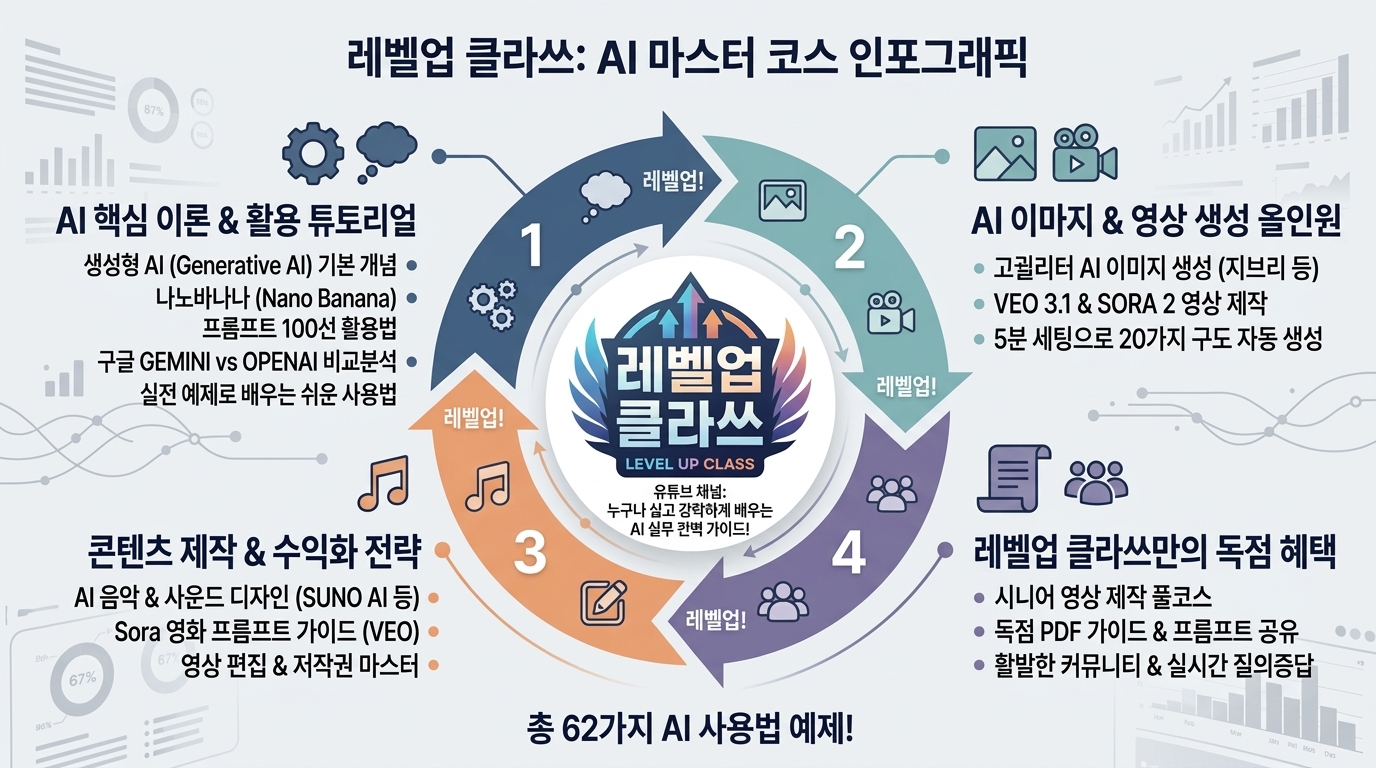


[126] 노 모션/절제·리듀스드 모션 - Static/Reduced motion


KR 설명: 움직임을 최소화해 조용하고 안정적으로 보이게 하는 스타일입니다.

EN Description: A restrained motion style that keeps animation minimal and calm.


KR 1. 노 모션/절제·리듀스드 모션 스타일을 적용해서 파워포인트를 만드세요.

EN 1. Create a PowerPoint presentation in the Static/Reduced motion style.


KR 2. 노 모션/절제·리듀스드 모션 스타일을 적용해서 인포그래픽을 만드세요.

EN 2. Create an infographic in the Static/Reduced motion style.


KR 3. 노 모션/절제·리듀스드 모션 스타일을 적용해서 이미지를 생성하세요.

EN 3. Generate an image in the Static/Reduced motion style.
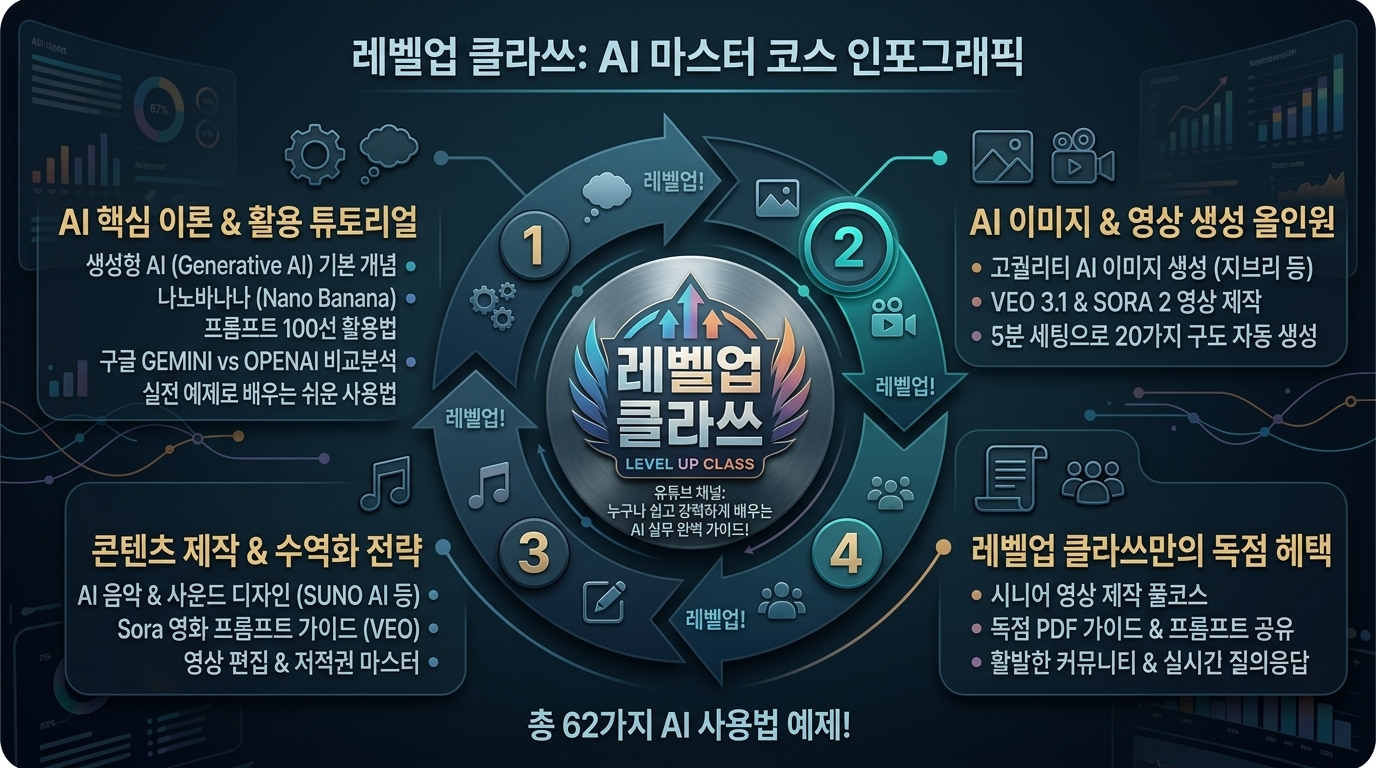


[127] 마이크로인터랙션 - Micro-interactions


KR 설명: 버튼, 토글, 상태 변화에 작은 반응 애니메이션을 주는 스타일입니다.

EN Description: A motion style that adds small responsive animations to interactions.


KR 1. 마이크로인터랙션 스타일을 적용해서 파워포인트를 만드세요.

EN 1. Create a PowerPoint presentation in the Micro-interactions style.


KR 2. 마이크로인터랙션 스타일을 적용해서 인포그래픽을 만드세요.

EN 2. Create an infographic in the Micro-interactions style.


KR 3. 마이크로인터랙션 스타일을 적용해서 이미지를 생성하세요.

EN 3. Generate an image in the Micro-interactions style.


[128] 스프링/바운스 - Springy/Bouncy


KR 설명: 탄성 있고 튀는 움직임으로 발랄하고 경쾌한 리듬을 주는 스타일입니다.

EN Description: A lively motion style that uses elastic spring and bounce effects.


KR 1. 스프링/바운스 스타일을 적용해서 파워포인트를 만드세요.

EN 1. Create a PowerPoint presentation in the Springy/Bouncy style.


KR 2. 스프링/바운스 스타일을 적용해서 인포그래픽을 만드세요.

EN 2. Create an infographic in the Springy/Bouncy style.


KR 3. 스프링/바운스 스타일을 적용해서 이미지를 생성하세요.

EN 3. Generate an image in the Springy/Bouncy style.
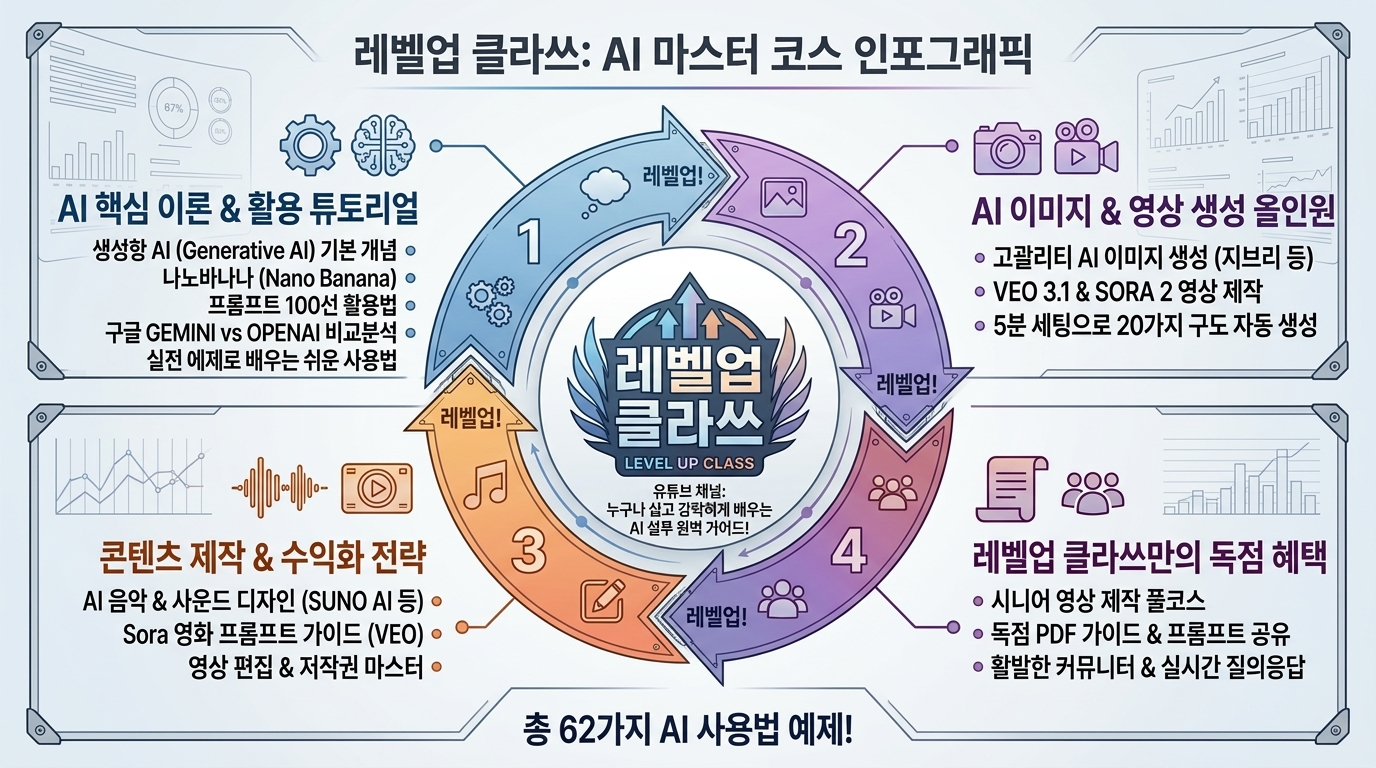


[129] 리니어/기계적 - Linear/Mechanical


KR 설명: 일정하고 딱딱한 속도로 기계처럼 움직이는 스타일입니다.

EN Description: A rigid motion style that moves with steady mechanical timing.


KR 1. 리니어/기계적 스타일을 적용해서 파워포인트를 만드세요.

EN 1. Create a PowerPoint presentation in the Linear/Mechanical style.


KR 2. 리니어/기계적 스타일을 적용해서 인포그래픽을 만드세요.

EN 2. Create an infographic in the Linear/Mechanical style.


KR 3. 리니어/기계적 스타일을 적용해서 이미지를 생성하세요.

EN 3. Generate an image in the Linear/Mechanical style.


[130] 물리 기반 - Physics-based


KR 설명: 관성과 마찰 같은 물리 법칙을 느끼게 하는 움직임 중심 스타일입니다.

EN Description: A motion style that feels governed by inertia, gravity, and physical response.


KR 1. 물리 기반 스타일을 적용해서 파워포인트를 만드세요.

EN 1. Create a PowerPoint presentation in the Physics-based style.


KR 2. 물리 기반 스타일을 적용해서 인포그래픽을 만드세요.

EN 2. Create an infographic in the Physics-based style.


KR 3. 물리 기반 스타일을 적용해서 이미지를 생성하세요.

EN 3. Generate an image in the Physics-based style.


[131] 모핑 UI - Morphing UI


KR 설명: 형태가 다른 모양으로 자연스럽게 변형되며 이어지는 스타일입니다.

EN Description: A motion style where shapes smoothly transform from one form into another.


KR 1. 모핑 사용자 인터페이스 스타일을 적용해서 파워포인트를 만드세요.

EN 1. Create a PowerPoint presentation in the Morphing UI style.


KR 2. 모핑 사용자 인터페이스 스타일을 적용해서 인포그래픽을 만드세요.

EN 2. Create an infographic in the Morphing UI style.


KR 3. 모핑 사용자 인터페이스 스타일을 적용해서 이미지를 생성하세요.

EN 3. Generate an image in the Morphing UI style.
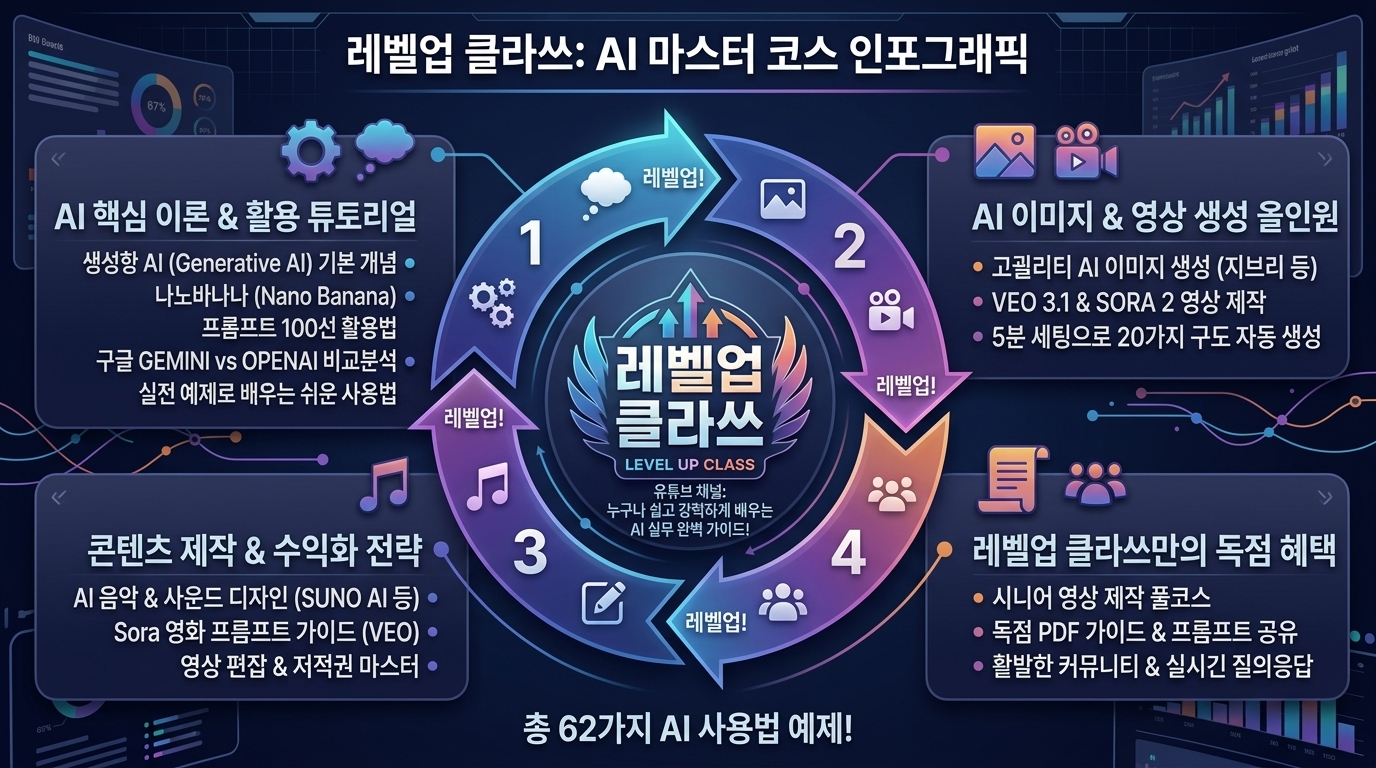


[132] 전환 헤비 - Transition-heavy


KR 설명: 화면 전환 자체를 크게 보여주며 움직임의 존재감을 높이는 스타일입니다.

EN Description: A motion-rich style that emphasizes full-screen transitions between states.


KR 1. 전환(트랜지션) 헤비 스타일을 적용해서 파워포인트를 만드세요.

EN 1. Create a PowerPoint presentation in the Transition-heavy style.


KR 2. 전환(트랜지션) 헤비 스타일을 적용해서 인포그래픽을 만드세요.

EN 2. Create an infographic in the Transition-heavy style.


KR 3. 전환(트랜지션) 헤비 스타일을 적용해서 이미지를 생성하세요.

EN 3. Generate an image in the Transition-heavy style.


[133] 스켈레톤/쉬머 로딩 - Skeleton/Shimmer


KR 설명: 로딩 중 뼈대 틀과 쉬머 효과를 보여주는 로딩 중심 스타일입니다.

EN Description: A loading style that uses skeleton placeholders and shimmering motion.


KR 1. 스켈레톤/쉬머 로딩 스타일을 적용해서 파워포인트를 만드세요.

EN 1. Create a PowerPoint presentation in the Skeleton/Shimmer style.


KR 2. 스켈레톤/쉬머 로딩 스타일을 적용해서 인포그래픽을 만드세요.

EN 2. Create an infographic in the Skeleton/Shimmer style.


KR 3. 스켈레톤/쉬머 로딩 스타일을 적용해서 이미지를 생성하세요.

EN 3. Generate an image in the Skeleton/Shimmer style.


[134] 스크롤텔링 - Scrollytelling


KR 설명: 스크롤에 맞춰 내용이 전개되도록 설계된 내러티브 중심 스타일입니다.

EN Description: A narrative style where motion unfolds in sync with scrolling.


KR 1. 스크롤텔링 스타일을 적용해서 파워포인트를 만드세요.

EN 1. Create a PowerPoint presentation in the Scrollytelling style.


KR 2. 스크롤텔링 스타일을 적용해서 인포그래픽을 만드세요.

EN 2. Create an infographic in the Scrollytelling style.


KR 3. 스크롤텔링 스타일을 적용해서 이미지를 생성하세요.

EN 3. Generate an image in the Scrollytelling style.


[135] 패럴랙스 모션 - Parallax


KR 설명: 앞뒤 레이어가 서로 다른 속도로 움직여 깊이를 만드는 스타일입니다.

EN Description: A depth style where foreground and background layers move at different speeds.


KR 1. 패럴랙스 모션 스타일을 적용해서 파워포인트를 만드세요.

EN 1. Create a PowerPoint presentation in the Parallax style.


KR 2. 패럴랙스 모션 스타일을 적용해서 인포그래픽을 만드세요.

EN 2. Create an infographic in the Parallax style.


KR 3. 패럴랙스 모션 스타일을 적용해서 이미지를 생성하세요.

EN 3. Generate an image in the Parallax style.


[136] 키네틱 타이포 - Kinetic typography


KR 설명: 움직이는 텍스트 자체가 주요 시각 요소가 되는 스타일입니다.

EN Description: A motion style where animated typography becomes the main expression.


KR 1. 키네틱 타이포 스타일을 적용해서 파워포인트를 만드세요.

EN 1. Create a PowerPoint presentation in the Kinetic typography style.


KR 2. 키네틱 타이포 스타일을 적용해서 인포그래픽을 만드세요.

EN 2. Create an infographic in the Kinetic typography style.


KR 3. 키네틱 타이포 스타일을 적용해서 이미지를 생성하세요.

EN 3. Generate an image in the Kinetic typography style.


[137] 루프 장식 모션 - Looping decorative motion


KR 설명: 반복되는 장식 애니메이션으로 화면에 지속적인 분위기를 주는 스타일입니다.

EN Description: A style that adds ambient mood through looping decorative animation.


KR 1. 루프 장식 모션 스타일을 적용해서 파워포인트를 만드세요.

EN 1. Create a PowerPoint presentation in the Looping decorative motion style.


KR 2. 루프 장식 모션 스타일을 적용해서 인포그래픽을 만드세요.

EN 2. Create an infographic in the Looping decorative motion style.


KR 3. 루프 장식 모션 스타일을 적용해서 이미지를 생성하세요.

EN 3. Generate an image in the Looping decorative motion style.
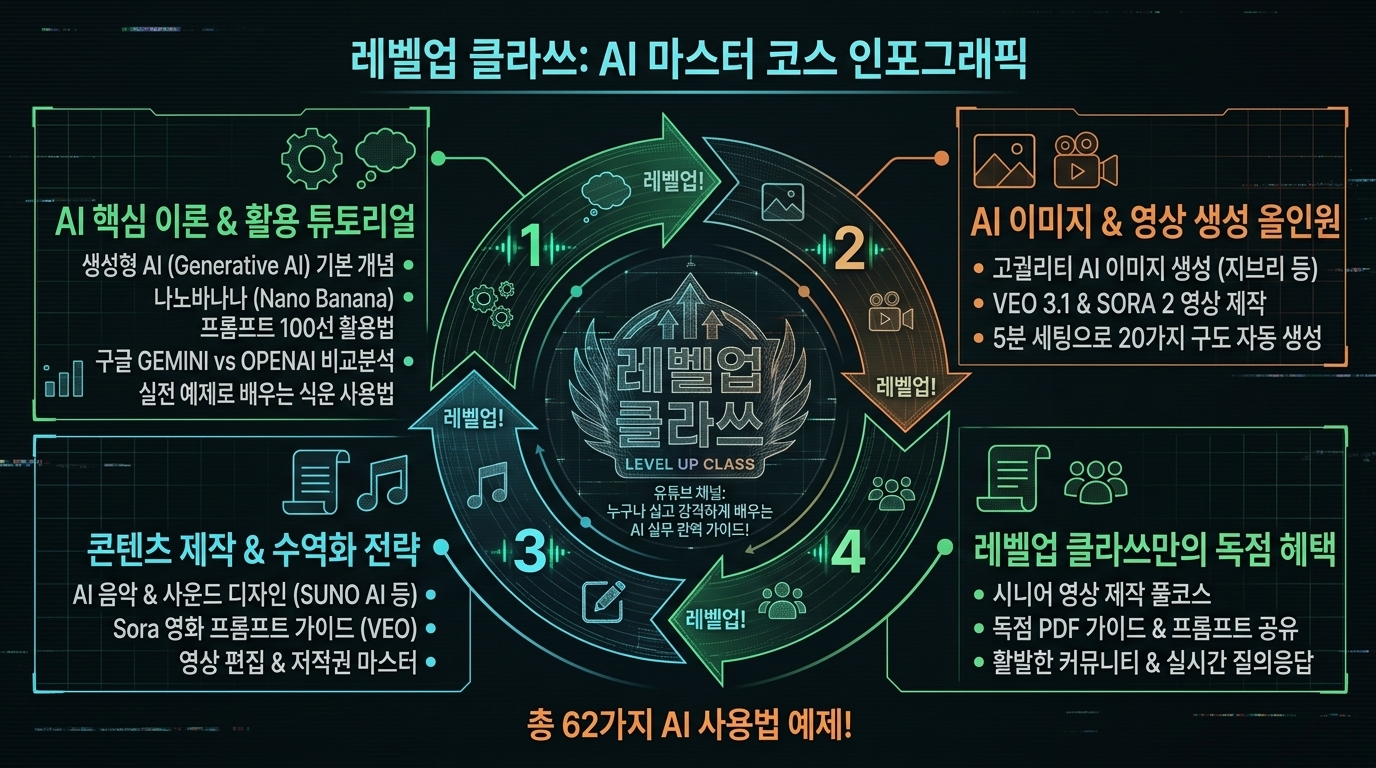


[138] HUD 애니메이션 - HUD animation


KR 설명: 스캔, 깜박임, 글리치 같은 HUD 효과로 미래적 움직임을 만드는 스타일입니다.

EN Description: A futuristic motion style that uses scanning, pulsing, and glitch-like HUD effects.


KR 1. 헤드업 디스플레이 애니메이션 - 스캔/글리치/비트 스타일을 적용해서 파워포인트를 만드세요.

EN 1. Create a PowerPoint presentation in the HUD animation style.


KR 2. 헤드업 디스플레이 애니메이션 - 스캔/글리치/비트 스타일을 적용해서 인포그래픽을 만드세요.

EN 2. Create an infographic in the HUD animation style.


KR 3. 헤드업 디스플레이 애니메이션 - 스캔/글리치/비트 스타일을 적용해서 이미지를 생성하세요.

EN 3. Generate an image in the HUD animation style.


[139] 카드 기반 UI - Card-based UI


KR 설명: 정보를 카드 단위로 나눠 정리해 읽기 쉽게 만드는 스타일입니다.

EN Description: A layout style that organizes information into readable card units.


KR 1. 카드 기반 사용자 인터페이스 스타일을 적용해서 파워포인트를 만드세요.

EN 1. Create a PowerPoint presentation in the Card-based UI style.


KR 2. 카드 기반 사용자 인터페이스 스타일을 적용해서 인포그래픽을 만드세요.

EN 2. Create an infographic in the Card-based UI style.


KR 3. 카드 기반 사용자 인터페이스 스타일을 적용해서 이미지를 생성하세요.

EN 3. Generate an image in the Card-based UI style.


[140] 배지/칩 중심 - Chips & badges


KR 설명: 작은 칩과 배지를 많이 사용해 분류와 상태를 표시하는 스타일입니다.

EN Description: A UI style that uses many compact chips and badges for labels and state.


KR 1. 배지/칩 중심 스타일을 적용해서 파워포인트를 만드세요.

EN 1. Create a PowerPoint presentation in the Chips & badges style.


KR 2. 배지/칩 중심 스타일을 적용해서 인포그래픽을 만드세요.

EN 2. Create an infographic in the Chips & badges style.


KR 3. 배지/칩 중심 스타일을 적용해서 이미지를 생성하세요.

EN 3. Generate an image in the Chips & badges style.


[141] 대시보드형 - Dashboard UI


KR 설명: 여러 지표와 패널을 한 화면에 배치해 현황을 보여주는 스타일입니다.

EN Description: A dashboard style that presents multiple metrics and panels at once.


KR 1. 대시보드형 스타일을 적용해서 파워포인트를 만드세요.

EN 1. Create a PowerPoint presentation in the Dashboard UI style.


KR 2. 대시보드형 스타일을 적용해서 인포그래픽을 만드세요.

EN 2. Create an infographic in the Dashboard UI style.


KR 3. 대시보드형 스타일을 적용해서 이미지를 생성하세요.

EN 3. Generate an image in the Dashboard UI style.
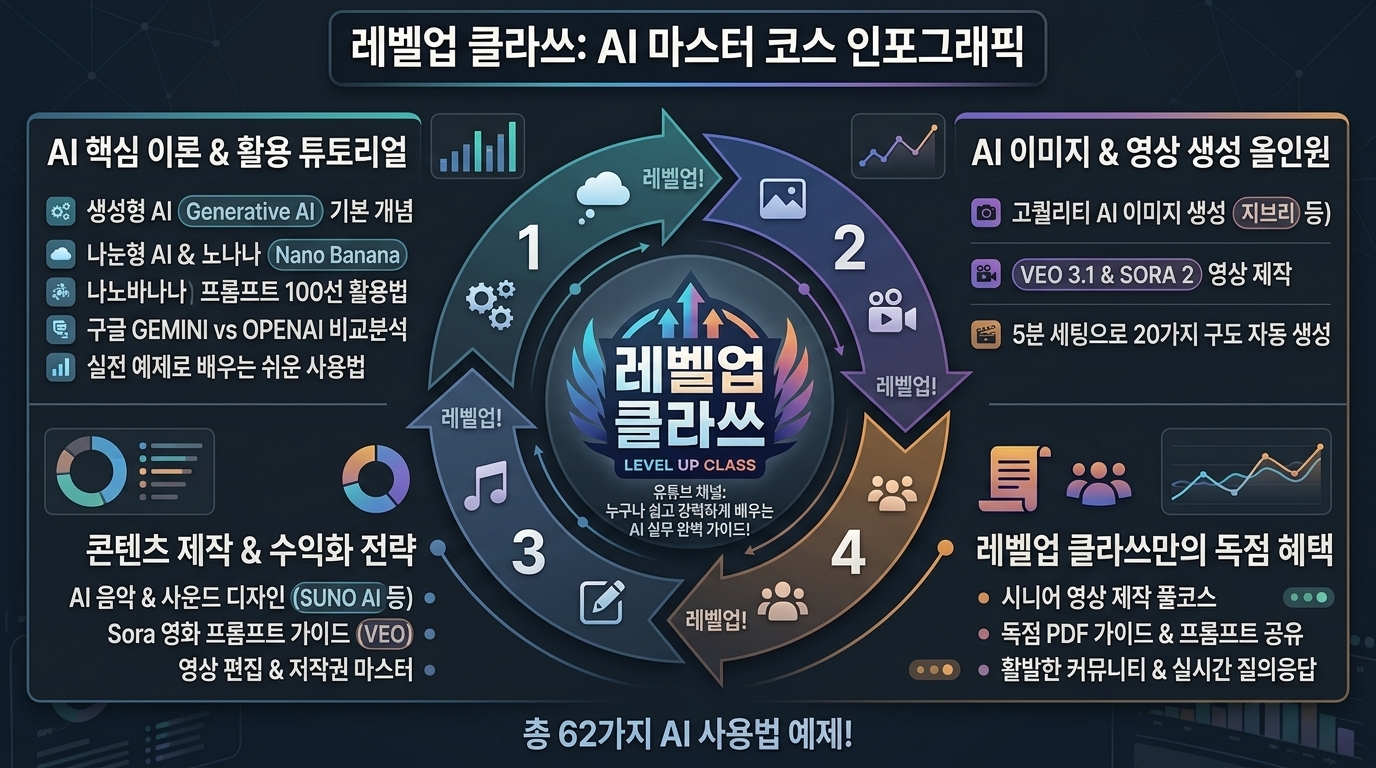


[142] 데이터 덴스 - Data-dense


KR 설명: 한 화면에 많은 정보와 표를 촘촘하게 담는 고밀도 스타일입니다.

EN Description: A dense style that packs a large amount of information into one screen.


KR 1. 데이터 덴스 스타일을 적용해서 파워포인트를 만드세요.

EN 1. Create a PowerPoint presentation in the Data-dense style.


KR 2. 데이터 덴스 스타일을 적용해서 인포그래픽을 만드세요.

EN 2. Create an infographic in the Data-dense style.


KR 3. 데이터 덴스 스타일을 적용해서 이미지를 생성하세요.

EN 3. Generate an image in the Data-dense style.
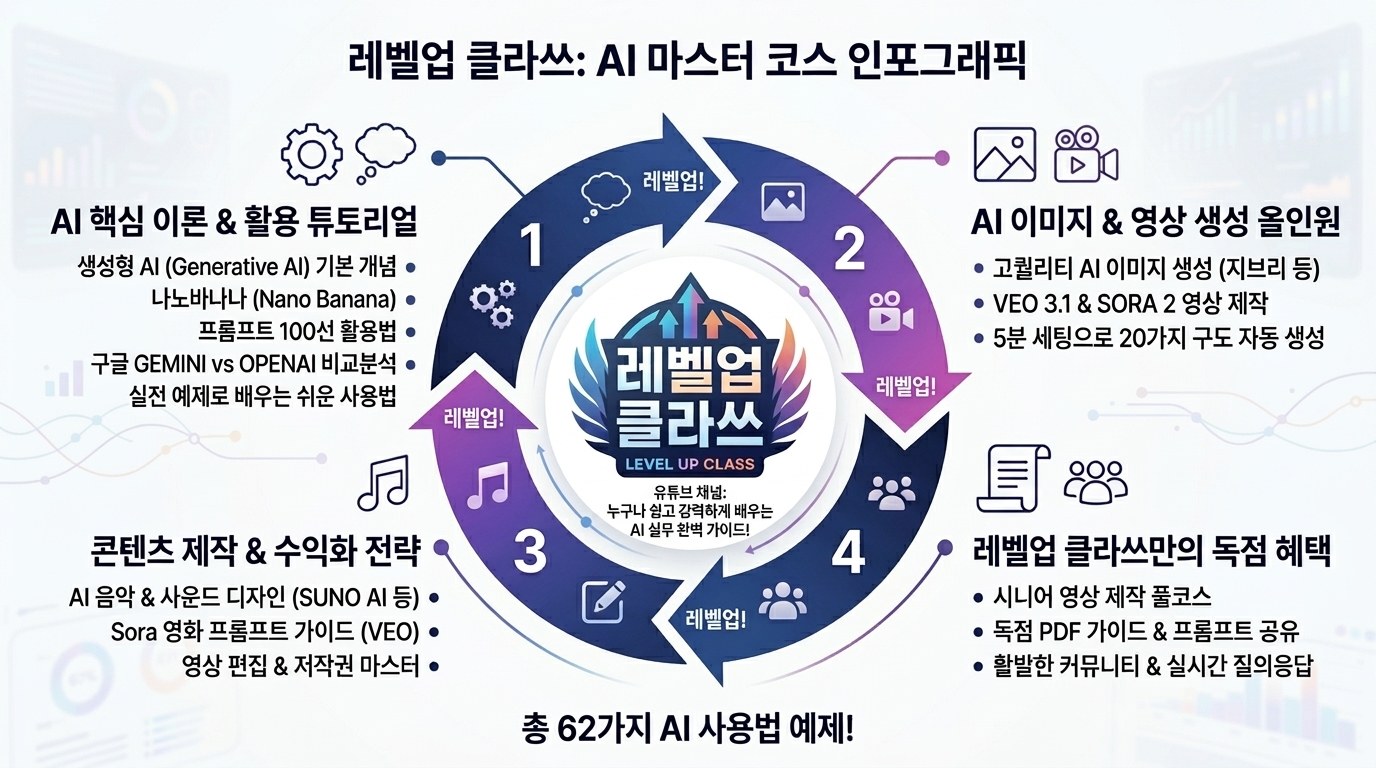


[143] 화이트스페이스 헤비 - Whitespace-heavy


KR 설명: 넓은 여백을 적극적으로 사용해 고급스럽고 여유 있게 보이게 하는 스타일입니다.

EN Description: A spacious style that uses abundant whitespace for elegance and clarity.


KR 1. 화이트스페이스 헤비 스타일을 적용해서 파워포인트를 만드세요.

EN 1. Create a PowerPoint presentation in the Whitespace-heavy style.


KR 2. 화이트스페이스 헤비 스타일을 적용해서 인포그래픽을 만드세요.

EN 2. Create an infographic in the Whitespace-heavy style.


KR 3. 화이트스페이스 헤비 스타일을 적용해서 이미지를 생성하세요.

EN 3. Generate an image in the Whitespace-heavy style.
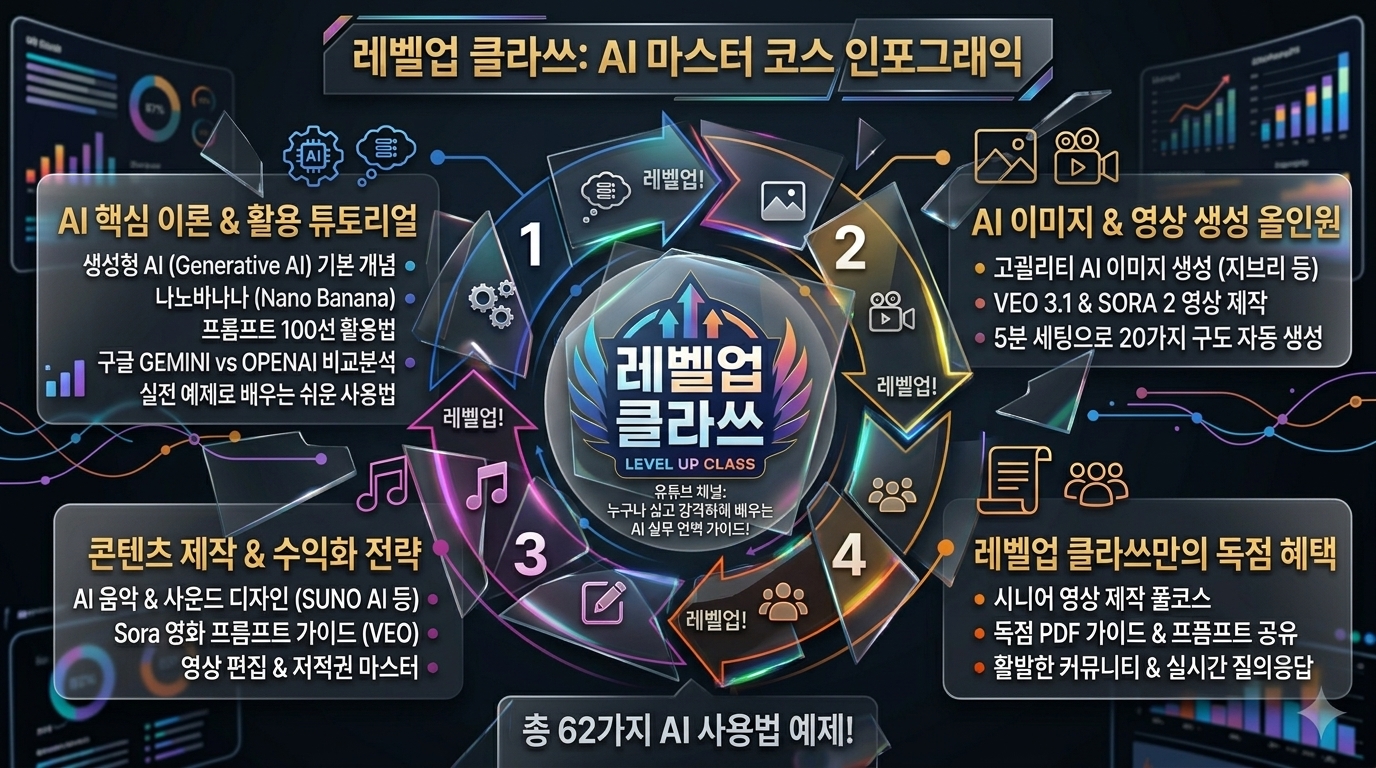


[144] 브로큰 그리드 - Broken grid


KR 설명: 일부러 정렬을 깨고 그리드를 비틀어 역동성을 주는 스타일입니다.

EN Description: A dynamic style that intentionally breaks the grid and alignment.


KR 1. 브로큰 그리드 스타일을 적용해서 파워포인트를 만드세요.

EN 1. Create a PowerPoint presentation in the Broken grid style.


KR 2. 브로큰 그리드 스타일을 적용해서 인포그래픽을 만드세요.

EN 2. Create an infographic in the Broken grid style.


KR 3. 브로큰 그리드 스타일을 적용해서 이미지를 생성하세요.

EN 3. Generate an image in the Broken grid style.


[145] 비대칭 레이아웃 - Asymmetric layout


KR 설명: 좌우 균등 대신 비대칭 균형으로 긴장감 있는 구성을 만드는 스타일입니다.

EN Description: A style that creates visual balance through asymmetry rather than equal symmetry.


KR 1. 비대칭 레이아웃 스타일을 적용해서 파워포인트를 만드세요.

EN 1. Create a PowerPoint presentation in the Asymmetric layout style.


KR 2. 비대칭 레이아웃 스타일을 적용해서 인포그래픽을 만드세요.

EN 2. Create an infographic in the Asymmetric layout style.


KR 3. 비대칭 레이아웃 스타일을 적용해서 이미지를 생성하세요.

EN 3. Generate an image in the Asymmetric layout style.


[146] 매거진 레이아웃 - Magazine layout


KR 설명: 잡지 지면처럼 여러 칼럼과 이미지, 텍스트를 편집하는 스타일입니다.

EN Description: An editorial layout style that arranges content like a magazine spread.


KR 1. 매거진 레이아웃 스타일을 적용해서 파워포인트를 만드세요.

EN 1. Create a PowerPoint presentation in the Magazine layout style.


KR 2. 매거진 레이아웃 스타일을 적용해서 인포그래픽을 만드세요.

EN 2. Create an infographic in the Magazine layout style.


KR 3. 매거진 레이아웃 스타일을 적용해서 이미지를 생성하세요.

EN 3. Generate an image in the Magazine layout style.


[147] 벤토 그리드 - Bento grid


KR 설명: 칸이 나뉜 도시락 상자처럼 구획을 정리해 보여주는 스타일입니다.

EN Description: A compartmentalized style that arranges content in a bento-like boxed grid.


KR 1. 벤토 그리드 스타일을 적용해서 파워포인트를 만드세요.

EN 1. Create a PowerPoint presentation in the Bento grid style.


KR 2. 벤토 그리드 스타일을 적용해서 인포그래픽을 만드세요.

EN 2. Create an infographic in the Bento grid style.


KR 3. 벤토 그리드 스타일을 적용해서 이미지를 생성하세요.

EN 3. Generate an image in the Bento grid style.
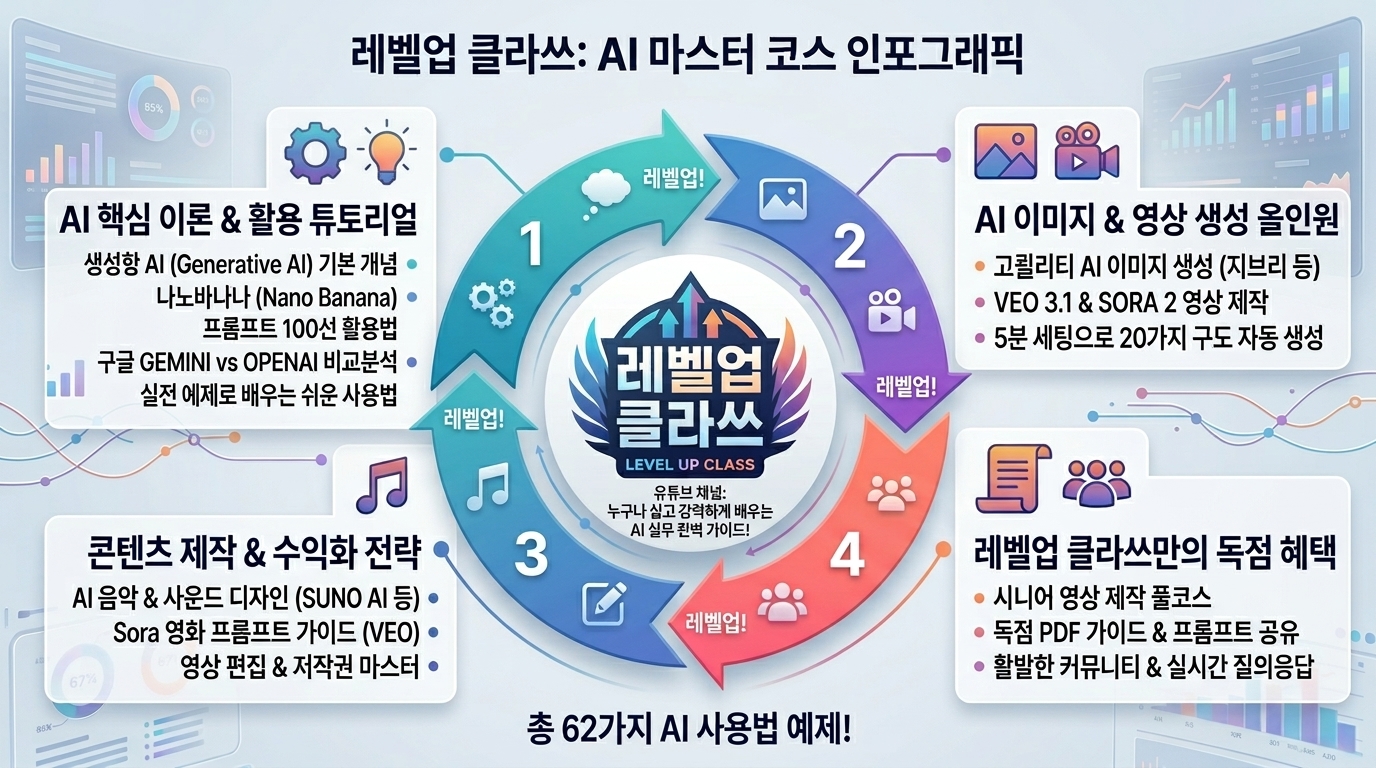


[148] 메이슨리 - Masonry


KR 설명: 높이가 다른 카드가 벽돌처럼 이어지는 메이슨리 배열 스타일입니다.

EN Description: A layout style that arranges variable-height blocks in a masonry pattern.


KR 1. 메이슨리 스타일을 적용해서 파워포인트를 만드세요.

EN 1. Create a PowerPoint presentation in the Masonry style.


KR 2. 메이슨리 스타일을 적용해서 인포그래픽을 만드세요.

EN 2. Create an infographic in the Masonry style.


KR 3. 메이슨리 스타일을 적용해서 이미지를 생성하세요.

EN 3. Generate an image in the Masonry style.


[149] 스플릿 뷰 - Split view


KR 설명: 화면을 두 영역으로 나눠 동시에 비교하거나 작업하는 스타일입니다.

EN Description: A split layout style that divides the screen into two working areas.


KR 1. 스플릿 뷰 스타일을 적용해서 파워포인트를 만드세요.

EN 1. Create a PowerPoint presentation in the Split view style.


KR 2. 스플릿 뷰 스타일을 적용해서 인포그래픽을 만드세요.

EN 2. Create an infographic in the Split view style.


KR 3. 스플릿 뷰 스타일을 적용해서 이미지를 생성하세요.

EN 3. Generate an image in the Split view style.


[150] 사이드바 중심 - Sidebar-first


KR 설명: 사이드바가 탐색의 중심이 되는 웹앱 중심 스타일입니다.

EN Description: A web app style where the sidebar serves as the main navigation anchor.


KR 1. 사이드바 중심 스타일을 적용해서 파워포인트를 만드세요.

EN 1. Create a PowerPoint presentation in the Sidebar-first style.


KR 2. 사이드바 중심 스타일을 적용해서 인포그래픽을 만드세요.

EN 2. Create an infographic in the Sidebar-first style.


KR 3. 사이드바 중심 스타일을 적용해서 이미지를 생성하세요.

EN 3. Generate an image in the Sidebar-first style.


[151] 커맨드 팔레트 중심 - Command palette-centric


KR 설명: 명령 팔레트와 단축키 사용을 중심으로 빠르게 조작하는 스타일입니다.

EN Description: A productivity style built around command palettes and keyboard shortcuts.


KR 1. 커맨드 팔레트 중심 스타일을 적용해서 파워포인트를 만드세요.

EN 1. Create a PowerPoint presentation in the Command palette-centric style.


KR 2. 커맨드 팔레트 중심 스타일을 적용해서 인포그래픽을 만드세요.

EN 2. Create an infographic in the Command palette-centric style.


KR 3. 커맨드 팔레트 중심 스타일을 적용해서 이미지를 생성하세요.

EN 3. Generate an image in the Command palette-centric style.


[152] 위저드/스텝퍼 헤비 - Wizard/Stepper-heavy


KR 설명: 단계를 나

눠 순서대로 진행하도록 안내하는 프로세스 중심 스타일입니다.

EN Description: A guided-flow style that leads users through clear sequential steps.


KR 1. 위저드/스텝퍼 헤비 스타일을 적용해서 파워포인트를 만드세요.

EN 1. Create a PowerPoint presentation in the Wizard/Stepper-heavy style.


KR 2. 위저드/스텝퍼 헤비 스타일을 적용해서 인포그래픽을 만드세요.

EN 2. Create an infographic in the Wizard/Stepper-heavy style.


KR 3. 위저드/스텝퍼 헤비 스타일을 적용해서 이미지를 생성하세요.

EN 3. Generate an image in the Wizard/Stepper-heavy style.


[153] 폼 퍼스트 - Form-first UI


KR 설명: 입력 필드와 폼 구조가 화면의 주가 되는 스타일입니다.

EN Description: A form-centric style where fields and input structure dominate the screen.


KR 1. 폼 퍼스트 스타일을 적용해서 파워포인트를 만드세요.

EN 1. Create a PowerPoint presentation in the Form-first UI style.


KR 2. 폼 퍼스트 스타일을 적용해서 인포그래픽을 만드세요.

EN 2. Create an infographic in the Form-first UI style.


KR 3. 폼 퍼스트 스타일을 적용해서 이미지를 생성하세요.

EN 3. Generate an image in the Form-first UI style.


[154] 검색 퍼스트 - Search-first UI


KR 설명: 검색창과 검색 결과가 사용의 출발점이 되는 스타일입니다.

EN Description: A search-driven style where finding content is the primary entry point.


KR 1. 검색 퍼스트 스타일을 적용해서 파워포인트를 만드세요.

EN 1. Create a PowerPoint presentation in the Search-first UI style.


KR 2. 검색 퍼스트 스타일을 적용해서 인포그래픽을 만드세요.

EN 2. Create an infographic in the Search-first UI style.


KR 3. 검색 퍼스트 스타일을 적용해서 이미지를 생성하세요.

EN 3. Generate an image in the Search-first UI style.


[155] 피드 퍼스트 - Feed-first UI


KR 설명: 피드가 끊임없이 이어지며 콘텐츠 소비를 중심으로 하는 스타일입니다.

EN Description: A feed-centered style built around continuous scrolling content.


KR 1. 피드 퍼스트 스타일을 적용해서 파워포인트를 만드세요.

EN 1. Create a PowerPoint presentation in the Feed-first UI style.


KR 2. 피드 퍼스트 스타일을 적용해서 인포그래픽을 만드세요.

EN 2. Create an infographic in the Feed-first UI style.


KR 3. 피드 퍼스트 스타일을 적용해서 이미지를 생성하세요.

EN 3. Generate an image in the Feed-first UI style.
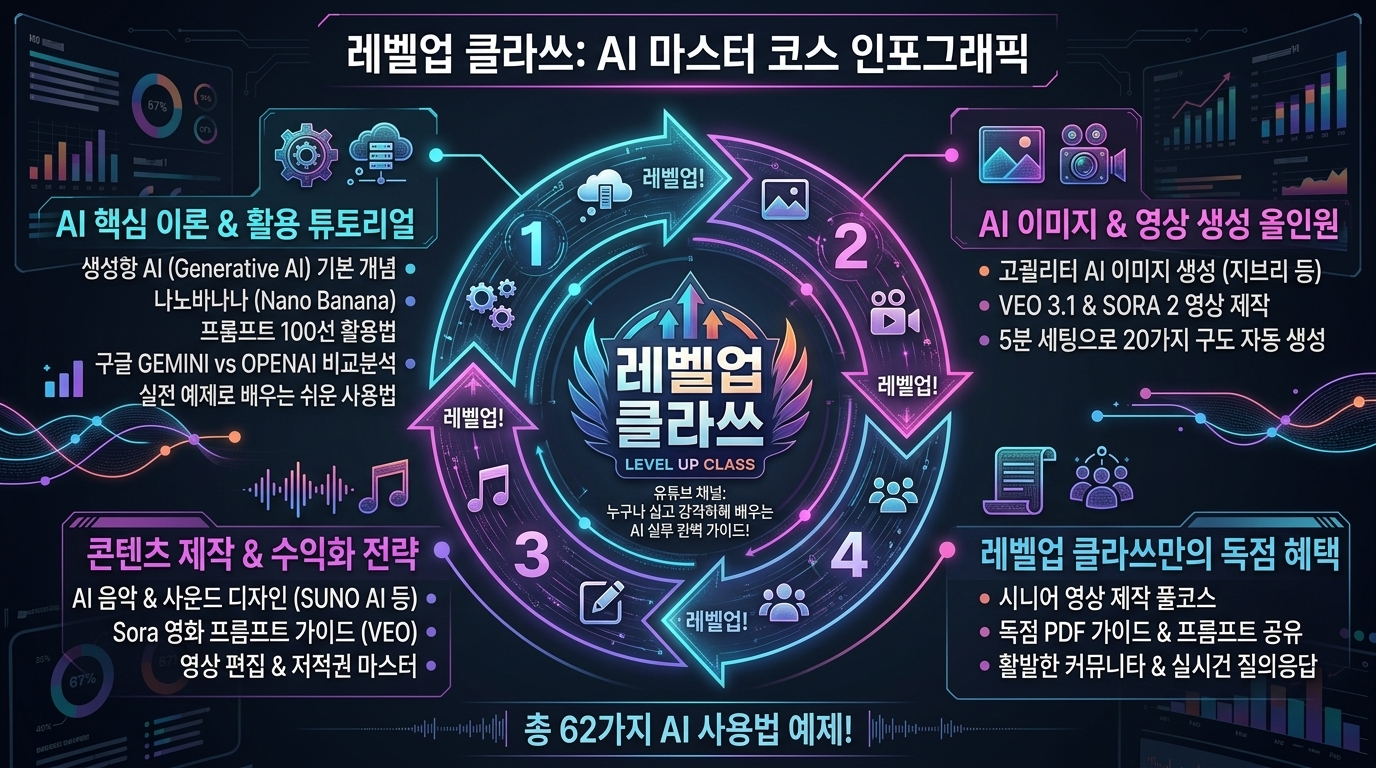


[156] 사이버펑크 - Cyberpunk


KR 설명: 네온 조명과 디스토피아 기술 분위기로 미래적 긴장감을 주는 스타일입니다.

EN Description: A futuristic style with neon lighting and dystopian tech atmosphere.


KR 1. 사이버펑크 스타일을 적용해서 파워포인트를 만드세요.

EN 1. Create a PowerPoint presentation in the Cyberpunk style.


KR 2. 사이버펑크 스타일을 적용해서 인포그래픽을 만드세요.

EN 2. Create an infographic in the Cyberpunk style.


KR 3. 사이버펑크 스타일을 적용해서 이미지를 생성하세요.

EN 3. Generate an image in the Cyberpunk style.


[157] 신스웨이브 - Synthwave


KR 설명: 1980년대 네온과 레트로 미래 감성을 결합한 스타일입니다.

EN Description: A retro-futurist style that combines 1980s neon and synthwave energy.


KR 1. 신스웨이브 스타일을 적용해서 파워포인트를 만드세요.

EN 1. Create a PowerPoint presentation in the Synthwave style.


KR 2. 신스웨이브 스타일을 적용해서 인포그래픽을 만드세요.

EN 2. Create an infographic in the Synthwave style.


KR 3. 신스웨이브 스타일을 적용해서 이미지를 생성하세요.

EN 3. Generate an image in the Synthwave style.


[158] 베이퍼웨이브 - Vaporwave


KR 설명: 몽환적 디지털 복고와 느슨한 인터넷 향수를 표현하는 스타일입니다.

EN Description: A dreamy nostalgic style rooted in retro digital and vaporwave culture.


KR 1. 베이퍼웨이브 스타일을 적용해서 파워포인트를 만드세요.

EN 1. Create a PowerPoint presentation in the Vaporwave style.


KR 2. 베이퍼웨이브 스타일을 적용해서 인포그래픽을 만드세요.

EN 2. Create an infographic in the Vaporwave style.


KR 3. 베이퍼웨이브 스타일을 적용해서 이미지를 생성하세요.

EN 3. Generate an image in the Vaporwave style.


[159] Y2K / Y2K 리바이벌 - Y2K revival


KR 설명: 크롬, 버블, 반짝임으로 2000년대 초 감성을 재현하는 스타일입니다.

EN Description: A nostalgic style that recreates early-2000s chrome, bubbles, and gloss.


KR 1. 와이투케이 / 와이투케이 리바이벌 스타일을 적용해서 파워포인트를 만드세요.

EN 1. Create a PowerPoint presentation in the Y2K revival style.


KR 2. 와이투케이 / 와이투케이 리바이벌 스타일을 적용해서 인포그래픽을 만드세요.

EN 2. Create an infographic in the Y2K revival style.


KR 3. 와이투케이 / 와이투케이 리바이벌 스타일을 적용해서 이미지를 생성하세요.

EN 3. Generate an image in the Y2K revival style.


[160] 레트로퓨처리즘 - Retrofuturism


KR 설명: 과거가 상상한 미래처럼 복고와 미래를 동시에 보여주는 스타일입니다.

EN Description: A style that blends retro design with imagined visions of the future.


KR 1. 레트로퓨처리즘 스타일을 적용해서 파워포인트를 만드세요.

EN 1. Create a PowerPoint presentation in the Retrofuturism style.


KR 2. 레트로퓨처리즘 스타일을 적용해서 인포그래픽을 만드세요.

EN 2. Create an infographic in the Retrofuturism style.


KR 3. 레트로퓨처리즘 스타일을 적용해서 이미지를 생성하세요.

EN 3. Generate an image in the Retrofuturism style.


[161] 스페이스 / Sci‑Fi HUD - Space/Sci‑Fi HUD


KR 설명: 우주선 계기판 같은 정보 오버레이로 SF 분위기를 만드는 스타일입니다.

EN Description: A sci-fi interface style inspired by cockpit displays and space HUDs.


KR 1. 스페이스 / 공상과학 헤드업 디스플레이 스타일을 적용해서 파워포인트를 만드세요.

EN 1. Create a PowerPoint presentation in the Space/Sci‑Fi HUD style.


KR 2. 스페이스 / 공상과학 헤드업 디스플레이 스타일을 적용해서 인포그래픽을 만드세요.

EN 2. Create an infographic in the Space/Sci‑Fi HUD style.


KR 3. 스페이스 / 공상과학 헤드업 디스플레이 스타일을 적용해서 이미지를 생성하세요.

EN 3. Generate an image in the Space/Sci‑Fi HUD style.
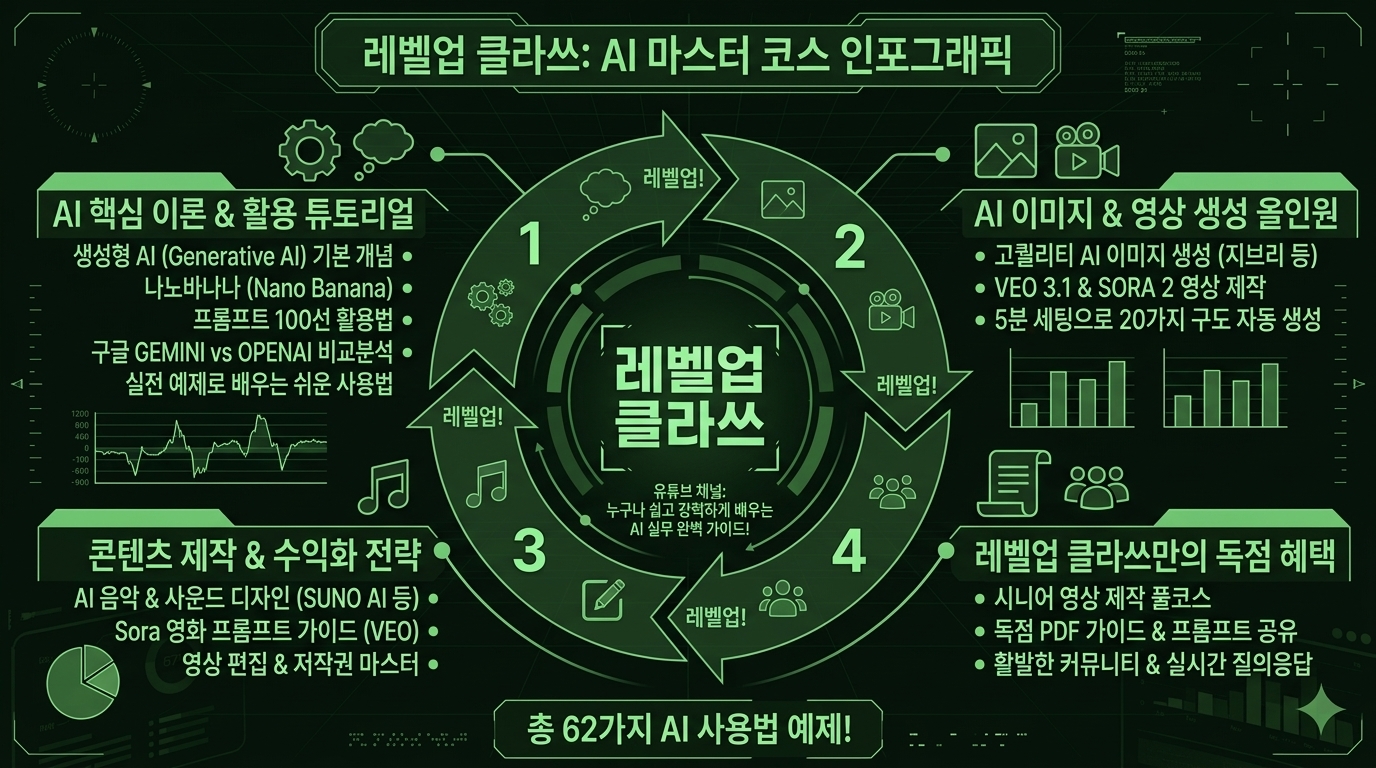


[162] 밀리터리/항공 HUD - Military/Aviation HUD


KR 설명: 전술 장비나 항공 계기판 같은 기능적 오버레이를 닮은 스타일입니다.

EN Description: A tactical style inspired by military and aviation instrument overlays.


KR 1. 밀리터리/항공 헤드업 디스플레이 스타일을 적용해서 파워포인트를 만드세요.

EN 1. Create a PowerPoint presentation in the Military/Aviation HUD style.


KR 2. 밀리터리/항공 헤드업 디스플레이 스타일을 적용해서 인포그래픽을 만드세요.

EN 2. Create an infographic in the Military/Aviation HUD style.


KR 3. 밀리터리/항공 헤드업 디스플레이 스타일을 적용해서 이미지를 생성하세요.

EN 3. Generate an image in the Military/Aviation HUD style.


[163] 솔라펑크 - Solarpunk


KR 설명: 친환경 기술과 낙관적인 미래 도시 감성을 담는 스타일입니다.

EN Description: An optimistic eco-future style associated with sustainable technology and nature.


KR 1. 솔라펑크 스타일을 적용해서 파워포인트를 만드세요.

EN 1. Create a PowerPoint presentation in the Solarpunk style.


KR 2. 솔라펑크 스타일을 적용해서 인포그래픽을 만드세요.

EN 2. Create an infographic in the Solarpunk style.


KR 3. 솔라펑크 스타일을 적용해서 이미지를 생성하세요.

EN 3. Generate an image in the Solarpunk style.
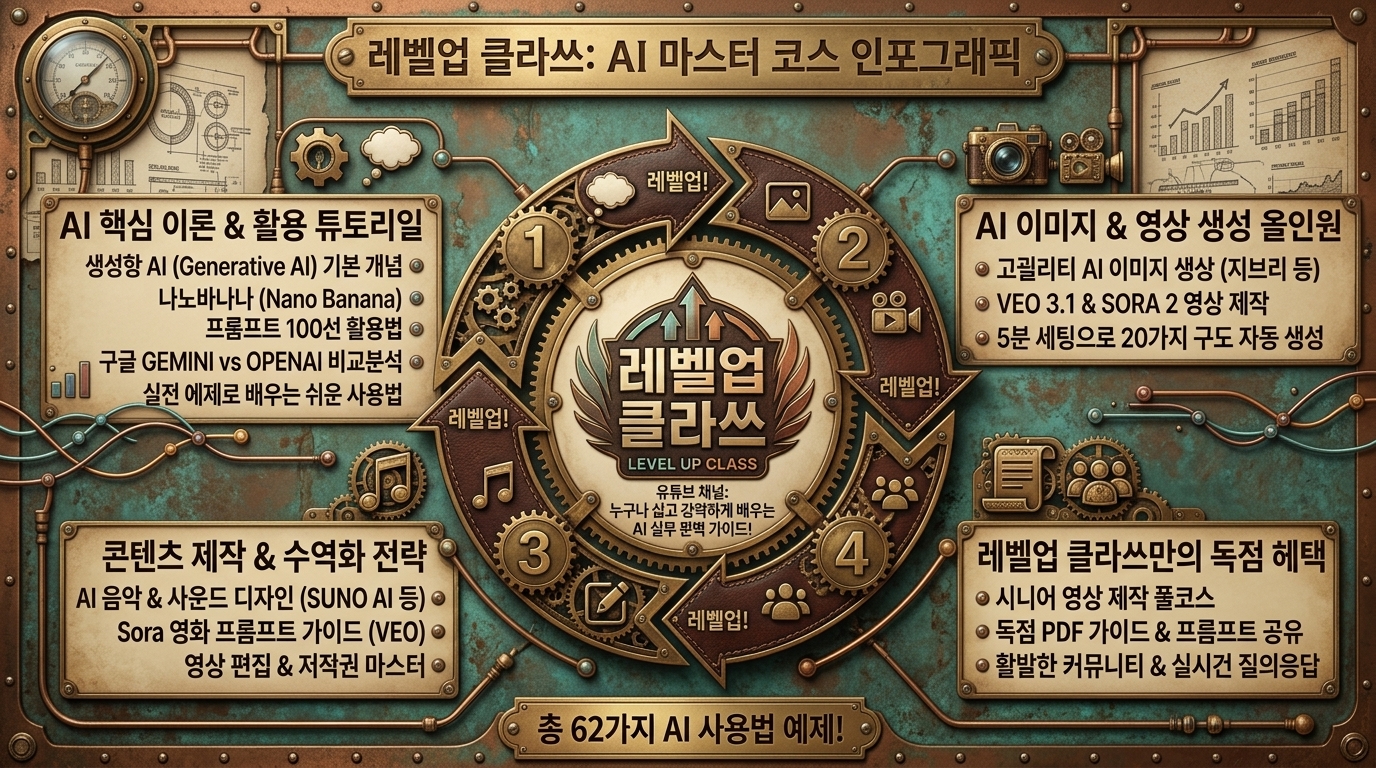


[164] 스팀펑크 - Steampunk


KR 설명: 황동, 기어, 빅토리아 기계장치 감성을 반영하는 스타일입니다.

EN Description: A retro-industrial style influenced by brass, gears, and Victorian machinery.


KR 1. 스팀펑크 스타일을 적용해서 파워포인트를 만드세요.

EN 1. Create a PowerPoint presentation in the Steampunk style.


KR 2. 스팀펑크 스타일을 적용해서 인포그래픽을 만드세요.

EN 2. Create an infographic in the Steampunk style.


KR 3. 스팀펑크 스타일을 적용해서 이미지를 생성하세요.

EN 3. Generate an image in the Steampunk style.


[165] 디젤펑크 - Dieselpunk


KR 설명: 디젤 동력과 산업 전쟁 시대의 묵직한 복고 미래를 표현하는 스타일입니다.

EN Description: A heavy industrial style that imagines a diesel-powered retro future.


KR 1. 디젤펑크 스타일을 적용해서 파워포인트를 만드세요.

EN 1. Create a PowerPoint presentation in the Dieselpunk style.


KR 2. 디젤펑크 스타일을 적용해서 인포그래픽을 만드세요.

EN 2. Create an infographic in the Dieselpunk style.


KR 3. 디젤펑크 스타일을 적용해서 이미지를 생성하세요.

EN 3. Generate an image in the Dieselpunk style.


[166] 노아르 - Noir


KR 설명: 어둡고 대비가 강한 분위기로 긴장감과 미스터리를 만드는 스타일입니다.

EN Description: A moody style that uses darkness and contrast to create mystery and drama.


KR 1. 노아르 스타일을 적용해서 파워포인트를 만드세요.

EN 1. Create a PowerPoint presentation in the Noir style.


KR 2. 노아르 스타일을 적용해서 인포그래픽을 만드세요.

EN 2. Create an infographic in the Noir style.


KR 3. 노아르 스타일을 적용해서 이미지를 생성하세요.

EN 3. Generate an image in the Noir style.


[167] 고딕 - Gothic


KR 설명: 어둡고 장식적인 분위기로 중후하고 드라마틱하게 보이게 하는 스타일입니다.

EN Description: A dramatic dark style with ornate gothic mood and weight.


KR 1. 고딕 스타일을 적용해서 파워포인트를 만드세요.

EN 1. Create a PowerPoint presentation in the Gothic style.


KR 2. 고딕 스타일을 적용해서 인포그래픽을 만드세요.

EN 2. Create an infographic in the Gothic style.


KR 3. 고딕 스타일을 적용해서 이미지를 생성하세요.

EN 3. Generate an image in the Gothic style.


[168] 럭셔리 - Luxury


KR 설명: 절제된 고급감과 세련된 마감으로 프리미엄 인상을 주는 스타일입니다.

EN Description: A premium style that feels elegant, restrained, and luxurious.


KR 1. 럭셔리 스타일을 적용해서 파워포인트를 만드세요.

EN 1. Create a PowerPoint presentation in the Luxury style.


KR 2. 럭셔리 스타일을 적용해서 인포그래픽을 만드세요.

EN 2. Create an infographic in the Luxury style.


KR 3. 럭셔리 스타일을 적용해서 이미지를 생성하세요.

EN 3. Generate an image in the Luxury style.
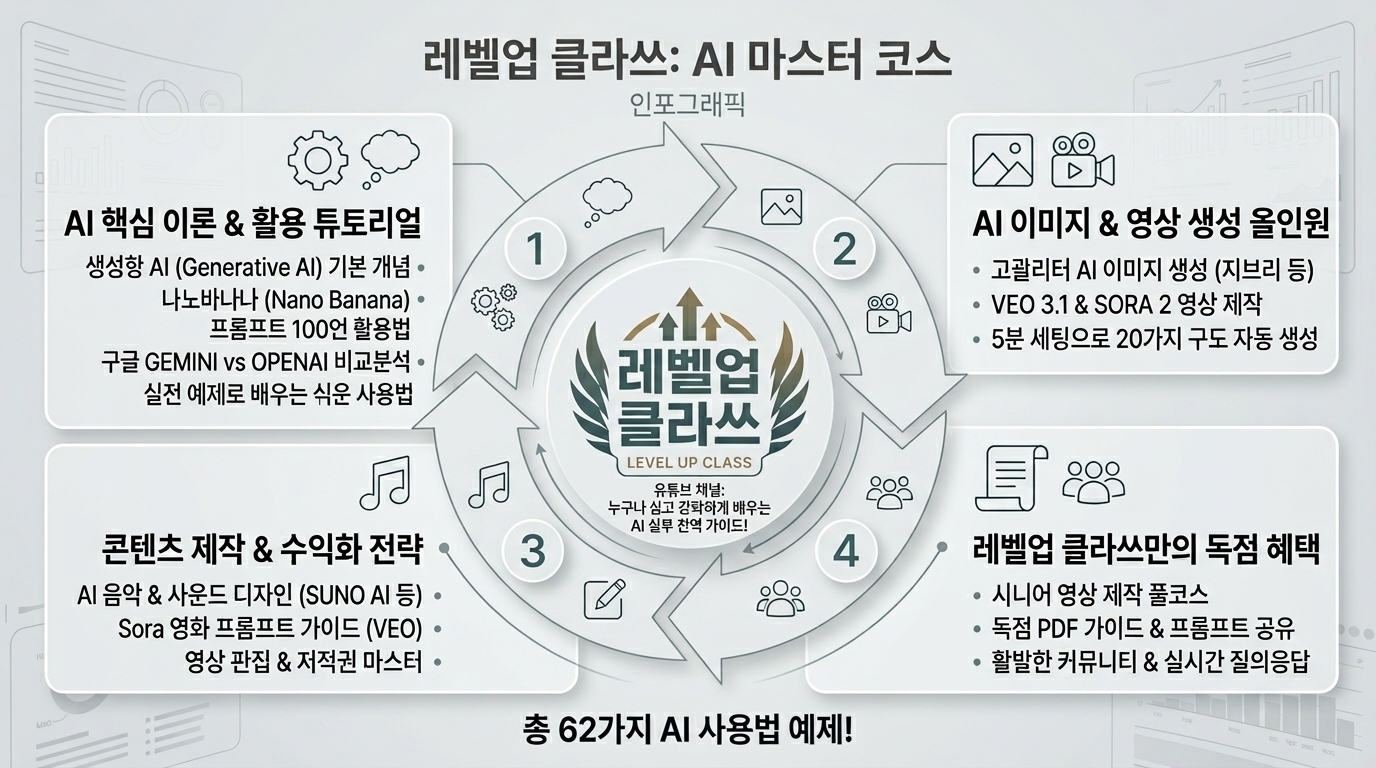


[169] 프리미엄 미니멀 - Premium minimal


KR 설명: 아주 적은 요소만으로도 정제된 고급감을 주는 미니멀 스타일입니다.

EN Description: A refined minimal style that conveys luxury through restraint and precision.


KR 1. 프리미엄 미니멀 스타일을 적용해서 파워포인트를 만드세요.

EN 1. Create a PowerPoint presentation in the Premium minimal style.


KR 2. 프리미엄 미니멀 스타일을 적용해서 인포그래픽을 만드세요.

EN 2. Create an infographic in the Premium minimal style.


KR 3. 프리미엄 미니멀 스타일을 적용해서 이미지를 생성하세요.

EN 3. Generate an image in the Premium minimal style.


[170] 키즈/툰 - Kids/Toon


KR 설명: 밝고 단순한 도형과 만화 같은 친근함으로 어린이용에 어울리는 스타일입니다.

EN Description: A cheerful cartoon-like style with bright simple forms suited to children.


KR 1. 키즈/툰 스타일을 적용해서 파워포인트를 만드세요.

EN 1. Create a PowerPoint presentation in the Kids/Toon style.


KR 2. 키즈/툰 스타일을 적용해서 인포그래픽을 만드세요.

EN 2. Create an infographic in the Kids/Toon style.


KR 3. 키즈/툰 스타일을 적용해서 이미지를 생성하세요.

EN 3. Generate an image in the Kids/Toon style.
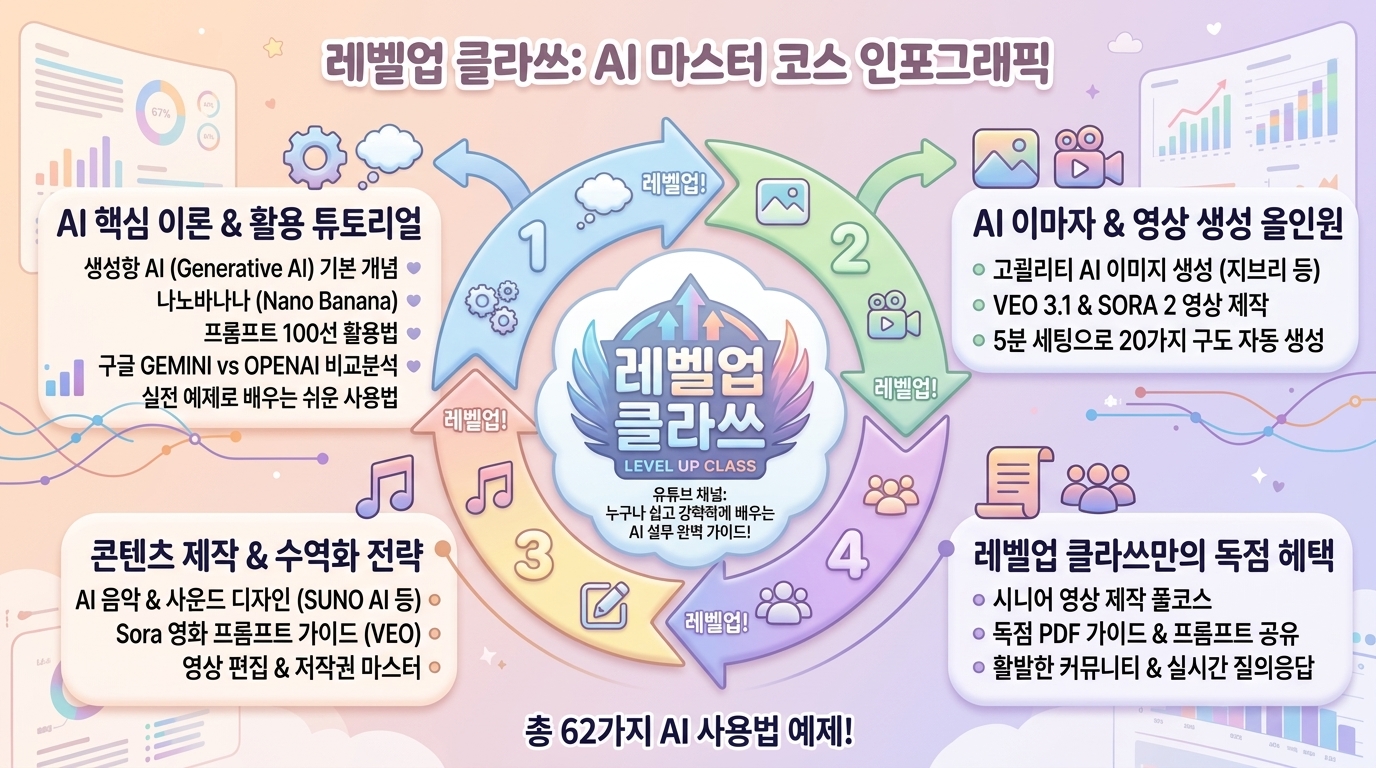


[171] 카와이 - Kawaii


KR 설명: 작고 둥글고 귀여운 요소로 사랑스럽고 명랑하게 보이게 하는 스타일입니다.

EN Description: A cute style built from soft cheerful elements and kawaii charm.


KR 1. 카와이 스타일을 적용해서 파워포인트를 만드세요.

EN 1. Create a PowerPoint presentation in the Kawaii style.


KR 2. 카와이 스타일을 적용해서 인포그래픽을 만드세요.

EN 2. Create an infographic in the Kawaii style.


KR 3. 카와이 스타일을 적용해서 이미지를 생성하세요.

EN 3. Generate an image in the Kawaii style.
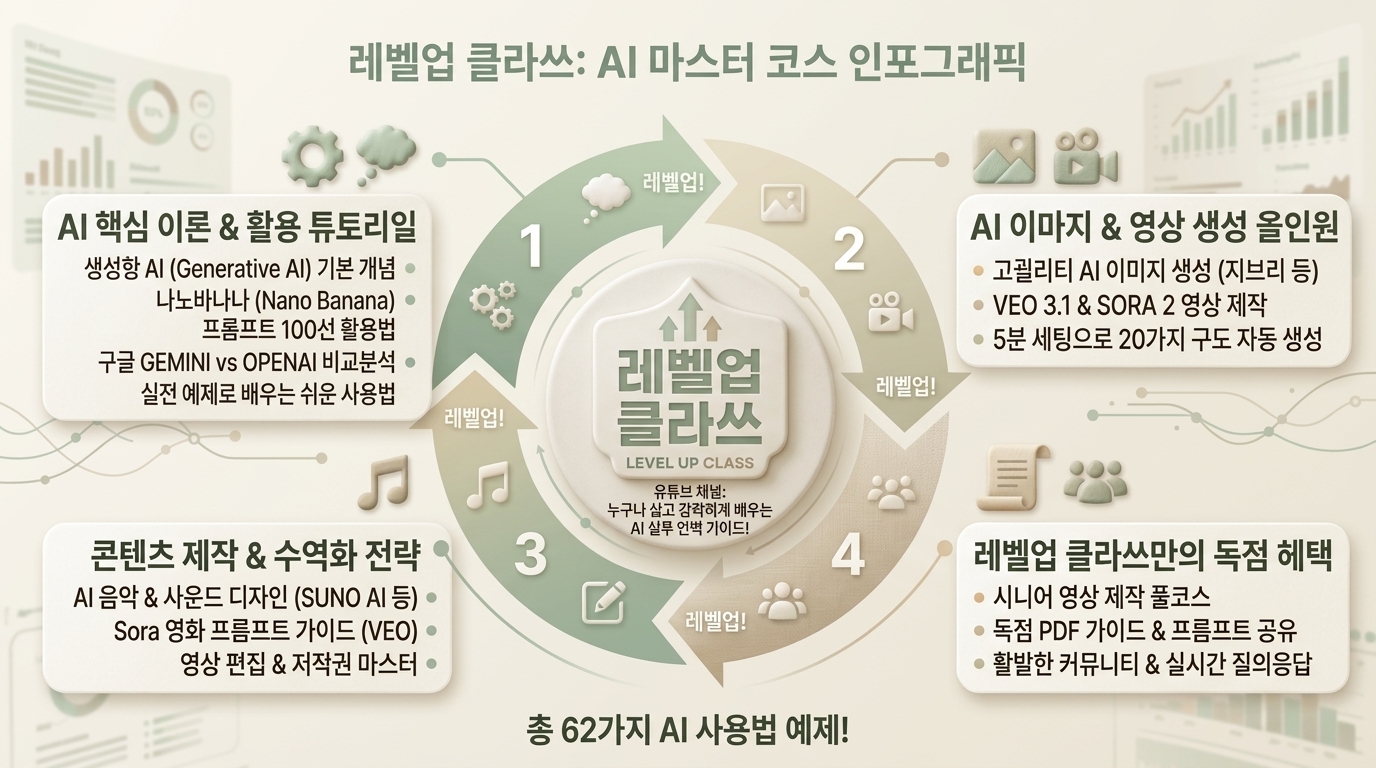


[172] 웰니스 - Wellness


KR 설명: 깨끗하고 차분한 색과 편안한 구성으로 건강한 분위기를 만드는 스타일입니다.

EN Description: A calm clean style that supports a soothing wellness-focused mood.


KR 1. 웰니스 스타일을 적용해서 파워포인트를 만드세요.

EN 1. Create a PowerPoint presentation in the Wellness style.


KR 2. 웰니스 스타일을 적용해서 인포그래픽을 만드세요.

EN 2. Create an infographic in the Wellness style.


KR 3. 웰니스 스타일을 적용해서 이미지를 생성하세요.

EN 3. Generate an image in the Wellness style.


[173] 에코/내추럴 - Eco/Natural


KR 설명: 자연색과 유기적 재료 느낌으로 친환경적이고 편안하게 보이게 하는 스타일입니다.

EN Description: A natural style that uses earthy color and organic material cues.


KR 1. 에코/내추럴 스타일을 적용해서 파워포인트를 만드세요.

EN 1. Create a PowerPoint presentation in the Eco/Natural style.


KR 2. 에코/내추럴 스타일을 적용해서 인포그래픽을 만드세요.

EN 2. Create an infographic in the Eco/Natural style.


KR 3. 에코/내추럴 스타일을 적용해서 이미지를 생성하세요.

EN 3. Generate an image in the Eco/Natural style.


[174] 핀테크 트러스트 - Fintech trust


KR 설명: 안정적인 블루 계열과 정돈된 구조로 신뢰감을 주는 금융 서비스 스타일입니다.

EN Description: A clean reliable style that signals trust and security for fintech products.


KR 1. 핀테크 트러스트 스타일을 적용해서 파워포인트를 만드세요.

EN 1. Create a PowerPoint presentation in the Fintech trust style.


KR 2. 핀테크 트러스트 스타일을 적용해서 인포그래픽을 만드세요.

EN 2. Create an infographic in the Fintech trust style.


KR 3. 핀테크 트러스트 스타일을 적용해서 이미지를 생성하세요.

EN 3. Generate an image in the Fintech trust style.


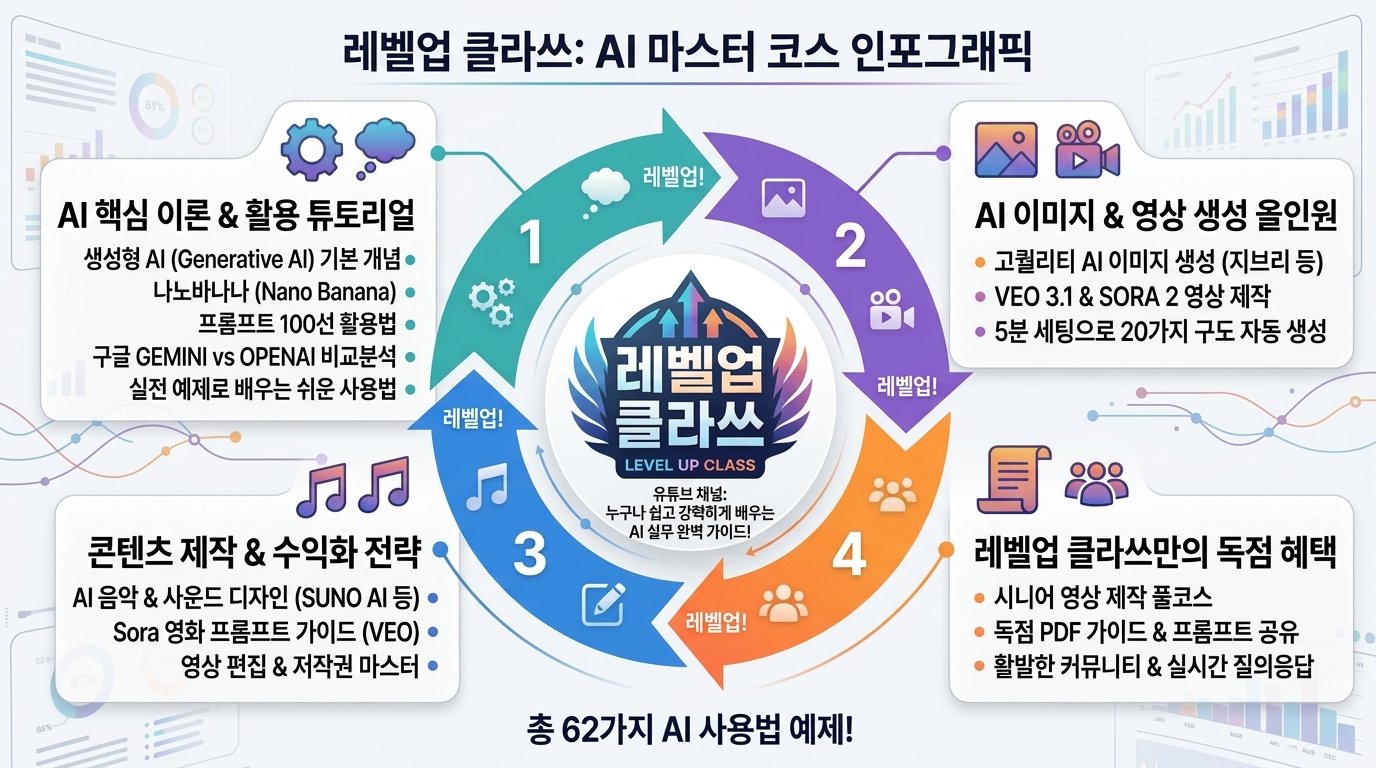
[175] 게이밍 UI - Gaming UI


KR 설명: 상태창, 레벨, 에너지 바 같은 게임적 장치를 적극 활용하는 스타일입니다.

EN Description: A dynamic interface style that uses game-like systems such as levels, meters, and status bars.


KR 1. 게이밍 사용자 인터페이스 스타일을 적용해서 파워포인트를 만드세요.

EN 1. Create a PowerPoint presentation in the Gaming UI style.


KR 2. 게이밍 사용자 인터페이스 스타일을 적용해서 인포그래픽을 만드세요.

EN 2. Create an infographic in the Gaming UI style.


KR 3. 게이밍 사용자 인터페이스 스타일을 적용해서 이미지를 생성하세요.

EN 3. Generate an image in the Gaming UI style.


[176] 그리드 패턴 오버레이 - Grid overlay


KR 설명: 격자선이나 그리드 패턴이 화면 위에 드러나 구조감을 주는 스타일입니다.

EN Description: A style that reveals grid lines or grid patterns to reinforce structure.


KR 1. 그리드 패턴 오버레이 스타일을 적용해서 파워포인트를 만드세요.

EN 1. Create a PowerPoint presentation in the Grid overlay style.


KR 2. 그리드 패턴 오버레이 스타일을 적용해서 인포그래픽을 만드세요.

EN 2. Create an infographic in the Grid overlay style.


KR 3. 그리드 패턴 오버레이 스타일을 적용해서 이미지를 생성하세요.

EN 3. Generate an image in the Grid overlay style.


[177] 닷 패턴 - Dots


KR 설명: 점이 반복되는 패턴으로 질감과 리듬을 만드는 스타일입니다.

EN Description: A pattern style that creates texture and rhythm through repeated dots.


KR 1. 닷 패턴 스타일을 적용해서 파워포인트를 만드세요.

EN 1. Create a PowerPoint presentation in the Dots style.


KR 2. 닷 패턴 스타일을 적용해서 인포그래픽을 만드세요.

EN 2. Create an infographic in the Dots style.


KR 3. 닷 패턴 스타일을 적용해서 이미지를 생성하세요.

EN 3. Generate an image in the Dots style.


[178] 스트라이프 - Stripes


KR 설명: 줄무늬 패턴을 활용해 방향성과 장식을 더하는 스타일입니다.

EN Description: A patterned style that uses stripes to add direction and ornament.


KR 1. 스트라이프 스타일을 적용해서 파워포인트를 만드세요.

EN 1. Create a PowerPoint presentation in the Stripes style.


KR 2. 스트라이프 스타일을 적용해서 인포그래픽을 만드세요.

EN 2. Create an infographic in the Stripes style.


KR 3. 스트라이프 스타일을 적용해서 이미지를 생성하세요.

EN 3. Generate an image in the Stripes style.


[179] 체커 - Checker


KR 설명: 체커보드 같은 반복 사각형으로 복고적 리듬을 만드는 스타일입니다.

EN Description: A style that uses checkerboard squares for repeated visual rhythm.


KR 1. 체커 스타일을 적용해서 파워포인트를 만드세요.

EN 1. Create a PowerPoint presentation in the Checker style.


KR 2. 체커 스타일을 적용해서 인포그래픽을 만드세요.

EN 2. Create an infographic in the Checker style.


KR 3. 체커 스타일을 적용해서 이미지를 생성하세요.

EN 3. Generate an image in the Checker style.


[180] 노트/종이 질감 - Notepad/Paper texture


KR 설명: 메모장이나 종이 표면 같은 따뜻한 필기 질감을 주는 스타일입니다.

EN Description: A tactile style that evokes notebook pages or paper texture.


KR 1. 노트/종이 질감 스타일을 적용해서 파워포인트를 만드세요.

EN 1. Create a PowerPoint presentation in the Notepad/Paper texture style.


KR 2. 노트/종이 질감 스타일을 적용해서 인포그래픽을 만드세요.

EN 2. Create an infographic in the Notepad/Paper texture style.


KR 3. 노트/종이 질감 스타일을 적용해서 이미지를 생성하세요.

EN 3. Generate an image in the Notepad/Paper texture style.


[181] 필름 더스트 - Film dust


KR 설명: 먼지와 스크래치가 낀 필름 같은 아날로그 결을 더하는 스타일입니다.

EN Description: An analog style that adds film dust and speckled imperfections.


KR 1. 필름 더스트 스타일을 적용해서 파워포인트를 만드세요.

EN 1. Create a PowerPoint presentation in the Film dust style.


KR 2. 필름 더스트 스타일을 적용해서 인포그래픽을 만드세요.

EN 2. Create an infographic in the Film dust style.


KR 3. 필름 더스트 스타일을 적용해서 이미지를 생성하세요.

EN 3. Generate an image in the Film dust style.
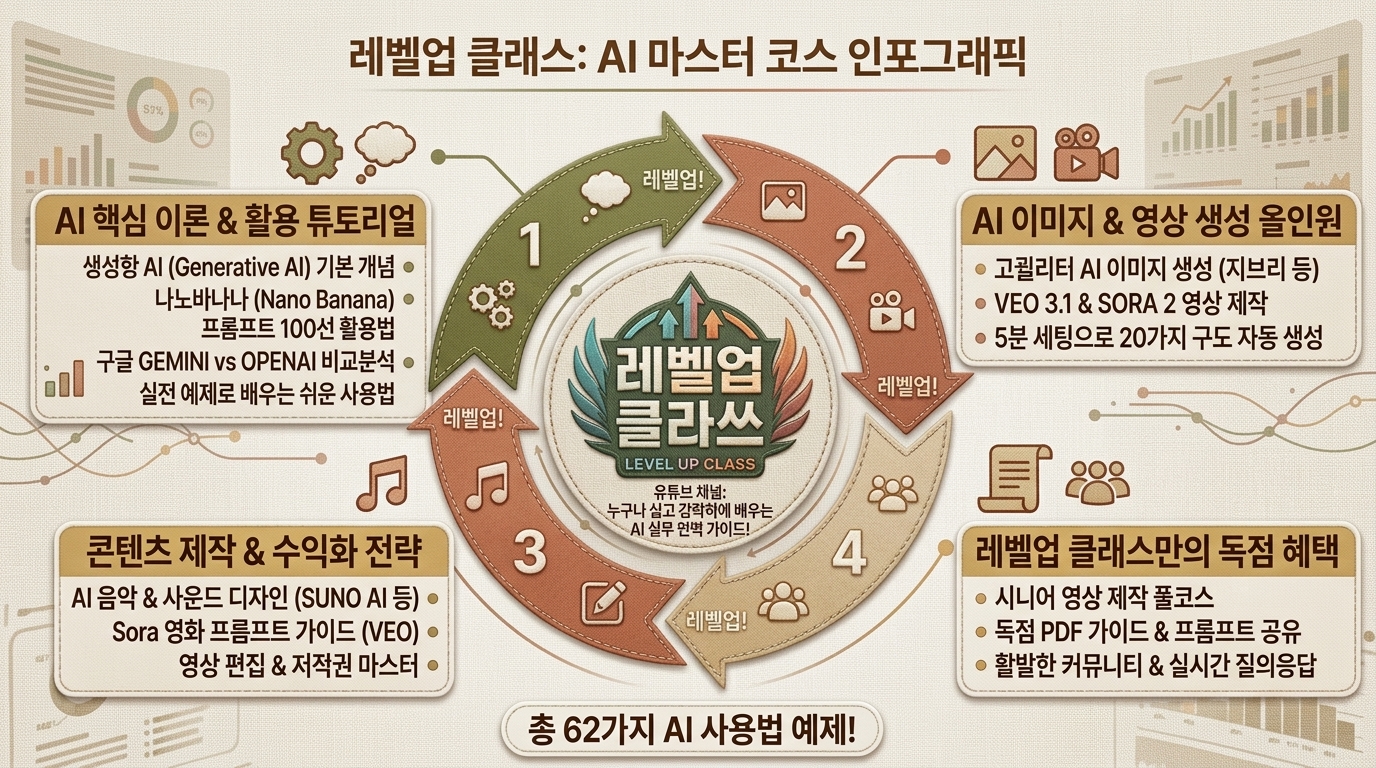


[182] 캔버스/천 질감 - Canvas/Fabric


KR 설명: 천이나 캔버스의 짜임처럼 표면 결을 느끼게 하는 스타일입니다.

EN Description: A texture style that suggests woven canvas or fabric surfaces.


KR 1. 캔버스/천 질감 스타일을 적용해서 파워포인트를 만드세요.

EN 1. Create a PowerPoint presentation in the Canvas/Fabric style.


KR 2. 캔버스/천 질감 스타일을 적용해서 인포그래픽을 만드세요.

EN 2. Create an infographic in the Canvas/Fabric style.


KR 3. 캔버스/천 질감 스타일을 적용해서 이미지를 생성하세요.

EN 3. Generate an image in the Canvas/Fabric style.
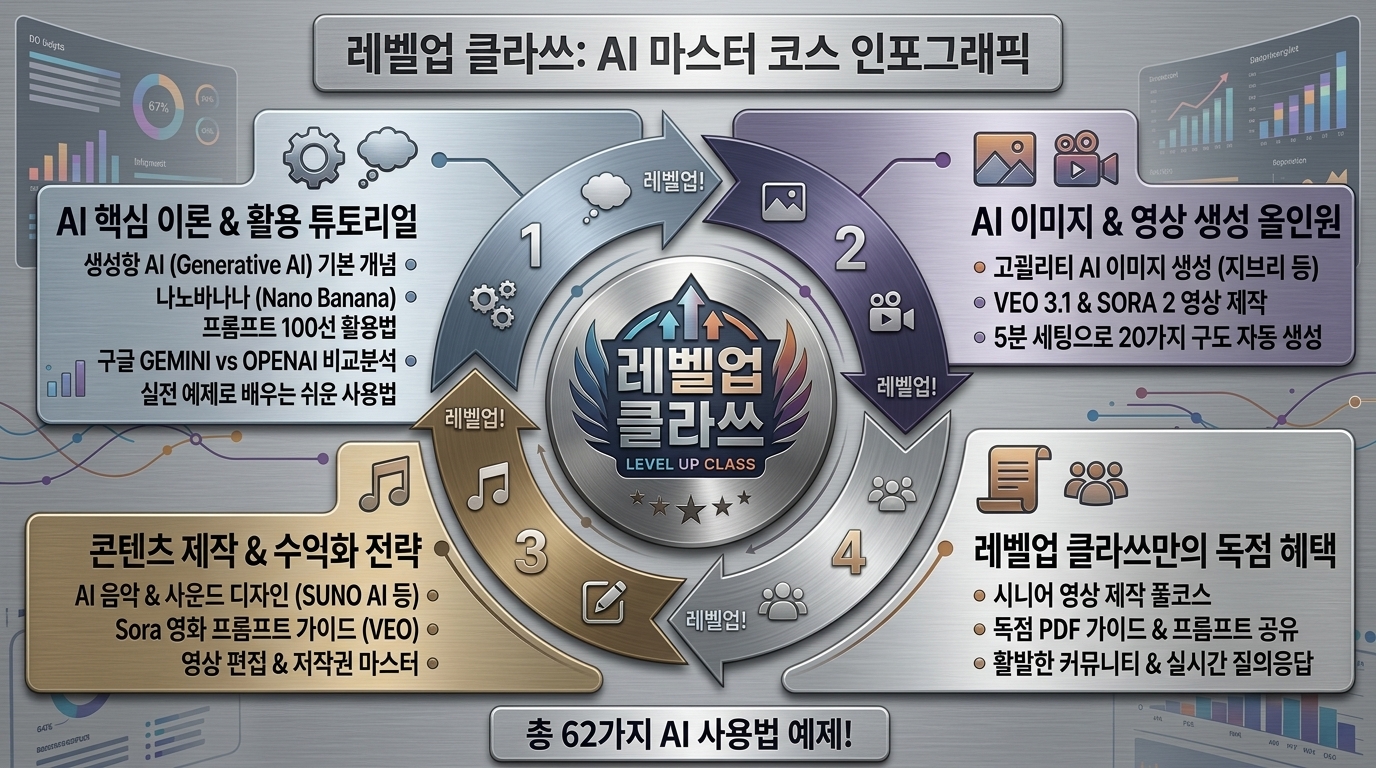


[183] 브러시드 메탈 - Brushed metal


KR 설명: 한 방향으로 결이 난 금속 표면처럼 차갑고 공업적으로 보이게 하는 스타일입니다.

EN Description: A sleek industrial style that mimics brushed metal grain.


KR 1. 브러시드 메탈 스타일을 적용해서 파워포인트를 만드세요.

EN 1. Create a PowerPoint presentation in the Brushed metal style.


KR 2. 브러시드 메탈 스타일을 적용해서 인포그래픽을 만드세요.

EN 2. Create an infographic in the Brushed metal style.


KR 3. 브러시드 메탈 스타일을 적용해서 이미지를 생성하세요.

EN 3. Generate an image in the Brushed metal style.


[184] 콘크리트/스톤 - Concrete/Stone


KR 설명: 돌이나 콘크리트 같은 거친 광물 표면 느낌을 주는 스타일입니다.

EN Description: A rough material style inspired by stone or concrete surfaces.


KR 1. 콘크리트/스톤 스타일을 적용해서 파워포인트를 만드세요.

EN 1. Create a PowerPoint presentation in the Concrete/Stone style.


KR 2. 콘크리트/스톤 스타일을 적용해서 인포그래픽을 만드세요.

EN 2. Create an infographic in the Concrete/Stone style.


KR 3. 콘크리트/스톤 스타일을 적용해서 이미지를 생성하세요.

EN 3. Generate an image in the Concrete/Stone style.


[185] 우드 - Wood


KR 설명: 나무결과 따뜻한 자연 재료의 질감을 반영하는 스타일입니다.

EN Description: A warm material style that reflects natural wood grain.


KR 1. 우드 스타일을 적용해서 파워포인트를 만드세요.

EN 1. Create a PowerPoint presentation in the Wood style.


KR 2. 우드 스타일을 적용해서 인포그래픽을 만드세요.

EN 2. Create an infographic in the Wood style.


KR 3. 우드 스타일을 적용해서 이미지를 생성하세요.

EN 3. Generate an image in the Wood style.
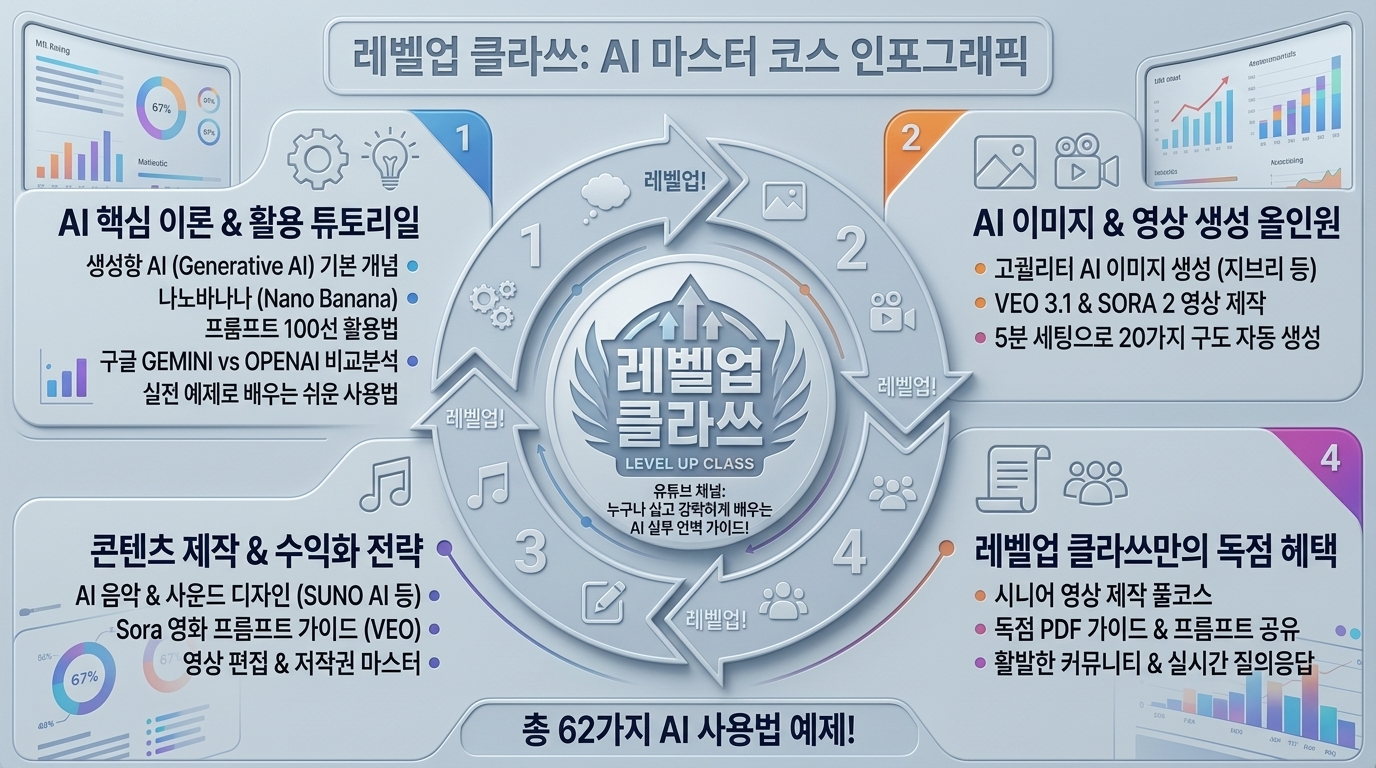


[186] 리놀륨/플라스틱 - Plastic/Linoleum


KR 설명: 매끈하고 가공된 플라스틱 표면처럼 인공적이고 균일하게 보이게 하는 스타일입니다.

EN Description: A smooth synthetic style that resembles molded plastic surfaces.


KR 1. 리놀륨/플라스틱 스타일을 적용해서 파워포인트를 만드세요.

EN 1. Create a PowerPoint presentation in the Plastic/Linoleum style.


KR 2. 리놀륨/플라스틱 스타일을 적용해서 인포그래픽을 만드세요.

EN 2. Create an infographic in the Plastic/Linoleum style.


KR 3. 리놀륨/플라스틱 스타일을 적용해서 이미지를 생성하세요.

EN 3. Generate an image in the Plastic/Linoleum style.


[187] 반사/물결 - Reflection/Ripple


KR 설명: 빛 반사나 물결 흔들림으로 표면의 움직임과 반짝임을 주는 스타일입니다.

EN Description: A surface style that uses reflection or ripple effects for shimmer and motion.


KR 1. 반사/물결 스타일을 적용해서 파워포인트를 만드세요.

EN 1. Create a PowerPoint presentation in the Reflection/Ripple style.


KR 2. 반사/물결 스타일을 적용해서 인포그래픽을 만드세요.

EN 2. Create an infographic in the Reflection/Ripple style.


KR 3. 반사/물결 스타일을 적용해서 이미지를 생성하세요.

EN 3. Generate an image in the Reflection/Ripple style.


[188] iOS / HIG 계열 룩 - iOS / HIG look


KR 설명: 애플 모바일 인터페이스처럼 정돈된 여백과 매끄러운 상호작용을 따르는 스타일입니다.

EN Description: A polished mobile interface style that follows familiar iOS design conventions.


KR 1. 아이오에스 / 휴먼 인터페이스 가이드라인 계열 룩 스타일을 적용해서 파워포인트를 만드세요.

EN 1. Create a PowerPoint presentation in the iOS / HIG look style.


KR 2. 아이오에스 / 휴먼 인터페이스 가이드라인 계열 룩 스타일을 적용해서 인포그래픽을 만드세요.

EN 2. Create an infographic in the iOS / HIG look style.


KR 3. 아이오에스 / 휴먼 인터페이스 가이드라인 계열 룩 스타일을 적용해서 이미지를 생성하세요.

EN 3. Generate an image in the iOS / HIG look style.


[189] Android / Material 계열 룩 - Android / Material look


KR 설명: 안드로이드 머티리얼 철학처럼 레이어와 구조를 분명히 드러내는 스타일입니다.

EN Description: A structured Android style that reflects layered material design principles.


KR 1. 안드로이드 / 머티리얼 계열 룩 스타일을 적용해서 파워포인트를 만드세요.

EN 1. Create a PowerPoint presentation in the Android / Material look style.


KR 2. 안드로이드 / 머티리얼 계열 룩 스타일을 적용해서 인포그래픽을 만드세요.

EN 2. Create an infographic in the Android / Material look style.


KR 3. 안드로이드 / 머티리얼 계열 룩 스타일을 적용해서 이미지를 생성하세요.

EN 3. Generate an image in the Android / Material look style.


[190] Windows / Fluent 계열 룩 - Windows / Fluent look


KR 설명: 아크릴 재질과 깊이, 부드러운 모션이 어우러진 윈도우 계열 스타일입니다.

EN Description: A Windows-inspired style that blends acrylic surfaces, depth, and fluent motion.


KR 1. 윈도우 / 플루언트 계열 룩 스타일을 적용해서 파워포인트를 만드세요.

EN 1. Create a PowerPoint presentation in the Windows / Fluent look style.


KR 2. 윈도우 / 플루언트 계열 룩 스타일을 적용해서 인포그래픽을 만드세요.

EN 2. Create an infographic in the Windows / Fluent look style.


KR 3. 윈도우 / 플루언트 계열 룩 스타일을 적용해서 이미지를 생성하세요.

EN 3. Generate an image in the Windows / Fluent look style.


[191] macOS / HIG 데스크톱 룩 - macOS / HIG desktop look


KR 설명: 맥 데스크톱 앱처럼 깔끔한 창 구조와 절제된 상호작용을 따르는 스타일입니다.

EN Description: A clean desktop style that follows macOS layout and interaction conventions.


KR 1. 맥오에스 / 휴먼 인터페이스 가이드라인 데스크톱 룩 스타일을 적용해서 파워포인트를 만드세요.

EN 1. Create a PowerPoint presentation in the macOS / HIG desktop look style.


KR 2. 맥오에스 / 휴먼 인터페이스 가이드라인 데스크톱 룩 스타일을 적용해서 인포그래픽을 만드세요.

EN 2. Create an infographic in the macOS / HIG desktop look style.


KR 3. 맥오에스 / 휴먼 인터페이스 가이드라인 데스크톱 룩 스타일을 적용해서 이미지를 생성하세요.

EN 3. Generate an image in the macOS / HIG desktop look style.
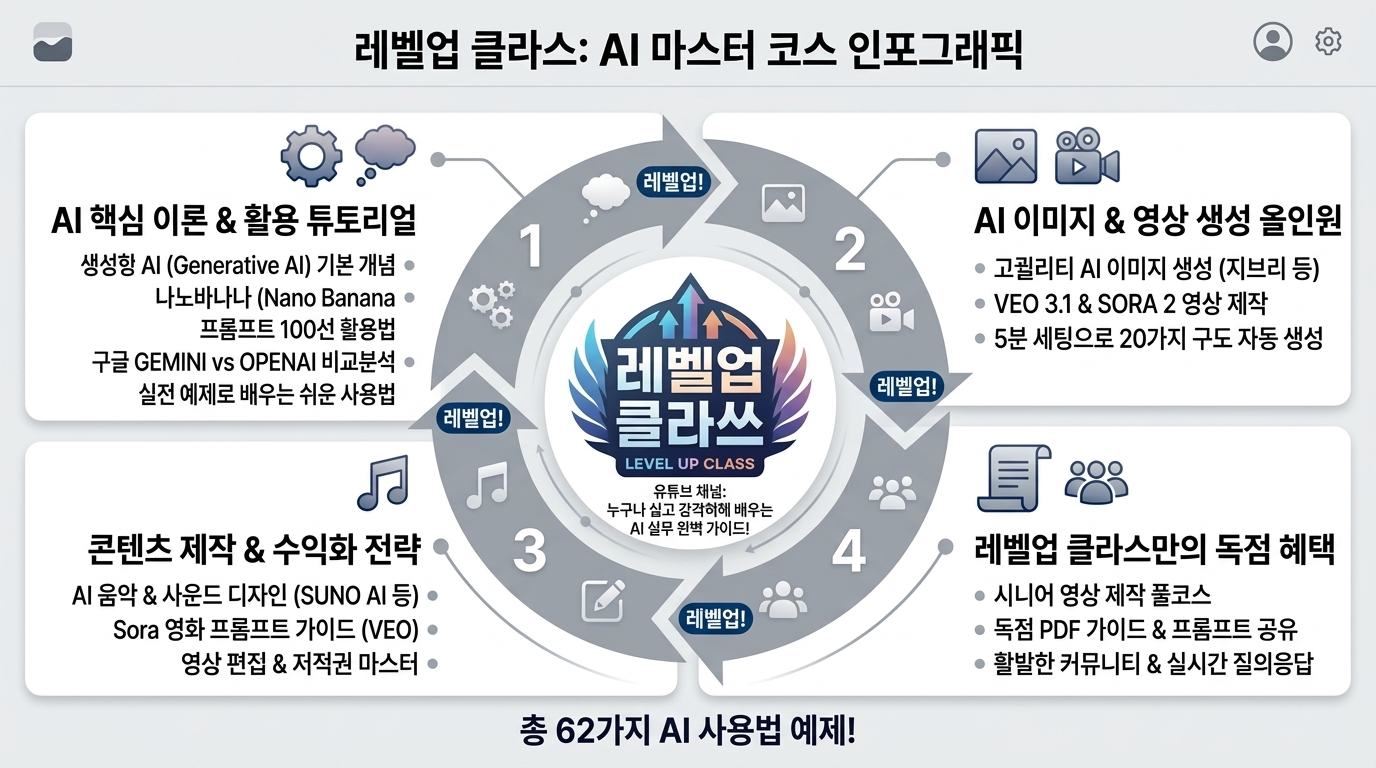


[192] 웹앱 SaaS 표준 룩 - Webapp SaaS standard look


KR 설명: 현대적인 웹 서비스에서 자주 쓰는 사이드바와 카드 중심 구조의 표준 스타일입니다.

EN Description: A standard modern SaaS web style built around sidebars, cards, and utility.


KR 1. 웹앱 서비스형 소프트웨어 표준 룩 - 사이드바/탑바/카드 스타일을 적용해서 파워포인트를 만드세요.

EN 1. Create a PowerPoint presentation in the Webapp SaaS standard look - sidebar/topbar/card style.


KR 2. 웹앱 서비스형 소프트웨어 표준 룩 - 사이드바/탑바/카드 스타일을 적용해서 인포그래픽을 만드세요.

EN 2. Create an infographic in the Webapp SaaS standard look - sidebar/topbar/card style.


KR 3. 웹앱 서비스형 소프트웨어 표준 룩 - 사이드바/탑바/카드 스타일을 적용해서 이미지를 생성하세요.

EN 3. Generate an image in the Webapp SaaS standard look - sidebar/topbar/card style.


[193] 엔터프라이즈 UI 룩 - Enterprise UI look


KR 설명: 표와 필터, 상태 관리가 많은 업무용 비즈니스 시스템 스타일입니다.

EN Description: A business-focused style with dense tables, filters, and operational controls.


KR 1. 엔터프라이즈 사용자 인터페이스 룩 - 표/필터 중심 스타일을 적용해서 파워포인트를 만드세요.

EN 1. Create a PowerPoint presentation in the Enterprise UI look - table/filter-centric style.


KR 2. 엔터프라이즈 사용자 인터페이스 룩 - 표/필터 중심 스타일을 적용해서 인포그래픽을 만드세요.

EN 2. Create an infographic in the Enterprise UI look - table/filter-centric style.


KR 3. 엔터프라이즈 사용자 인터페이스 룩 - 표/필터 중심 스타일을 적용해서 이미지를 생성하세요.

EN 3. Generate an image in the Enterprise UI look - table/filter-centric style.


[194] 터치 퍼스트 - Touch-first


KR 설명: 손가락 터치에 맞춰 큰 터치 영역과 직관적 조작을 우선하는 스타일입니다.

EN Description: A style optimized for finger input with large touch targets and direct interaction.


KR 1. 터치 퍼스트 스타일을 적용해서 파워포인트를 만드세요.

EN 1. Create a PowerPoint presentation in the Touch-first style.


KR 2. 터치 퍼스트 스타일을 적용해서 인포그래픽을 만드세요.

EN 2. Create an infographic in the Touch-first style.


KR 3. 터치 퍼스트 스타일을 적용해서 이미지를 생성하세요.

EN 3. Generate an image in the Touch-first style.


[195] 키보드 퍼스트 - Keyboard-first


KR 설명: 단축키와 빠른 키 입력 흐름을 중심으로 효율을 높이는 스타일입니다.

EN Description: A productivity style designed around shortcuts and efficient keyboard use.


KR 1. 키보드 퍼스트 스타일을 적용해서 파워포인트를 만드세요.

EN 1. Create a PowerPoint presentation in the Keyboard-first style.


KR 2. 키보드 퍼스트 스타일을 적용해서 인포그래픽을 만드세요.

EN 2. Create an infographic in the Keyboard-first style.


KR 3. 키보드 퍼스트 스타일을 적용해서 이미지를 생성하세요.

EN 3. Generate an image in the Keyboard-first style.


[196] 컨버세이셔널 UI - Conversational UI


KR 설명: 채팅하듯 질문과 응답이 이어지는 대화형 인터페이스 스타일입니다.

EN Description: A conversational style that structures interaction like a chat exchange.


KR 1. 대화형 사용자 인터페이스 스타일을 적용해서 파워포인트를 만드세요.

EN 1. Create a PowerPoint presentation in the Conversational UI style.


KR 2. 대화형 사용자 인터페이스 스타일을 적용해서 인포그래픽을 만드세요.

EN 2. Create an infographic in the Conversational UI style.


KR 3. 대화형 사용자 인터페이스 스타일을 적용해서 이미지를 생성하세요.

EN 3. Generate an image in the Conversational UI style.
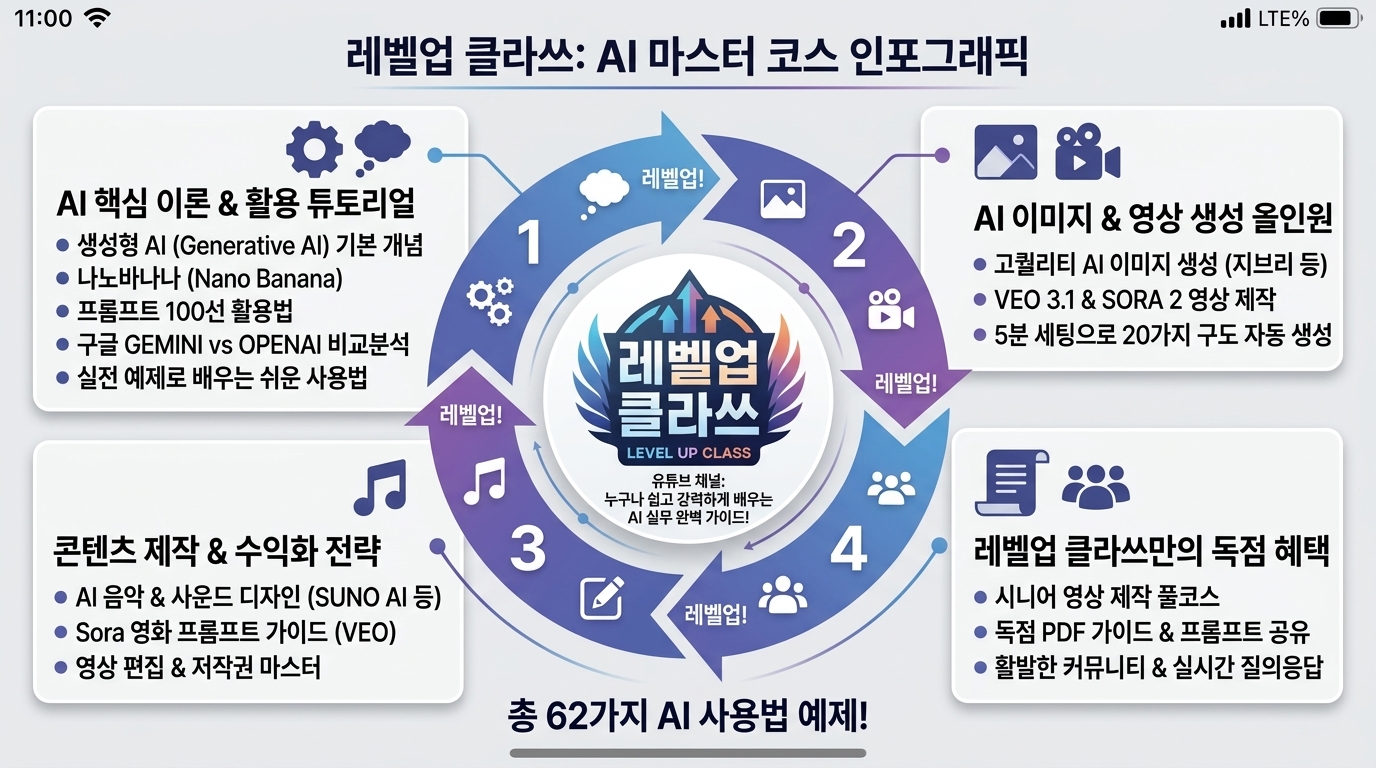


[197] 보이스 UI - Voice UI


KR 설명: 음성 명령과 음성 응답을 중심으로 설계된 보이스 인터페이스 스타일입니다.

EN Description: A voice-oriented style designed around spoken commands and responses.


KR 1. 음성 사용자 인터페이스 스타일을 적용해서 파워포인트를 만드세요.

EN 1. Create a PowerPoint presentation in the Voice UI style.


KR 2. 음성 사용자 인터페이스 스타일을 적용해서 인포그래픽을 만드세요.

EN 2. Create an infographic in the Voice UI style.


KR 3. 음성 사용자 인터페이스 스타일을 적용해서 이미지를 생성하세요.

EN 3. Generate an image in the Voice UI style.


[198] 제스처 UI - Gesture UI


KR 설명: 스와이프와 드래그 같은 몸짓 동작으로 조작하는 제스처 중심 스타일입니다.

EN Description: A control style driven by swipes, drags, and gesture-based interaction.


KR 1. 제스처 사용자 인터페이스 스타일을 적용해서 파워포인트를 만드세요.

EN 1. Create a PowerPoint presentation in the Gesture UI style.


KR 2. 제스처 사용자 인터페이스 스타일을 적용해서 인포그래픽을 만드세요.

EN 2. Create an infographic in the Gesture UI style.


KR 3. 제스처 사용자 인터페이스 스타일을 적용해서 이미지를 생성하세요.

EN 3. Generate an image in the Gesture UI style.


[199] 펜/잉크 UI - Ink/Stylus-first


KR 설명: 펜 입력과 필기, 드로잉을 자연스럽게 활용할 수 있게 하는 스타일입니다.

EN Description: A style that prioritizes pen input, handwriting, and drawing.


KR 1. 펜/잉크 사용자 인터페이스 스타일을 적용해서 파워포인트를 만드세요.

EN 1. Create a PowerPoint presentation in the Ink/Stylus-first style.


KR 2. 펜/잉크 사용자 인터페이스 스타일을 적용해서 인포그래픽을 만드세요.

EN 2. Create an infographic in the Ink/Stylus-first style.


KR 3. 펜/잉크 사용자 인터페이스 스타일을 적용해서 이미지를 생성하세요.

EN 3. Generate an image in the Ink/Stylus-first style.


[200] 공간 UI - Spatial UI: AR/VR/MR


KR 설명: 인터페이스 요소를 3차원 공간에 배치해 둘러보는 경험을 만드는 스타일입니다.

EN Description: A spatial style that arranges interface elements within three-dimensional space.


KR 1. 공간 사용자 인터페이스 - 증강현실/가상현실/혼합현실 스타일을 적용해서 파워포인트를 만드세요.

EN 1. Create a PowerPoint presentation in the Spatial UI: AR/VR/MR style.


KR 2. 공간 사용자 인터페이스 - 증강현실/가상현실/혼합현실 스타일을 적용해서 인포그래픽을 만드세요.

EN 2. Create an infographic in the Spatial UI: AR/VR/MR style.


KR 3. 공간 사용자 인터페이스 - 증강현실/가상현실/혼합현실 스타일을 적용해서 이미지를 생성하세요.

EN 3. Generate an image in the Spatial UI: AR/VR/MR style.


[201] 앰비언트/캄 테크 - Ambient/Calm tech


KR 설명: 사용자를 방해하지 않고 조용히 배경에서 작동하는 차분한 기술 스타일입니다.

EN Description: A calm unobtrusive style designed to stay quiet and supportive in the background.


KR 1. 앰비언트/캄 테크 스타일을 적용해서 파워포인트를 만드세요.

EN 1. Create a PowerPoint presentation in the Ambient/Calm tech style.


KR 2. 앰비언트/캄 테크 스타일을 적용해서 인포그래픽을 만드세요.

EN 2. Create an infographic in the Ambient/Calm tech style.


KR 3. 앰비언트/캄 테크 스타일을 적용해서 이미지를 생성하세요.

EN 3. Generate an image in the Ambient/Calm tech style.


[202] 제로 UI - Zero UI


KR 설명: 화면보다 자동화와 센서, 맥락 인식을 더 중시하는 보이지 않는 인터페이스 스타일입니다.

EN Description: An invisible-interface style that emphasizes automation, sensors, and context over screens.


KR 1. 제로 사용자 인터페이스 스타일을 적용해서 파워포인트를 만드세요.

EN 1. Create a PowerPoint presentation in the Zero UI style.


KR 2. 제로 사용자 인터페이스 스타일을 적용해서 인포그래픽을 만드세요.

EN 2. Create an infographic in the Zero UI style.


KR 3. 제로 사용자 인터페이스 스타일을 적용해서 이미지를 생성하세요.

EN 3. Generate an image in the Zero UI style.


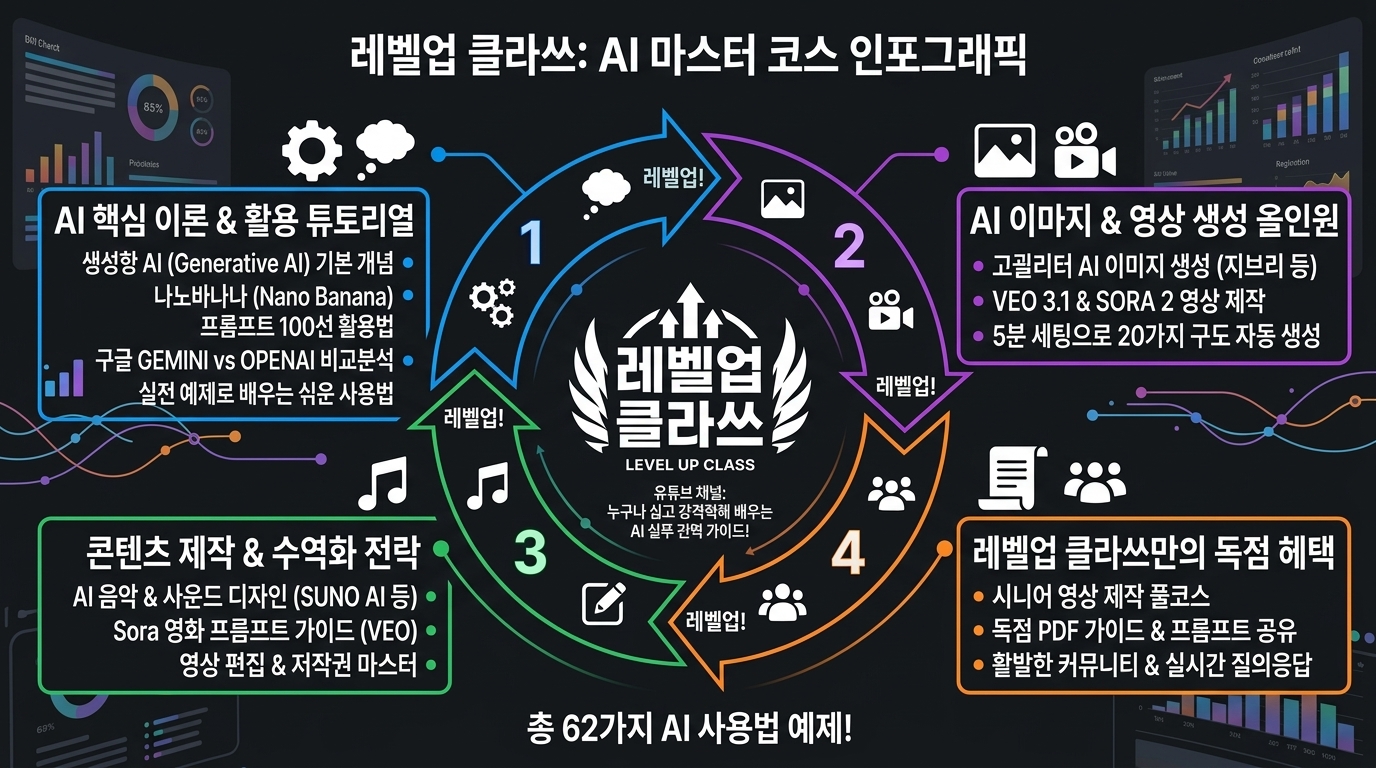
[203] 다크 모드 룩 - Dark mode aesthetic


KR 설명: 어두운 바탕과 밝은 강조색으로 눈부심을 줄이며 분위기를 만드는 스타일입니다.

EN Description: A dark surface style that uses bright highlights for mood and reduced glare.


KR 1. 다크 모드 룩 스타일을 적용해서 파워포인트를 만드세요.

EN 1. Create a PowerPoint presentation in the Dark mode aesthetic style.


KR 2. 다크 모드 룩 스타일을 적용해서 인포그래픽을 만드세요.

EN 2. Create an infographic in the Dark mode aesthetic style.


KR 3. 다크 모드 룩 스타일을 적용해서 이미지를 생성하세요.

EN 3. Generate an image in the Dark mode aesthetic style.
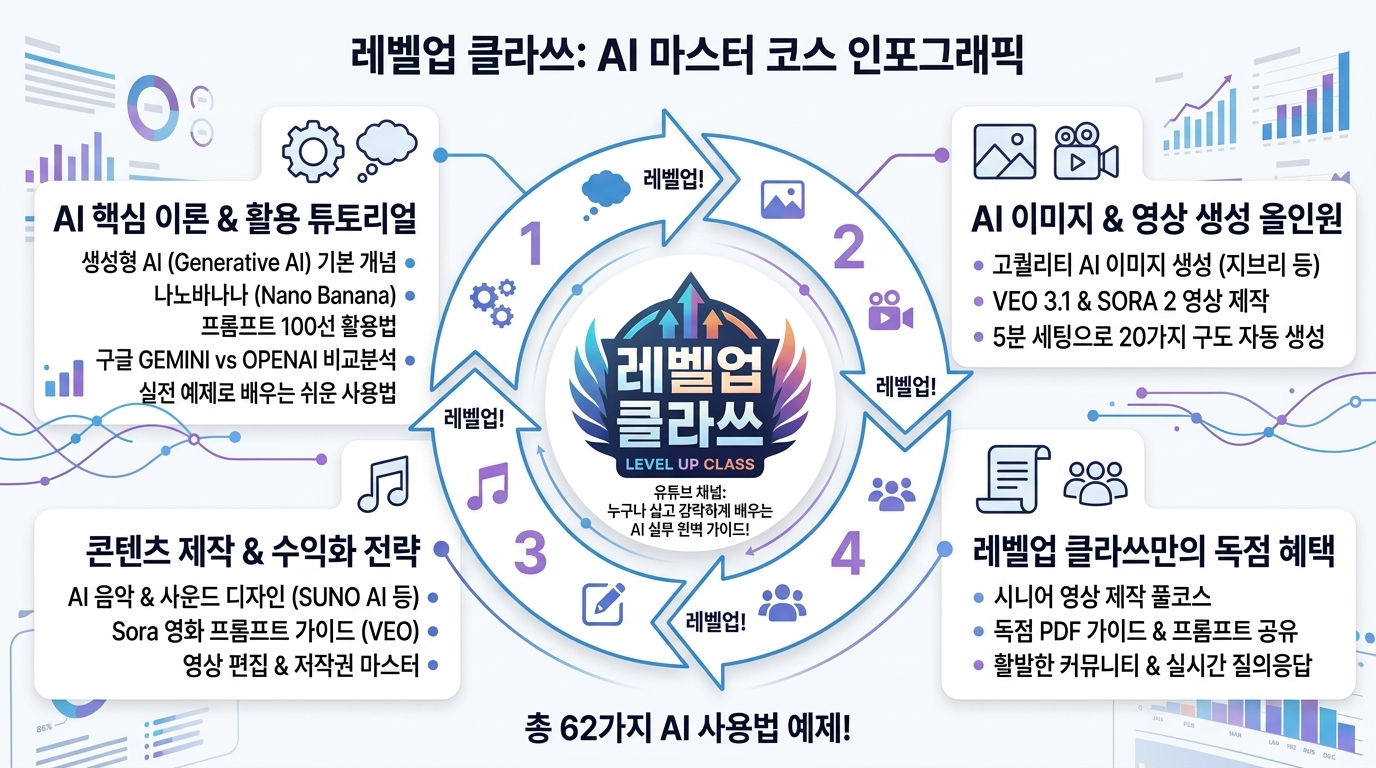


[204] 라이트 모드 룩 - Light mode aesthetic


KR 설명: 밝은 바탕과 선명한 정보 구조로 가볍고 명료하게 보이게 하는 스타일입니다.

EN Description: A bright clean style that feels airy and clearly organized.


KR 1. 라이트 모드 룩 스타일을 적용해서 파워포인트를 만드세요.

EN 1. Create a PowerPoint presentation in the Light mode aesthetic style.


KR 2. 라이트 모드 룩 스타일을 적용해서 인포그래픽을 만드세요.

EN 2. Create an infographic in the Light mode aesthetic style.


KR 3. 라이트 모드 룩 스타일을 적용해서 이미지를 생성하세요.

EN 3. Generate an image in the Light mode aesthetic style.


[205] 하이 콘트라스트 테마 - High contrast theme


KR 설명: 접근성을 위해 색과 명암 차이를 크게 두어 식별성을 높이는 스타일입니다.

EN Description: An accessibility-focused style that uses strong contrast for clearer visibility.


KR 1. 하이 콘트라스트 테마 스타일을 적용해서 파워포인트를 만드세요.

EN 1. Create a PowerPoint presentation in the High contrast theme style.


KR 2. 하이 콘트라스트 테마 스타일을 적용해서 인포그래픽을 만드세요.

EN 2. Create an infographic in the High contrast theme style.


KR 3. 하이 콘트라스트 테마 스타일을 적용해서 이미지를 생성하세요.

EN 3. Generate an image in the High contrast theme style.
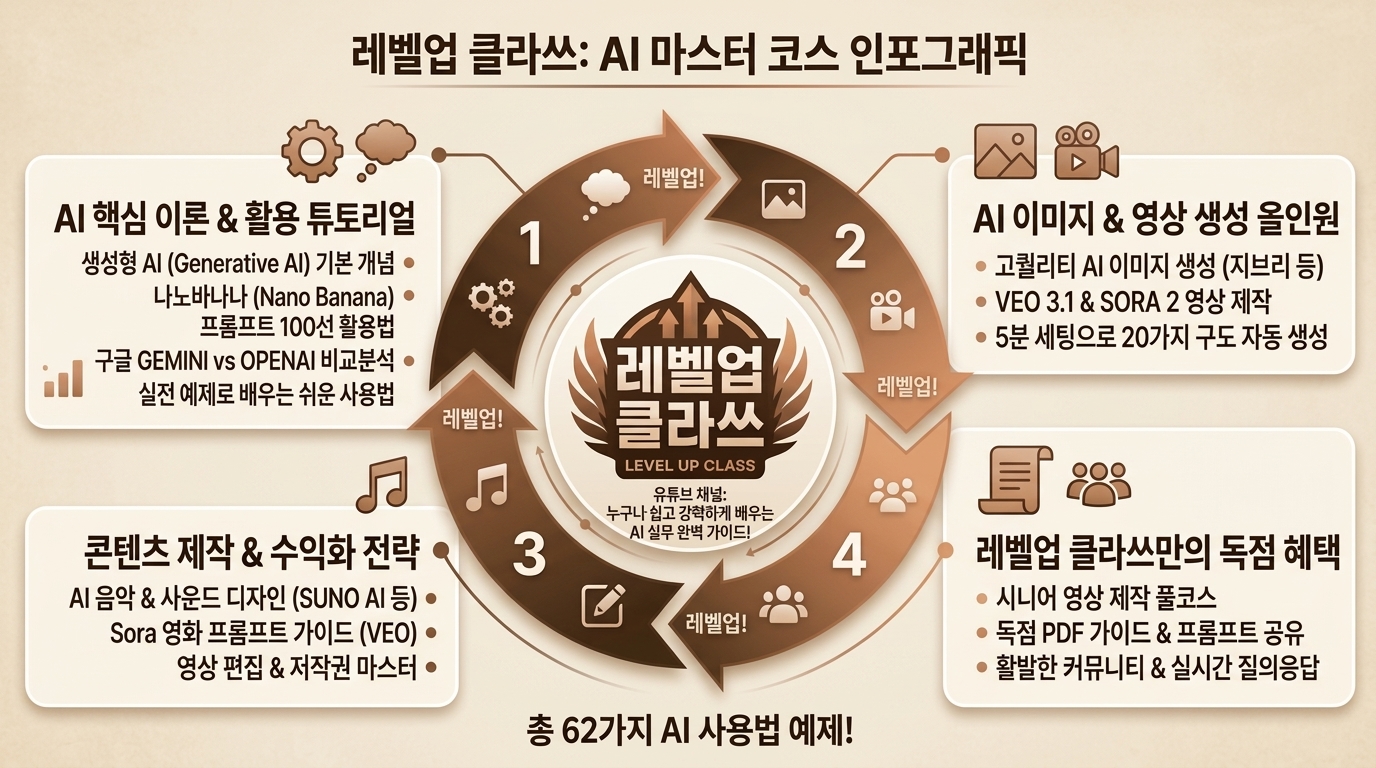


[206] 세피아/야간독서 모드 - Sepia/Night reading


KR 설명: 따뜻한 세피아나 야간 톤으로 장시간 읽기 편하게 조정한 스타일입니다.

EN Description: A reading style tuned with warm sepia or dark night tones for comfort.


KR 1. 세피아/야간독서 모드 스타일을 적용해서 파워포인트를 만드세요.

EN 1. Create a PowerPoint presentation in the Sepia/Night reading style.


KR 2. 세피아/야간독서 모드 스타일을 적용해서 인포그래픽을 만드세요.

EN 2. Create an infographic in the Sepia/Night reading style.


KR 3. 세피아/야간독서 모드 스타일을 적용해서 이미지를 생성하세요.

EN 3. Generate an image in the Sepia/Night reading style.


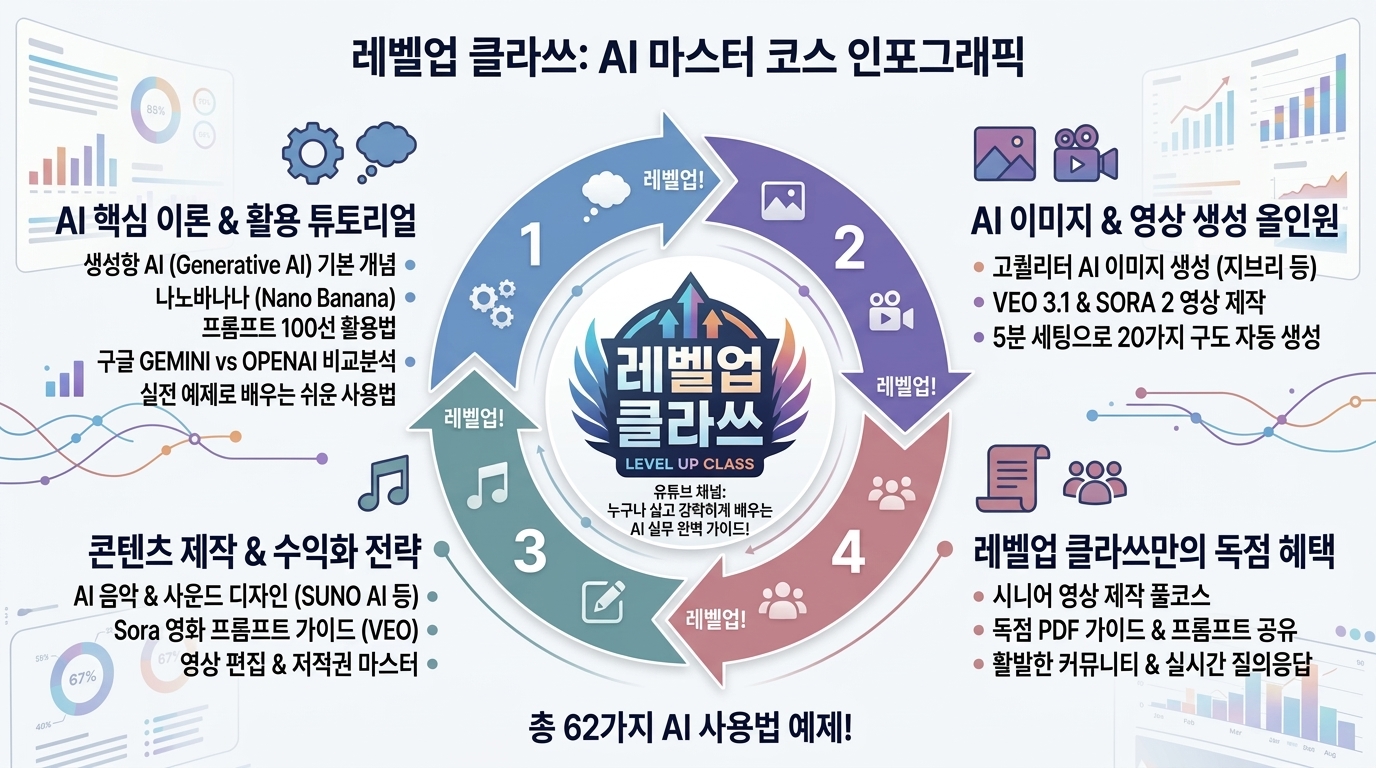
[207] 컬러블라인드 세이프 팔레트 - Colorblind-safe palette


KR 설명: 색약 사용자도 구분하기 쉬운 안전한 조합을 사용하는 접근성 스타일입니다.

EN Description: An accessible color style that avoids confusing combinations for colorblind users.


KR 1. 컬러블라인드 세이프 팔레트 스타일을 적용해서 파워포인트를 만드세요.

EN 1. Create a PowerPoint presentation in the Colorblind-safe palette style.


KR 2. 컬러블라인드 세이프 팔레트 스타일을 적용해서 인포그래픽을 만드세요.

EN 2. Create an infographic in the Colorblind-safe palette style.


KR 3. 컬러블라인드 세이프 팔레트 스타일을 적용해서 이미지를 생성하세요.

EN 3. Generate an image in the Colorblind-safe palette style.


[208] 리듀스드 모션 테마 - Reduced motion theme


KR 설명: 애니메이션을 줄여 멀미나 피로를 낮추는 배려형 스타일입니다.

EN Description: A comfort-focused style that minimizes motion to reduce fatigue and discomfort.


KR 1. 리듀스드 모션 테마 스타일을 적용해서 파워포인트를 만드세요.

EN 1. Create a PowerPoint presentation in the Reduced motion theme style.


KR 2. 리듀스드 모션 테마 스타일을 적용해서 인포그래픽을 만드세요.

EN 2. Create an infographic in the Reduced motion theme style.


KR 3. 리듀스드 모션 테마 스타일을 적용해서 이미지를 생성하세요.

EN 3. Generate an image in the Reduced motion theme style.


[209] 필드 - Filled


KR 설명: 컨트롤 내부를 색으로 꽉 채워 또렷하게 보이게 하는 버튼 스타일입니다.

EN Description: A button style with fully filled surfaces for strong visual weight.


KR 1. 필드 스타일을 적용해서 파워포인트를 만드세요.

EN 1. Create a PowerPoint presentation in the Filled style.


KR 2. 필드 스타일을 적용해서 인포그래픽을 만드세요.

EN 2. Create an infographic in the Filled style.


KR 3. 필드 스타일을 적용해서 이미지를 생성하세요.

EN 3. Generate an image in the Filled style.


[210] 아웃라인 - Outlined


KR 설명: 배경은 비우고 외곽선만 남겨 가볍게 보이게 하는 버튼 스타일입니다.

EN Description: A button style that stays light by using only a visible outline.


KR 1. 아웃라인 스타일을 적용해서 파워포인트를 만드세요.

EN 1. Create a PowerPoint presentation in the Outlined style.


KR 2. 아웃라인 스타일을 적용해서 인포그래픽을 만드세요.

EN 2. Create an infographic in the Outlined style.


KR 3. 아웃라인 스타일을 적용해서 이미지를 생성하세요.

EN 3. Generate an image in the Outlined style.


[211] 고스트 - Ghost


KR 설명: 존재감을 최소화해 배경처럼 보이지만 필요할 때만 드러나는 버튼 스타일입니다.

EN Description: A low-emphasis button style that feels subtle until interaction draws attention.


KR 1. 고스트 스타일을 적용해서 파워포인트를 만드세요.

EN 1. Create a PowerPoint presentation in the Ghost style.


KR 2. 고스트 스타일을 적용해서 인포그래픽을 만드세요.

EN 2. Create an infographic in the Ghost style.


KR 3. 고스트 스타일을 적용해서 이미지를 생성하세요.

EN 3. Generate an image in the Ghost style.


[212] 텍스트 버튼 - Text-only


KR 설명: 배경 없이 텍스트만으로 버튼 역할을 하는 가장 단순한 스타일입니다.

EN Description: The simplest button style where plain text itself acts as the control.


KR 1. 텍스트 버튼 스타일을 적용해서 파워포인트를 만드세요.

EN 1. Create a PowerPoint presentation in the Text-only style.


KR 2. 텍스트 버튼 스타일을 적용해서 인포그래픽을 만드세요.

EN 2. Create an infographic in the Text-only style.


KR 3. 텍스트 버튼 스타일을 적용해서 이미지를 생성하세요.

EN 3. Generate an image in the Text-only style.


[213] 필 형태 - Pill


KR 설명: 양 끝이 완전히 둥근 캡슐형 버튼과 태그에 어울리는 스타일입니다.

EN Description: A control style with fully rounded capsule ends, often used for tags or buttons.


KR 1. 필 형태 스타일을 적용해서 파워포인트를 만드세요.

EN 1. Create a PowerPoint presentation in the Pill style.


KR 2. 필 형태 스타일을 적용해서 인포그래픽을 만드세요.

EN 2. Create an infographic in the Pill style.


KR 3. 필 형태 스타일을 적용해서 이미지를 생성하세요.

EN 3. Generate an image in the Pill style.


[214] 샤프 - Sharp


KR 설명: 직각에 가까운 날카로운 모서리로 단단하고 정밀하게 보이는 버튼 스타일입니다.

EN Description: A control style with sharp square edges for a precise and firm feel.


KR 1. 샤프 스타일을 적용해서 파워포인트를 만드세요.

EN 1. Create a PowerPoint presentation in the Sharp style.


KR 2. 샤프 스타일을 적용해서 인포그래픽을 만드세요.

EN 2. Create an infographic in the Sharp style.


KR 3. 샤프 스타일을 적용해서 이미지를 생성하세요.

EN 3. Generate an image in the Sharp style.


[215] 세그먼티드 컨트롤 - Segmented control


KR 설명: 여러 선택지를 한 덩어리 안에서 나눠 보여주는 세그먼트형 컨트롤 스타일입니다.

EN Description: A grouped control style that divides multiple options within one segmented element.


KR 1. 세그먼티드 컨트롤 스타일을 적용해서 파워포인트를 만드세요.

EN 1. Create a PowerPoint presentation in the Segmented control style.


KR 2. 세그먼티드 컨트롤 스타일을 적용해서 인포그래픽을 만드세요.

EN 2. Create an infographic in the Segmented control style.


KR 3. 세그먼티드 컨트롤 스타일을 적용해서 이미지를 생성하세요.

EN 3. Generate an image in the Segmented control style.


[216] 토글 헤비 - Toggle-heavy


KR 설명: 켜기와 끄기 스위치가 많이 쓰이며 상태 전환이 중심이 되는 스타일입니다.

EN Description: A UI style where on-off toggles are a dominant interaction pattern.


KR 1. 토글 헤비 스타일을 적용해서 파워포인트를 만드세요.

EN 1. Create a PowerPoint presentation in the Toggle-heavy style.


KR 2. 토글 헤비 스타일을 적용해서 인포그래픽을 만드세요.

EN 2. Create an infographic in the Toggle-heavy style.


KR 3. 토글 헤비 스타일을 적용해서 이미지를 생성하세요.

EN 3. Generate an image in the Toggle-heavy style.


[217] 슬라이더 헤비 - Slider-heavy


KR 설명: 슬라이더로 값을 조절하는 입력 방식이 중심이 되는 스타일입니다.

EN Description: A control style centered on adjusting values through sliders.


KR 1. 슬라이더 헤비 스타일을 적용해서 파워포인트를 만드세요.

EN 1. Create a PowerPoint presentation in the Slider-heavy style.


KR 2. 슬라이더 헤비 스타일을 적용해서 인포그래픽을 만드세요.

EN 2. Create an infographic in the Slider-heavy style.


KR 3. 슬라이더 헤비 스타일을 적용해서 이미지를 생성하세요.

EN 3. Generate an image in the Slider-heavy style.
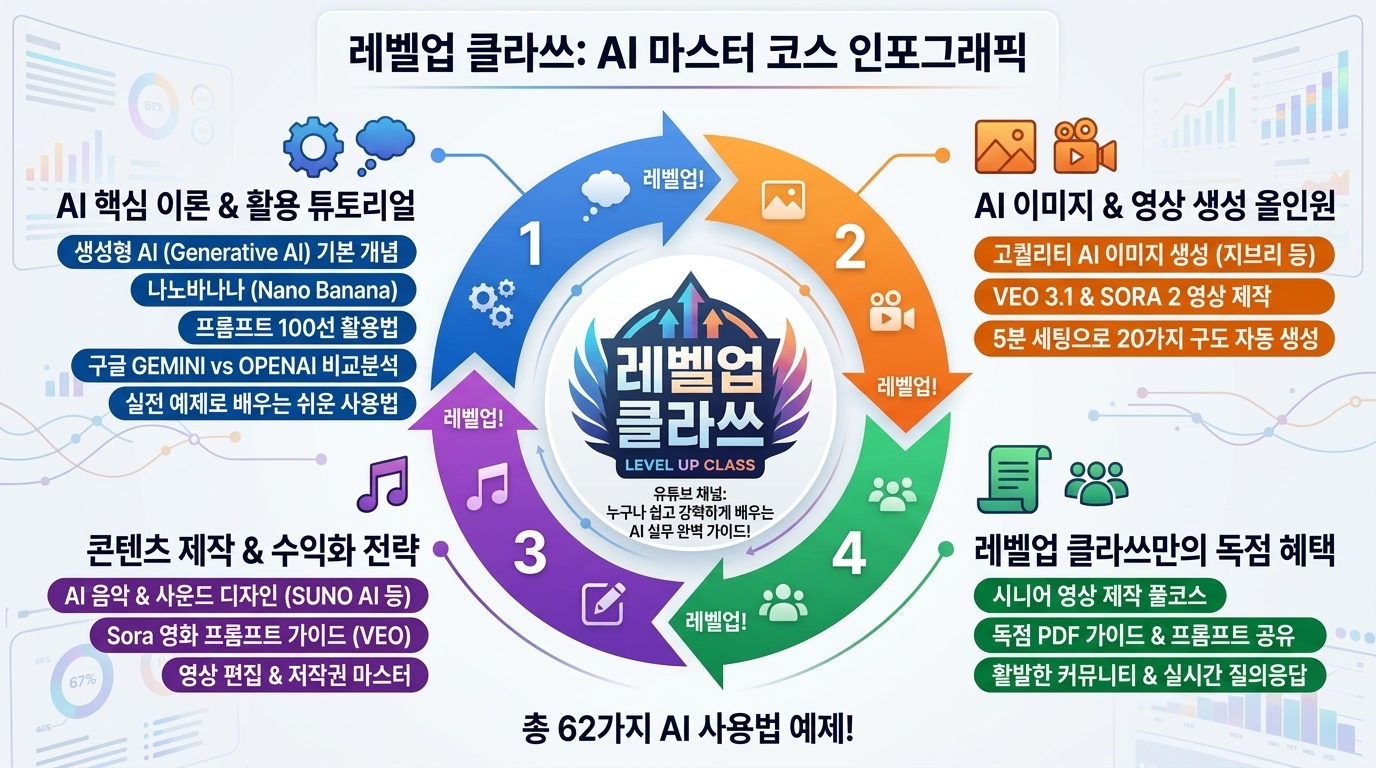


[218] 칩 헤비 - Chip-heavy


KR 설명: 작은 칩 형태의 선택지와 태그를 많이 활용하는 인터랙션 스타일입니다.

EN Description: An interaction style that heavily uses compact chips and tag-like controls.


KR 1. 칩 헤비 스타일을 적용해서 파워포인트를 만드세요.

EN 1. Create a PowerPoint presentation in the Chip-heavy style.


KR 2. 칩 헤비 스타일을 적용해서 인포그래픽을 만드세요.

EN 2. Create an infographic in the Chip-heavy style.


KR 3. 칩 헤비 스타일을 적용해서 이미지를 생성하세요.

EN 3. Generate an image in the Chip-heavy style.
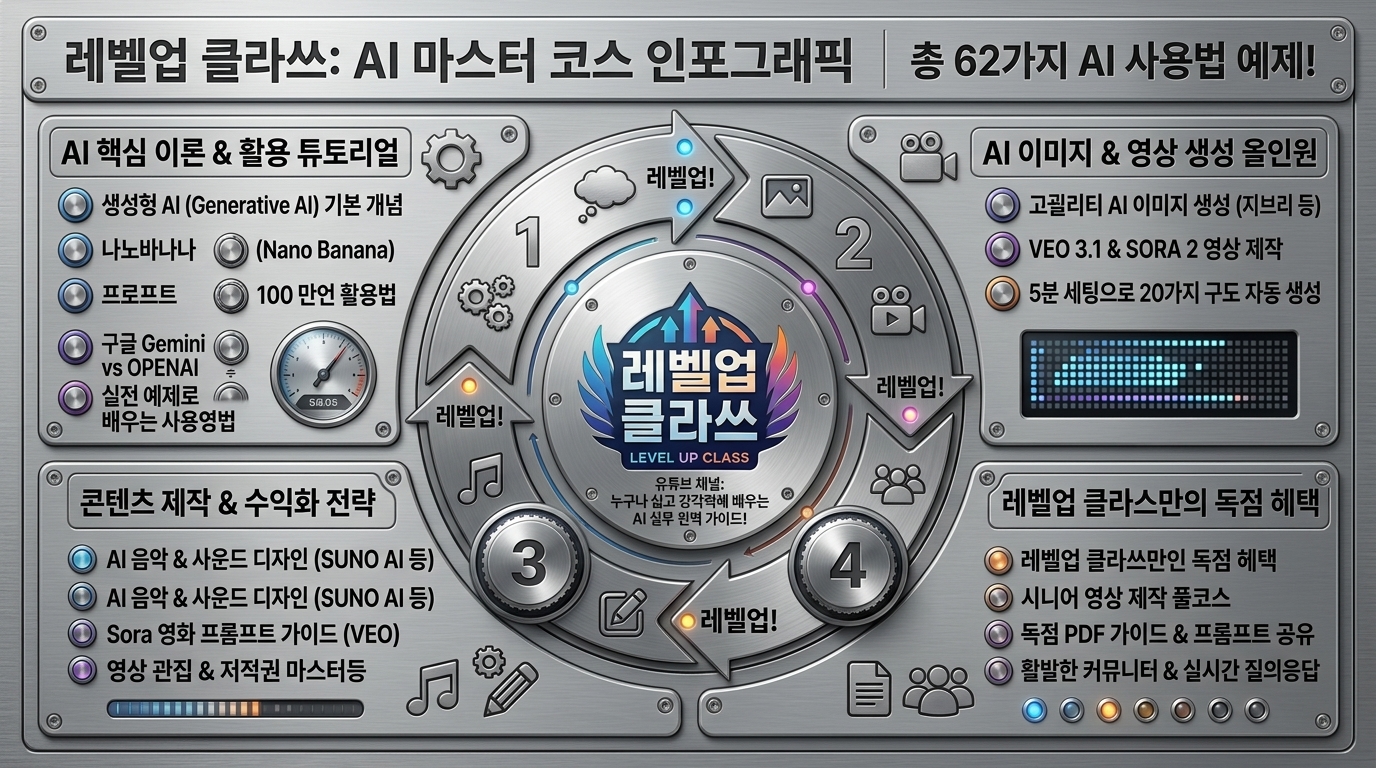


[219] 피지컬 컨트롤 - Physical-like controls


KR 설명: 실제 기기 조작부처럼 손으로 만지는 듯한 버튼과 노브를 닮은 스타일입니다.

EN Description: A tactile control style that mimics physical hardware buttons and knobs.


KR 1. 피지컬 컨트롤 스타일을 적용해서 파워포인트를 만드세요.

EN 1. Create a PowerPoint presentation in the Physical-like controls style.


KR 2. 피지컬 컨트롤 스타일을 적용해서 인포그래픽을 만드세요.

EN 2. Create an infographic in the Physical-like controls style.


KR 3. 피지컬 컨트롤 스타일을 적용해서 이미지를 생성하세요.

EN 3. Generate an image in the Physical-like controls style.


728x90
반응형
반응형


나노 바나나 프로 100가지 프롬프트


UI Style Prompts — 219 Styles

UI Style Prompts

219 / 219

UI 스타일별 한영 프롬프트 브라우저 — 클릭하여 프롬프트 확인 및 복사


목차


1. 재질감·깊이·표면 렌더링 계열 (Morphism & Surface) (1–35, 35개)


1. 스큐어모피즘 (Skeuomorphism)

2. 리치 스큐어모피즘 / 포토리얼 UI (Rich Skeuo / Photoreal UI)

3. 플랫 디자인 (Flat Design)

4. 세미 플랫 / 플랫 2.0 (Semi-flat / Flat 2.0)

5. 머티리얼 느낌 (Material-like)

6. 플루언트 느낌 (Fluent-like)

7. 메트로 / 타일 UI (Metro / Tile UI)

8. 뉴모피즘 / 소프트 UI (Neumorphism / Soft UI)

9. 글래스모피즘 (Glassmorphism)

10. 프로스티드 글라스 (Frosted glass)

11. 아크릴릭 (Acrylic)

12. 클레이모피즘 (Claymorphism)

13. 페이퍼 / 카드스톡 (Paper / Cardstock)

14. 페이퍼 컷 / 레이어드 페이퍼 (Paper-cut / Layered paper)

15. 오리가미 / 폴딩 UI (Fold / Origami UI)

16. 엠보스/디보스 (Emboss/Deboss)

17. 아우트라인 + 내부 음영 (Outlined + Inner shadow)

18. 롱 섀도우 (Long shadow)

19. 하드 섀도우 (Hard shadow)

20. 소프트 섀도우 (Soft shadow)

21. 글로우 UI (Glow UI)

22. 블룸 / 라이트 블리딩 (Bloom / Light bleed)

23. 크롬 / 메탈릭 (Chrome / Metallic)

24. 홀로그램 (Holographic)

25. 이리데슨트 (Iridescent)

26. 그라데이션 메탈 (Gradient metal)

27. 노이즈/그레인 (Noise/Grain)

28. 디더링 (Dithering)

29. 하프톤 (Halftone)

30. 모아레/패턴 오버레이 (Moire/Pattern overlay)

31. 피지컬 스위치/노브 UI (Physical controls UI)

32. 3D UI (Three-dimensional UI)

33. 이소메트릭 UI (Isometric UI)

34. 로우폴리 (Low-poly)

35. 스키마틱/와이어프레임 룩 (Schematic/Wireframe look)


2. 미니멀 ↔ 맥시멀 (장식 밀도 스펙트럼) (36–45, 10개)


36. 울트라 미니멀 (Ultra-minimal)

37. 미니멀리즘 (Minimalism)

38. 에디토리얼 미니멀 (Editorial minimal)

39. 클린 코퍼레이트 SaaS (Clean corporate SaaS)

40. 맥시멀리즘 (Maximalism)

41. 데코러티브 UI (Decorative UI)

42. 오너먼트(장식) (Ornamental)

43. 팝/플레이풀 (Playful / Pop)

44. 키치 (Kitsch)

45. 캠프 (Camp)


3. 브루탈/포스트모던 계열 (46–53, 8개)


46. 브루탈리즘 UI (Brutalism UI)

47. 네오 브루탈리즘 (Neo-brutalism)

48. 안티-디자인 (Anti-design)

49. 포스트모던 (Postmodern)

50. 멤피스 (Memphis)

51. 콜라주 (Collage)

52. 제린/스크랩북 (Zine / Scrapbook)

53. 웹 1.0 / HTML 레트로 (Web 1.0/HTML retro)


4. 타이포그래피·그리드 기반 사조 (54–66, 13개)


54. 인터내셔널/스위스 (International/Swiss)

55. 바우하우스 (Bauhaus)

56. 모더니즘 (Modernism)

57. 미드센추리 모던 (Mid-century modern)

58. 아르데코 (Art Deco)

59. 아르누보 (Art Nouveau)

60. 구성주의 (Constructivism)

61. 데 스틸 (De Stijl)

62. 사이키델릭 (Psychedelic)

63. 그런지 (Grunge)

64. 레트로 프린트 (Retro print)

65. 에디토리얼 (Editorial)

66. 타이포 퍼스트 / 타입 드리븐 UI (Typography-first / Type-driven UI)

5. 컬러·톤·팔레트 룩 (67–87, 21개)


67. 모노크롬 (Monochrome)

68. 그레이스케일 (Grayscale)

69. 듀오톤 (Duotone)

70. 트라이톤 (Tritone)

71. 파스텔 (Pastel)

72. 뮤트/더스티 (Muted/Dusty)

73. 비비드 (Vivid)

74. 네온 (Neon)

75. 하이 콘트라스트 (High contrast)

76. 로우 콘트라스트 (Low contrast)

77. 그라데이션(일반) (Gradient)

78. 선형 그라데이션 (Linear gradient)

79. 방사형 그라데이션 (Radial gradient)

80. 각도/코닉 그라데이션 (Conic gradient)

81. 메쉬 그라데이션 (Gradient mesh)

82. 오로라 그라데이션 (Aurora gradient)

83. 컬러 블로킹 (Color blocking)

84. 브랜드 단색 + 포인트 (Brand mono + accent)

85. 톤온톤 (Tone-on-tone)

86. 뉴트럴 + 포인트 (Neutral + pop accent)

87. 시즌/캠페인 팔레트 (Seasonal)


6. 형태 언어 (Shape Language) (88–96, 9개)


88. 라운디드 UI (Rounded UI)

89. 샤프/각진 UI (Sharp UI)

90. 스퀴클 (Squircle)

91. 블롭/유기적 형태 (Blob/Organic)

92. 기하 형태 (Geometric)

93. 모듈러/블록형 (Modular/Blocky)

94. 라인아트 (Line-art)

95. 스티커/배지 (Sticker/Badge)

96. 리본/태그 UI (Ribbon/Tag UI)


7. 아이콘·일러스트 스타일 (97–117, 21개)


97. 라인 아이콘 (Outline icons)

98. 솔리드 아이콘 (Filled icons)

99. 투톤 아이콘 (Duotone icons)

100. 글리프 (Glyph)

101. 픽토그램 (Pictogram)

102. 와이어 아이콘 (Wire icons)

103. 플랫 일러스트 (Flat illustration)

104. 세미플랫/그라데이션 일러스트 (Semi-flat/Gradient illustration)

105. 3D 일러스트 (3D illustration)

106. 이소메트릭 일러스트 (Isometric illustration)

107. 핸드드로운 (Hand-drawn)

108. 두들/낙서 (Doodle)

109. 캐릭터 중심 UI (Character UI)

110. 마스코트 브랜드 (Mascot-driven)

111. 픽셀아트 (Pixel art)

112. 레트로 게임 UI / HUD (8/16-bit)

113. 만화/코믹 UI (Comic UI)

114. 애니메이션풍 (Anime-inspired)

115. 스케치/연필 드로잉 (Sketch/pencil)

116. 수채화 (Watercolor)

117. 콜라주/컷아웃 (Collage/Cut-out)


728x90
반응형
반응형


UI 디자인 스타일 219 - 1


제미나이 나노바나나2를 통해서 이미지를 생성했습니다.


UI Style Prompts — 219 Styles

UI Style Prompts

219 / 219

UI 스타일별 한영 프롬프트 브라우저 — 클릭하여 프롬프트 확인 및 복사


목차


1. 재질감·깊이·표면 렌더링 계열 (Morphism & Surface) (1–35, 35개)


1. 스큐어모피즘 (Skeuomorphism)

2. 리치 스큐어모피즘 / 포토리얼 UI (Rich Skeuo / Photoreal UI)

3. 플랫 디자인 (Flat Design)

4. 세미 플랫 / 플랫 2.0 (Semi-flat / Flat 2.0)

5. 머티리얼 느낌 (Material-like)

6. 플루언트 느낌 (Fluent-like)

7. 메트로 / 타일 UI (Metro / Tile UI)

8. 뉴모피즘 / 소프트 UI (Neumorphism / Soft UI)

9. 글래스모피즘 (Glassmorphism)

10. 프로스티드 글라스 (Frosted glass)

11. 아크릴릭 (Acrylic)

12. 클레이모피즘 (Claymorphism)

13. 페이퍼 / 카드스톡 (Paper / Cardstock)

14. 페이퍼 컷 / 레이어드 페이퍼 (Paper-cut / Layered paper)

15. 오리가미 / 폴딩 UI (Fold / Origami UI)

16. 엠보스/디보스 (Emboss/Deboss)

17. 아우트라인 + 내부 음영 (Outlined + Inner shadow)

18. 롱 섀도우 (Long shadow)

19. 하드 섀도우 (Hard shadow)

20. 소프트 섀도우 (Soft shadow)

21. 글로우 UI (Glow UI)

22. 블룸 / 라이트 블리딩 (Bloom / Light bleed)

23. 크롬 / 메탈릭 (Chrome / Metallic)

24. 홀로그램 (Holographic)

25. 이리데슨트 (Iridescent)

26. 그라데이션 메탈 (Gradient metal)

27. 노이즈/그레인 (Noise/Grain)

28. 디더링 (Dithering)

29. 하프톤 (Halftone)

30. 모아레/패턴 오버레이 (Moire/Pattern overlay)

31. 피지컬 스위치/노브 UI (Physical controls UI)

32. 3D UI (Three-dimensional UI)

33. 이소메트릭 UI (Isometric UI)

34. 로우폴리 (Low-poly)

35. 스키마틱/와이어프레임 룩 (Schematic/Wireframe look)


2. 미니멀 ↔ 맥시멀 (장식 밀도 스펙트럼) (36–45, 10개)


36. 울트라 미니멀 (Ultra-minimal)

37. 미니멀리즘 (Minimalism)

38. 에디토리얼 미니멀 (Editorial minimal)

39. 클린 코퍼레이트 SaaS (Clean corporate SaaS)

40. 맥시멀리즘 (Maximalism)

41. 데코러티브 UI (Decorative UI)

42. 오너먼트(장식) (Ornamental)

43. 팝/플레이풀 (Playful / Pop)

44. 키치 (Kitsch)

45. 캠프 (Camp)


3. 브루탈/포스트모던 계열 (46–53, 8개)


46. 브루탈리즘 UI (Brutalism UI)

47. 네오 브루탈리즘 (Neo-brutalism)

48. 안티-디자인 (Anti-design)

49. 포스트모던 (Postmodern)

50. 멤피스 (Memphis)

51. 콜라주 (Collage)

52. 제린/스크랩북 (Zine / Scrapbook)

53. 웹 1.0 / HTML 레트로 (Web 1.0/HTML retro)


4. 타이포그래피·그리드 기반 사조 (54–66, 13개)


54. 인터내셔널/스위스 (International/Swiss)

55. 바우하우스 (Bauhaus)

56. 모더니즘 (Modernism)

57. 미드센추리 모던 (Mid-century modern)

58. 아르데코 (Art Deco)

59. 아르누보 (Art Nouveau)

60. 구성주의 (Constructivism)

61. 데 스틸 (De Stijl)

62. 사이키델릭 (Psychedelic)

63. 그런지 (Grunge)

64. 레트로 프린트 (Retro print)

65. 에디토리얼 (Editorial)

66. 타이포 퍼스트 / 타입 드리븐 UI (Typography-first / Type-driven UI)

5. 컬러·톤·팔레트 룩 (67–87, 21개)


67. 모노크롬 (Monochrome)

68. 그레이스케일 (Grayscale)

69. 듀오톤 (Duotone)

70. 트라이톤 (Tritone)

71. 파스텔 (Pastel)

72. 뮤트/더스티 (Muted/Dusty)

73. 비비드 (Vivid)

74. 네온 (Neon)

75. 하이 콘트라스트 (High contrast)

76. 로우 콘트라스트 (Low contrast)

77. 그라데이션(일반) (Gradient)

78. 선형 그라데이션 (Linear gradient)

79. 방사형 그라데이션 (Radial gradient)

80. 각도/코닉 그라데이션 (Conic gradient)

81. 메쉬 그라데이션 (Gradient mesh)

82. 오로라 그라데이션 (Aurora gradient)

83. 컬러 블로킹 (Color blocking)

84. 브랜드 단색 + 포인트 (Brand mono + accent)

85. 톤온톤 (Tone-on-tone)

86. 뉴트럴 + 포인트 (Neutral + pop accent)

87. 시즌/캠페인 팔레트 (Seasonal)


6. 형태 언어 (Shape Language) (88–96, 9개)


88. 라운디드 UI (Rounded UI)

89. 샤프/각진 UI (Sharp UI)

90. 스퀴클 (Squircle)

91. 블롭/유기적 형태 (Blob/Organic)

92. 기하 형태 (Geometric)

93. 모듈러/블록형 (Modular/Blocky)

94. 라인아트 (Line-art)

95. 스티커/배지 (Sticker/Badge)

96. 리본/태그 UI (Ribbon/Tag UI)


7. 아이콘·일러스트 스타일 (97–117, 21개)


97. 라인 아이콘 (Outline icons)

98. 솔리드 아이콘 (Filled icons)

99. 투톤 아이콘 (Duotone icons)

100. 글리프 (Glyph)

101. 픽토그램 (Pictogram)

102. 와이어 아이콘 (Wire icons)

103. 플랫 일러스트 (Flat illustration)

104. 세미플랫/그라데이션 일러스트 (Semi-flat/Gradient illustration)

105. 3D 일러스트 (3D illustration)

106. 이소메트릭 일러스트 (Isometric illustration)

107. 핸드드로운 (Hand-drawn)

108. 두들/낙서 (Doodle)

109. 캐릭터 중심 UI (Character UI)

110. 마스코트 브랜드 (Mascot-driven)

111. 픽셀아트 (Pixel art)

112. 레트로 게임 UI / HUD (8/16-bit)

113. 만화/코믹 UI (Comic UI)

114. 애니메이션풍 (Anime-inspired)

115. 스케치/연필 드로잉 (Sketch/pencil)

116. 수채화 (Watercolor)

117. 콜라주/컷아웃 (Collage/Cut-out)


[1] 스큐어모피즘 - Skeuomorphism


KR 설명: 실제 사물의 재질감과 입체감을 모방해 버튼과 패널을 현실감 있게 표현하는 스타일입니다.

EN Description: A style that imitates real-world materials and depth so buttons and panels feel tangible and realistic.


KR 1. 스큐어모피즘 스타일을 적용해서 파워포인트를 만드세요.

EN 1. Create a PowerPoint presentation in the Skeuomorphism style.


KR 2. 스큐어모피즘 스타일을 적용해서 인포그래픽을 만드세요.

EN 2. Create an infographic in the Skeuomorphism style.

KR 3. 스큐어모피즘 스타일을 적용해서 이미지를 생성하세요.

EN 3. Generate an image in the Skeuomorphism style.


[2] 리치 스큐어모피즘 / 포토리얼 UI - Rich Skeuo / Photoreal UI


KR 설명: 실제에 가까운 재질과 빛 반사를 사용해 사진처럼 정교하고 사실적으로 표현하는 스타일입니다.

EN Description: A highly detailed style that uses near-photoreal materials and lighting for a polished realistic look.


KR 1. 리치 스큐어모피즘 / 포토리얼 사용자 인터페이스 스타일을 적용해서 파워포인트를 만드세요.

EN 1. Create a PowerPoint presentation in the Rich Skeuo / Photoreal UI style.


KR 2. 리치 스큐어모피즘 / 포토리얼 사용자 인터페이스 스타일을 적용해서 인포그래픽을 만드세요.

EN 2. Create an infographic in the Rich Skeuo / Photoreal UI style.

KR 3. 리치 스큐어모피즘 / 포토리얼 사용자 인터페이스 스타일을 적용해서 이미지를 생성하세요.

EN 3. Generate an image in the Rich Skeuo / Photoreal UI style.


[3] 플랫 디자인 - Flat Design


KR 설명: 입체 효과를 줄이고 단순한 색면과 아이콘으로 깔끔하게 구성하는 스타일입니다.

EN Description: A clean style that removes most depth and relies on simple shapes, solid colors, and clear icons.


KR 1. 플랫 디자인 스타일을 적용해서 파워포인트를 만드세요.

EN 1. Create a PowerPoint presentation in the Flat Design style.


KR 2. 플랫 디자인 스타일을 적용해서 인포그래픽을 만드세요.

EN 2. Create an infographic in the Flat Design style.


KR 3. 플랫 디자인 스타일을 적용해서 이미지를 생성하세요.

EN 3. Generate an image in the Flat Design style.


[4] 세미 플랫 / 플랫 2.0 - Semi-flat / Flat 2.0


KR 설명: 플랫 디자인을 기본으로 하되 약한 그림자와 깊이를 더해 현대적으로 보완한 스타일입니다.

EN Description: A modernized flat style that keeps simplicity while adding subtle shadows and light depth.


KR 1. 세미 플랫 / 플랫 2.0 스타일을 적용해서 파워포인트를 만드세요.

EN 1. Create a PowerPoint presentation in the Semi-flat / Flat 2.0 style.


KR 2. 세미 플랫 / 플랫 2.0 스타일을 적용해서 인포그래픽을 만드세요.

EN 2. Create an infographic in the Semi-flat / Flat 2.0 style.


KR 3. 세미 플랫 / 플랫 2.0 스타일을 적용해서 이미지를 생성하세요.

EN 3. Generate an image in the Semi-flat / Flat 2.0 style.


[5] 머티리얼 느낌 - Material-like


KR 설명: 종이 레이어처럼 겹치는 표면과 일관된 높이 체계를 사용하는 구조적인 스타일입니다.

EN Description: A structured style that uses layered surfaces and consistent elevation like stacked sheets of paper.


KR 1. 머티리얼 느낌 스타일을 적용해서 파워포인트를 만드세요.

EN 1. Create a PowerPoint presentation in the Material-like style.


KR 2. 머티리얼 느낌 스타일을 적용해서 인포그래픽을 만드세요.

EN 2. Create an infographic in the Material-like style.

KR 3. 머티리얼 느낌 스타일을 적용해서 이미지를 생성하세요.

EN 3. Generate an image in the Material-like style.


[6] 플루언트 느낌 - Fluent-like


KR 설명: 반투명 표면과 빛, 깊이, 모션을 조합해 부드럽고 현대적인 느낌을 주는 스타일입니다.

EN Description: A modern style that combines translucency, light, depth, and motion for a refined interface.


KR 1. 플루언트 느낌 스타일을 적용해서 파워포인트를 만드세요.

EN 1. Create a PowerPoint presentation in the Fluent-like style.


KR 2. 플루언트 느낌 스타일을 적용해서 인포그래픽을 만드세요.

EN 2. Create an infographic in the Fluent-like style.


KR 3. 플루언트 느낌 스타일을 적용해서 이미지를 생성하세요.

EN 3. Generate an image in the Fluent-like style.


[7] 메트로 / 타일 UI - Metro / Tile UI


KR 설명: 큰 타이포와 타일형 블록을 중심으로 정보를 명확하게 나누는 스타일입니다.

EN Description: A style centered on bold typography and block-like tiles that divide information clearly.


KR 1. 메트로 / 타일 사용자 인터페이스 스타일을 적용해서 파워포인트를 만드세요.

EN 1. Create a PowerPoint presentation in the Metro / Tile UI style.


KR 2. 메트로 / 타일 사용자 인터페이스 스타일을 적용해서 인포그래픽을 만드세요.

EN 2. Create an infographic in the Metro / Tile UI style.


KR 3. 메트로 / 타일 사용자 인터페이스 스타일을 적용해서 이미지를 생성하세요.

EN 3. Generate an image in the Metro / Tile UI style.


[8] 뉴모피즘 / 소프트 UI - Neumorphism / Soft UI


KR 설명: 부드러운 표면 위에 안쪽과 바깥쪽 그림자를 넣어 눌리거나 솟은 듯 보이게 하는 스타일입니다.

EN Description: A soft-surface style that uses inner and outer shadows to make elements feel pressed in or raised.


KR 1. 뉴모피즘 / 소프트 사용자 인터페이스 스타일을 적용해서 파워포인트를 만드세요.

EN 1. Create a PowerPoint presentation in the Neumorphism / Soft UI style.


KR 2. 뉴모피즘 / 소프트 사용자 인터페이스 스타일을 적용해서 인포그래픽을 만드세요.

EN 2. Create an infographic in the Neumorphism / Soft UI style.


KR 3. 뉴모피즘 / 소프트 사용자 인터페이스 스타일을 적용해서 이미지를 생성하세요.

EN 3. Generate an image in the Neumorphism / Soft UI style.


[9] 글래스모피즘 - Glassmorphism


KR 설명: 반투명 카드와 배경 블러를 사용해 유리판처럼 맑고 떠 있는 느낌을 주는 스타일입니다.

EN Description: A style that uses translucent cards and blurred backgrounds to create a floating glass-like effect.


KR 1. 글래스모피즘 스타일을 적용해서 파워포인트를 만드세요.

EN 1. Create a PowerPoint presentation in the Glassmorphism style.


KR 2. 글래스모피즘 스타일을 적용해서 인포그래픽을 만드세요.

EN 2. Create an infographic in the Glassmorphism style.


KR 3. 글래스모피즘 스타일을 적용해서 이미지를 생성하세요.

EN 3. Generate an image in the Glassmorphism style.


[10] 프로스티드 글라스 - Frosted glass


KR 설명: 강한 블러와 서리 낀 유리 느낌으로 차갑고 반투명한 표면을 강조하는 스타일입니다.

EN Description: A style that emphasizes strong blur and icy translucency for a frosted glass appearance.


KR 1. 프로스티드 글라스 스타일을 적용해서 파워포인트를 만드세요.

EN 1. Create a PowerPoint presentation in the Frosted glass style.


KR 2. 프로스티드 글라스 스타일을 적용해서 인포그래픽을 만드세요.

EN 2. Create an infographic in the Frosted glass style.


KR 3. 프로스티드 글라스 스타일을 적용해서 이미지를 생성하세요.

EN 3. Generate an image in the Frosted glass style.


[11] 아크릴릭 - Acrylic


KR 설명: 블러와 미세한 노이즈가 섞인 반투명 재질로 깊이감 있는 표면을 만드는 스타일입니다.

EN Description: A translucent material style that mixes blur and fine noise to create layered depth.


KR 1. 아크릴릭 스타일을 적용해서 파워포인트를 만드세요.

EN 1. Create a PowerPoint presentation in the Acrylic style.


KR 2. 아크릴릭 스타일을 적용해서 인포그래픽을 만드세요.

EN 2. Create an infographic in the Acrylic style.


KR 3. 아크릴릭 스타일을 적용해서 이미지를 생성하세요.

EN 3. Generate an image in the Acrylic style.


[12] 클레이모피즘 - Claymorphism


KR 설명: 둥글고 말랑한 3D 형태를 사용해 점토처럼 부드럽고 친근하게 보이게 하는 스타일입니다.

EN Description: A soft 3D style that uses rounded clay-like forms to feel playful and friendly.


KR 1. 클레이모피즘 스타일을 적용해서 파워포인트를 만드세요.

EN 1. Create a PowerPoint presentation in the Claymorphism style.


KR 2. 클레이모피즘 스타일을 적용해서 인포그래픽을 만드세요.

EN 2. Create an infographic in the Claymorphism style.


KR 3. 클레이모피즘 스타일을 적용해서 이미지를 생성하세요.

EN 3. Generate an image in the Claymorphism style.


[13] 페이퍼 / 카드스톡 - Paper / Cardstock


KR 설명: 종이처럼 얇은 표면과 겹침 효과로 손에 잡히는 듯한 촉감을 만드는 스타일입니다.

EN Description: A tactile style that uses paper-like surfaces and layering to create a handcrafted feel.


KR 1. 페이퍼 / 카드스톡 스타일을 적용해서 파워포인트를 만드세요.

EN 1. Create a PowerPoint presentation in the Paper / Cardstock style.


KR 2. 페이퍼 / 카드스톡 스타일을 적용해서 인포그래픽을 만드세요.

EN 2. Create an infographic in the Paper / Cardstock style.


KR 3. 페이퍼 / 카드스톡 스타일을 적용해서 이미지를 생성하세요.

EN 3. Generate an image in the Paper / Cardstock style.


[14] 페이퍼 컷 / 레이어드 페이퍼 - Paper-cut / Layered paper


KR 설명: 오려낸 종이를 여러 장 겹친 것처럼 층과 그림자를 뚜렷하게 보여주는 스타일입니다.

EN Description: A layered style that looks like stacked cut paper with visible depth and crisp shadows.


KR 1. 페이퍼 컷 / 레이어드 페이퍼 스타일을 적용해서 파워포인트를 만드세요.

EN 1. Create a PowerPoint presentation in the Paper-cut / Layered paper style.


KR 2. 페이퍼 컷 / 레이어드 페이퍼 스타일을 적용해서 인포그래픽을 만드세요.

EN 2. Create an infographic in the Paper-cut / Layered paper style.


KR 3. 페이퍼 컷 / 레이어드 페이퍼 스타일을 적용해서 이미지를 생성하세요.

EN 3. Generate an image in the Paper-cut / Layered paper style.


[15] 오리가미 / 폴딩 UI - Fold / Origami UI


KR 설명: 접힌 면과 각진 주름을 활용해 종이가 접힌 듯한 구조를 보여주는 스타일입니다.

EN Description: A style that uses folded planes and angular creases to resemble origami or folded paper.


KR 1. 오리가미 / 폴딩 사용자 인터페이스 스타일을 적용해서 파워포인트를 만드세요.

EN 1. Create a PowerPoint presentation in the Fold / Origami UI style.


KR 2. 오리가미 / 폴딩 사용자 인터페이스 스타일을 적용해서 인포그래픽을 만드세요.

EN 2. Create an infographic in the Fold / Origami UI style.


KR 3. 오리가미 / 폴딩 사용자 인터페이스 스타일을 적용해서 이미지를 생성하세요.

EN 3. Generate an image in the Fold / Origami UI style.


[16] 엠보스/디보스 - Emboss/Deboss


KR 설명: 표면이 양각 또는 음각으로 눌리거나 솟은 것처럼 보이게 하는 스타일입니다.

EN Description: A style that makes surfaces appear embossed or debossed as if pressed into or raised from the background.


KR 1. 엠보스/디보스 스타일을 적용해서 파워포인트를 만드세요.

EN 1. Create a PowerPoint presentation in the Emboss/Deboss style.


KR 2. 엠보스/디보스 스타일을 적용해서 인포그래픽을 만드세요.

EN 2. Create an infographic in the Emboss/Deboss style.


KR 3. 엠보스/디보스 스타일을 적용해서 이미지를 생성하세요.

EN 3. Generate an image in the Emboss/Deboss style.


[17] 아우트라인 + 내부 음영 - Outlined + Inner shadow


KR 설명: 선명한 외곽선에 약한 내부 음영을 더해 단정하면서도 살짝 파인 깊이를 주는 스타일입니다.

EN Description: A clean outlined style that adds subtle inner shadow for restrained recessed depth.


KR 1. 아우트라인 + 내부 음영 스타일을 적용해서 파워포인트를 만드세요.

EN 1. Create a PowerPoint presentation in the Outlined + Inner shadow style.


KR 2. 아우트라인 + 내부 음영 스타일을 적용해서 인포그래픽을 만드세요.

EN 2. Create an infographic in the Outlined + Inner shadow style.


KR 3. 아우트라인 + 내부 음영 스타일을 적용해서 이미지를 생성하세요.

EN 3. Generate an image in the Outlined + Inner shadow style.


[18] 롱 섀도우 - Long shadow


KR 설명: 요소 뒤로 긴 방향성 그림자를 드리워 그래픽한 인상을 주는 스타일입니다.

EN Description: A graphic style that casts long directional shadows behind interface elements.


KR 1. 롱 섀도우 스타일을 적용해서 파워포인트를 만드세요.

EN 1. Create a PowerPoint presentation in the Long shadow style.


KR 2. 롱 섀도우 스타일을 적용해서 인포그래픽을 만드세요.

EN 2. Create an infographic in the Long shadow style.


KR 3. 롱 섀도우 스타일을 적용해서 이미지를 생성하세요.

EN 3. Generate an image in the Long shadow style.


[19] 하드 섀도우 - Hard shadow


KR 설명: 경계가 또렷한 짙은 그림자를 사용해 강하고 단단한 입체감을 주는 스타일입니다.

EN Description: A bold style that uses sharp dark shadows for strong and solid depth.


KR 1. 하드 섀도우 스타일을 적용해서 파워포인트를 만드세요.

EN 1. Create a PowerPoint presentation in the Hard shadow style.


KR 2. 하드 섀도우 스타일을 적용해서 인포그래픽을 만드세요.

EN 2. Create an infographic in the Hard shadow style.


KR 3. 하드 섀도우 스타일을 적용해서 이미지를 생성하세요.

EN 3. Generate an image in the Hard shadow style.


[20] 소프트 섀도우 - Soft shadow


KR 설명: 경계가 부드러운 확산 그림자를 사용해 가볍고 세련된 깊이감을 주는 스타일입니다.

EN Description: A refined style that uses diffused shadows to create light and elegant depth.


KR 1. 소프트 섀도우 스타일을 적용해서 파워포인트를 만드세요.

EN 1. Create a PowerPoint presentation in the Soft shadow style.


KR 2. 소프트 섀도우 스타일을 적용해서 인포그래픽을 만드세요.

EN 2. Create an infographic in the Soft shadow style.


KR 3. 소프트 섀도우 스타일을 적용해서 이미지를 생성하세요.

EN 3. Generate an image in the Soft shadow style.


[21] 글로우 UI - Glow UI


KR 설명: 가장자리와 배경에 빛 번짐을 넣어 네온처럼 발광하는 느낌을 주는 스타일입니다.

EN Description: A luminous style that adds glow to edges and backgrounds for a neon-like effect.


KR 1. 글로우 사용자 인터페이스 스타일을 적용해서 파워포인트를 만드세요.

EN 1. Create a PowerPoint presentation in the Glow UI style.


KR 2. 글로우 사용자 인터페이스 스타일을 적용해서 인포그래픽을 만드세요.

EN 2. Create an infographic in the Glow UI style.


KR 3. 글로우 사용자 인터페이스 스타일을 적용해서 이미지를 생성하세요.

EN 3. Generate an image in the Glow UI style.


[22] 블룸 / 라이트 블리딩 - Bloom / Light bleed


KR 설명: 빛이 번져 나오는 듯한 흐릿한 광량 효과로 몽환적인 표면을 만드는 스타일입니다.

EN Description: A dreamy style that simulates soft light spill and blooming highlights.


KR 1. 블룸 / 라이트 블리딩 스타일을 적용해서 파워포인트를 만드세요.

EN 1. Create a PowerPoint presentation in the Bloom / Light bleed style.


KR 2. 블룸 / 라이트 블리딩 스타일을 적용해서 인포그래픽을 만드세요.

EN 2. Create an infographic in the Bloom / Light bleed style.


KR 3. 블룸 / 라이트 블리딩 스타일을 적용해서 이미지를 생성하세요.

EN 3. Generate an image in the Bloom / Light bleed style.


[23] 크롬 / 메탈릭 - Chrome / Metallic


KR 설명: 반사광과 금속 질감을 강조해 차갑고 매끈한 금속 표면처럼 보이게 하는 스타일입니다.

EN Description: A style that emphasizes reflections and metallic texture for a sleek chrome-like finish.


KR 1. 크롬 / 메탈릭 스타일을 적용해서 파워포인트를 만드세요.

EN 1. Create a PowerPoint presentation in the Chrome / Metallic style.


KR 2. 크롬 / 메탈릭 스타일을 적용해서 인포그래픽을 만드세요.

EN 2. Create an infographic in the Chrome / Metallic style.


KR 3. 크롬 / 메탈릭 스타일을 적용해서 이미지를 생성하세요.

EN 3. Generate an image in the Chrome / Metallic style.


[24] 홀로그램 - Holographic


KR 설명: 무지갯빛이 흐르는 홀로그램 표면처럼 미래적이고 화려하게 보이게 하는 스타일입니다.

EN Description: A futuristic style that mimics holographic surfaces with shifting rainbow sheen.


KR 1. 홀로그램 스타일을 적용해서 파워포인트를 만드세요.

EN 1. Create a PowerPoint presentation in the Holographic style.


KR 2. 홀로그램 스타일을 적용해서 인포그래픽을 만드세요.

EN 2. Create an infographic in the Holographic style.


KR 3. 홀로그램 스타일을 적용해서 이미지를 생성하세요.

EN 3. Generate an image in the Holographic style.


[25] 이리데슨트 - Iridescent


KR 설명: 보는 각도에 따라 색이 달라지는 진주광택 느낌을 주는 스타일입니다.

EN Description: A pearlescent style where colors appear to shift depending on viewing angle.


KR 1. 이리데슨트 스타일을 적용해서 파워포인트를 만드세요.

EN 1. Create a PowerPoint presentation in the Iridescent style.


KR 2. 이리데슨트 스타일을 적용해서 인포그래픽을 만드세요.

EN 2. Create an infographic in the Iridescent style.


KR 3. 이리데슨트 스타일을 적용해서 이미지를 생성하세요.

EN 3. Generate an image in the Iridescent style.


[26] 그라데이션 메탈 - Gradient metal


KR 설명: 매끄러운 그라데이션으로 금속의 반사와 광택을 표현하는 스타일입니다.

EN Description: A style that uses smooth gradients to simulate metallic shine and reflection.


KR 1. 그라데이션 메탈 스타일을 적용해서 파워포인트를 만드세요.

EN 1. Create a PowerPoint presentation in the Gradient metal style.


KR 2. 그라데이션 메탈 스타일을 적용해서 인포그래픽을 만드세요.

EN 2. Create an infographic in the Gradient metal style.


KR 3. 그라데이션 메탈 스타일을 적용해서 이미지를 생성하세요.

EN 3. Generate an image in the Gradient metal style.


[27] 노이즈/그레인 - Noise/Grain


KR 설명: 미세한 거칠기를 더해 디지털 표면이 너무 매끈하지 않도록 만드는 스타일입니다.

EN Description: A texture style that adds fine grain so digital surfaces feel less perfectly smooth.


KR 1. 노이즈/그레인 스타일을 적용해서 파워포인트를 만드세요.

EN 1. Create a PowerPoint presentation in the Noise/Grain style.


KR 2. 노이즈/그레인 스타일을 적용해서 인포그래픽을 만드세요.

EN 2. Create an infographic in the Noise/Grain style.


KR 3. 노이즈/그레인 스타일을 적용해서 이미지를 생성하세요.

EN 3. Generate an image in the Noise/Grain style.


[28] 디더링 - Dithering


KR 설명: 점 패턴을 사용해 색 변화와 명암을 픽셀처럼 표현하는 레트로 스타일입니다.

EN Description: A retro style that uses dot-based dithering to express gradients and shading.


KR 1. 디더링 스타일을 적용해서 파워포인트를 만드세요.

EN 1. Create a PowerPoint presentation in the Dithering style.


KR 2. 디더링 스타일을 적용해서 인포그래픽을 만드세요.

EN 2. Create an infographic in the Dithering style.


KR 3. 디더링 스타일을 적용해서 이미지를 생성하세요.

EN 3. Generate an image in the Dithering style.


[29] 하프톤 - Halftone


KR 설명: 인쇄 점망처럼 반복되는 점으로 음영을 만드는 그래픽 스타일입니다.

EN Description: A graphic style that uses repeated print-like dots to create shading.


KR 1. 하프톤 스타일을 적용해서 파워포인트를 만드세요.

EN 1. Create a PowerPoint presentation in the Halftone style.


KR 2. 하프톤 스타일을 적용해서 인포그래픽을 만드세요.

EN 2. Create an infographic in the Halftone style.


KR 3. 하프톤 스타일을 적용해서 이미지를 생성하세요.

EN 3. Generate an image in the Halftone style.


[30] 모아레/패턴 오버레이 - Moire/Pattern overlay


KR 설명: 겹치는 패턴과 간섭 무늬를 사용해 실험적이고 시각적인 긴장감을 만드는 스타일입니다.

EN Description: An experimental style that uses overlapping patterns and moire-like interference for visual tension.


KR 1. 모아레/패턴 오버레이 스타일을 적용해서 파워포인트를 만드세요.

EN 1. Create a PowerPoint presentation in the Moire/Pattern overlay style.


KR 2. 모아레/패턴 오버레이 스타일을 적용해서 인포그래픽을 만드세요.

EN 2. Create an infographic in the Moire/Pattern overlay style.


KR 3. 모아레/패턴 오버레이 스타일을 적용해서 이미지를 생성하세요.

EN 3. Generate an image in the Moire/Pattern overlay style.


[31] 피지컬 스위치/노브 UI - Physical controls UI


KR 설명: 노브와 스위치 같은 실제 조작 장치 느낌을 살려 촉각적인 UI를 만드는 스타일입니다.

EN Description: A tactile style that makes controls feel like real knobs, sliders, and switches.


KR 1. 피지컬 스위치/노브 사용자 인터페이스 스타일을 적용해서 파워포인트를 만드세요.

EN 1. Create a PowerPoint presentation in the Physical controls UI style.


KR 2. 피지컬 스위치/노브 사용자 인터페이스 스타일을 적용해서 인포그래픽을 만드세요.

EN 2. Create an infographic in the Physical controls UI style.


KR 3. 피지컬 스위치/노브 사용자 인터페이스 스타일을 적용해서 이미지를 생성하세요.

EN 3. Generate an image in the Physical controls UI style.


[32] 3D UI - Three-dimensional UI


KR 설명: 원근감과 두께가 분명한 3차원 요소로 공간감을 강조하는 스타일입니다.

EN Description: A style that emphasizes spatial depth with clearly volumetric three-dimensional elements.


KR 1. 삼차원 사용자 인터페이스 스타일을 적용해서 파워포인트를 만드세요.

EN 1. Create a PowerPoint presentation in the Three-dimensional UI style.


KR 2. 삼차원 사용자 인터페이스 스타일을 적용해서 인포그래픽을 만드세요.

EN 2. Create an infographic in the Three-dimensional UI style.


KR 3. 삼차원 사용자 인터페이스 스타일을 적용해서 이미지를 생성하세요.

EN 3. Generate an image in the Three-dimensional UI style.


[33] 이소메트릭 UI - Isometric UI


KR 설명: 등각 투시를 사용해 기울어진 공간 구조를 정돈되게 보여주는 스타일입니다.

EN Description: A style that uses isometric perspective to present angled space in an orderly way.


KR 1. 이소메트릭 사용자 인터페이스 스타일을 적용해서 파워포인트를 만드세요.

EN 1. Create a PowerPoint presentation in the Isometric UI style.


KR 2. 이소메트릭 사용자 인터페이스 스타일을 적용해서 인포그래픽을 만드세요.

EN 2. Create an infographic in the Isometric UI style.


KR 3. 이소메트릭 사용자 인터페이스 스타일을 적용해서 이미지를 생성하세요.

EN 3. Generate an image in the Isometric UI style.


[34] 로우폴리 - Low-poly


KR 설명: 면이 잘게 나뉜 각진 형태로 입체를 단순화해 보여주는 스타일입니다.

EN Description: A style that simplifies forms into angular faceted surfaces like low-poly models.


KR 1. 로우폴리 스타일을 적용해서 파워포인트를 만드세요.

EN 1. Create a PowerPoint presentation in the Low-poly style.


KR 2. 로우폴리 스타일을 적용해서 인포그래픽을 만드세요.

EN 2. Create an infographic in the Low-poly style.


KR 3. 로우폴리 스타일을 적용해서 이미지를 생성하세요.

EN 3. Generate an image in the Low-poly style.


[35] 스키마틱/와이어프레임 룩 - Schematic/Wireframe look


KR 설명: 설계도처럼 선과 구조만 남겨 기능적인 골격을 보여주는 스타일입니다.

EN Description: A blueprint-like style that focuses on outlines and structure rather than finished surfaces.


KR 1. 스키마틱/와이어프레임 룩 스타일을 적용해서 파워포인트를 만드세요.

EN 1. Create a PowerPoint presentation in the Schematic/Wireframe look style.


KR 2. 스키마틱/와이어프레임 룩 스타일을 적용해서 인포그래픽을 만드세요.

EN 2. Create an infographic in the Schematic/Wireframe look style.


KR 3. 스키마틱/와이어프레임 룩 스타일을 적용해서 이미지를 생성하세요.

EN 3. Generate an image in the Schematic/Wireframe look style.


[36] 울트라 미니멀 - Ultra-minimal


KR 설명: 장식 요소를 극도로 줄이고 핵심 정보만 남기는 극미니멀 스타일입니다.

EN Description: An ultra-minimal style that strips away almost everything except the essential information.


KR 1. 울트라 미니멀 스타일을 적용해서 파워포인트를 만드세요.

EN 1. Create a PowerPoint presentation in the Ultra-minimal style.


KR 2. 울트라 미니멀 스타일을 적용해서 인포그래픽을 만드세요.

EN 2. Create an infographic in the Ultra-minimal style.


KR 3. 울트라 미니멀 스타일을 적용해서 이미지를 생성하세요.

EN 3. Generate an image in the Ultra-minimal style.


[37] 미니멀리즘 - Minimalism


KR 설명: 불필요한 장식을 제거하고 명확한 구조와 여백을 중시하는 스타일입니다.

EN Description: A minimal style that values clarity, structure, and restraint over decoration.


KR 1. 미니멀리즘 스타일을 적용해서 파워포인트를 만드세요.

EN 1. Create a PowerPoint presentation in the Minimalism style.


KR 2. 미니멀리즘 스타일을 적용해서 인포그래픽을 만드세요.

EN 2. Create an infographic in the Minimalism style.


KR 3. 미니멀리즘 스타일을 적용해서 이미지를 생성하세요.

EN 3. Generate an image in the Minimalism style.


[38] 에디토리얼 미니멀 - Editorial minimal


KR 설명: 잡지 편집물처럼 세련된 타이포와 넓은 여백을 사용하는 미니멀 스타일입니다.

EN Description: A minimalist editorial style that uses refined typography and generous whitespace.


KR 1. 에디토리얼 미니멀 스타일을 적용해서 파워포인트를 만드세요.

EN 1. Create a PowerPoint presentation in the Editorial minimal style.


KR 2. 에디토리얼 미니멀 스타일을 적용해서 인포그래픽을 만드세요.

EN 2. Create an infographic in the Editorial minimal style.


KR 3. 에디토리얼 미니멀 스타일을 적용해서 이미지를 생성하세요.

EN 3. Generate an image in the Editorial minimal style.


[39] 클린 코퍼레이트 SaaS - Clean corporate SaaS


KR 설명: 업무용 서비스에 어울리도록 정돈되고 안정적이며 실용적으로 구성하는 스타일입니다.

EN Description: A neat, reliable, and practical style suited to professional SaaS products.


KR 1. 클린 코퍼레이트 서비스형 소프트웨어 스타일을 적용해서 파워포인트를 만드세요.

EN 1. Create a PowerPoint presentation in the Clean corporate SaaS style.


KR 2. 클린 코퍼레이트 서비스형 소프트웨어 스타일을 적용해서 인포그래픽을 만드세요.

EN 2. Create an infographic in the Clean corporate SaaS style.


KR 3. 클린 코퍼레이트 서비스형 소프트웨어 스타일을 적용해서 이미지를 생성하세요.

EN 3. Generate an image in the Clean corporate SaaS style.


[40] 맥시멀리즘 - Maximalism


KR 설명: 색과 장식, 패턴, 정보량을 과감하게 늘려 풍부하고 강렬하게 표현하는 스타일입니다.

EN Description: A bold expressive style that embraces dense visuals, decoration, and strong variety.


KR 1. 맥시멀리즘 스타일을 적용해서 파워포인트를 만드세요.

EN 1. Create a PowerPoint presentation in the Maximalism style.


KR 2. 맥시멀리즘 스타일을 적용해서 인포그래픽을 만드세요.

EN 2. Create an infographic in the Maximalism style.


KR 3. 맥시멀리즘 스타일을 적용해서 이미지를 생성하세요.

EN 3. Generate an image in the Maximalism style.


[41] 데코러티브 UI - Decorative UI


KR 설명: 장식적 디테일과 패턴을 넣어 화면을 풍성하게 만드는 스타일입니다.

EN Description: A decorative style that enriches the screen with ornamental details and embellishment.


KR 1. 데코러티브 사용자 인터페이스 스타일을 적용해서 파워포인트를 만드세요.

EN 1. Create a PowerPoint presentation in the Decorative UI style.


KR 2. 데코러티브 사용자 인터페이스 스타일을 적용해서 인포그래픽을 만드세요.

EN 2. Create an infographic in the Decorative UI style.


KR 3. 데코러티브 사용자 인터페이스 스타일을 적용해서 이미지를 생성하세요.

EN 3. Generate an image in the Decorative UI style.


[42] 오너먼트 - Ornamental


KR 설명: 고전적인 장식 모티프와 섬세한 꾸밈 요소를 강조하는 스타일입니다.

EN Description: A richly ornamental style that emphasizes decorative motifs and intricate embellishment.


KR 1. 오너먼트(장식) 스타일을 적용해서 파워포인트를 만드세요.

EN 1. Create a PowerPoint presentation in the Ornamental style.


KR 2. 오너먼트(장식) 스타일을 적용해서 인포그래픽을 만드세요.

EN 2. Create an infographic in the Ornamental style.


KR 3. 오너먼트(장식) 스타일을 적용해서 이미지를 생성하세요.

EN 3. Generate an image in the Ornamental style.


[43] 팝/플레이풀 - Playful / Pop


KR 설명: 밝은 색과 유쾌한 형태를 사용해 친근하고 에너지 있게 보이게 하는 스타일입니다.

EN Description: A playful style that uses bright colors and friendly shapes to feel lively and approachable.


KR 1. 팝/플레이풀 스타일을 적용해서 파워포인트를 만드세요.

EN 1. Create a PowerPoint presentation in the Playful / Pop style.


KR 2. 팝/플레이풀 스타일을 적용해서 인포그래픽을 만드세요.

EN 2. Create an infographic in the Playful / Pop style.


KR 3. 팝/플레이풀 스타일을 적용해서 이미지를 생성하세요.

EN 3. Generate an image in the Playful / Pop style.


[44] 키치 - Kitsch


KR 설명: 의도적으로 과장되고 촌스러운 요소를 섞어 재미와 개성을 드러내는 스타일입니다.

EN Description: A deliberately gaudy style that mixes exaggerated elements for humor and personality.


KR 1. 키치 스타일을 적용해서 파워포인트를 만드세요.

EN 1. Create a PowerPoint presentation in the Kitsch style.


KR 2. 키치 스타일을 적용해서 인포그래픽을 만드세요.

EN 2. Create an infographic in the Kitsch style.


KR 3. 키치 스타일을 적용해서 이미지를 생성하세요.

EN 3. Generate an image in the Kitsch style.


[45] 캠프 - Camp


KR 설명: 과장되고 연극적인 표현으로 화려한 아이러니를 만드는 스타일입니다.

EN Description: A theatrical style that uses exaggeration and flamboyance to create dramatic irony.


KR 1. 캠프 스타일을 적용해서 파워포인트를 만드세요.

EN 1. Create a PowerPoint presentation in the Camp style.


KR 2. 캠프 스타일을 적용해서 인포그래픽을 만드세요.

EN 2. Create an infographic in the Camp style.


KR 3. 캠프 스타일을 적용해서 이미지를 생성하세요.

EN 3. Generate an image in the Camp style.


[46] 브루탈리즘 UI - Brutalism UI


KR 설명: 거칠고 투박하며 다듬지 않은 느낌을 일부러 드러내는 직설적인 스타일입니다.

EN Description: A raw and stark style that intentionally feels rough, direct, and unpolished.


KR 1. 브루탈리즘 사용자 인터페이스 스타일을 적용해서 파워포인트를 만드세요.

EN 1. Create a PowerPoint presentation in the Brutalism UI style.


KR 2. 브루탈리즘 사용자 인터페이스 스타일을 적용해서 인포그래픽을 만드세요.

EN 2. Create an infographic in the Brutalism UI style.


KR 3. 브루탈리즘 사용자 인터페이스 스타일을 적용해서 이미지를 생성하세요.

EN 3. Generate an image in the Brutalism UI style.


[47] 네오 브루탈리즘 - Neo-brutalism


KR 설명: 굵은 선과 원색, 강한 그림자로 거칠지만 세련된 인상을 만드는 스타일입니다.

EN Description: A bold style that mixes thick outlines, bright colors, and hard shadows for a polished brutal feel.


KR 1. 네오 브루탈리즘 스타일을 적용해서 파워포인트를 만드세요.

EN 1. Create a PowerPoint presentation in the Neo-brutalism style.


KR 2. 네오 브루탈리즘 스타일을 적용해서 인포그래픽을 만드세요.

EN 2. Create an infographic in the Neo-brutalism style.


KR 3. 네오 브루탈리즘 스타일을 적용해서 이미지를 생성하세요.

EN 3. Generate an image in the Neo-brutalism style.


[48] 안티-디자인 - Anti-design


KR 설명: 일반적인 정렬과 규칙을 깨며 낯설고 실험적으로 보이게 하는 스타일입니다.

EN Description: An experimental style that breaks conventional rules to feel unexpected and unconventional.


KR 1. 안티-디자인 스타일을 적용해서 파워포인트를 만드세요.

EN 1. Create a PowerPoint presentation in the Anti-design style.


KR 2. 안티-디자인 스타일을 적용해서 인포그래픽을 만드세요.

EN 2. Create an infographic in the Anti-design style.


KR 3. 안티-디자인 스타일을 적용해서 이미지를 생성하세요.

EN 3. Generate an image in the Anti-design style.


[49] 포스트모던 - Postmodern


KR 설명: 여러 시대와 요소를 섞어 규칙보다는 개성과 혼합미를 보여주는 스타일입니다.

EN Description: An eclectic style that mixes references and aesthetics rather than following one strict rule.


KR 1. 포스트모던 스타일을 적용해서 파워포인트를 만드세요.

EN 1. Create a PowerPoint presentation in the Postmodern style.


KR 2. 포스트모던 스타일을 적용해서 인포그래픽을 만드세요.

EN 2. Create an infographic in the Postmodern style.


KR 3. 포스트모던 스타일을 적용해서 이미지를 생성하세요.

EN 3. Generate an image in the Postmodern style.


[50] 멤피스 - Memphis


KR 설명: 기하학 도형과 원색 패턴으로 경쾌하고 장난스러운 분위기를 만드는 스타일입니다.

EN Description: A playful style built from geometric shapes, bright colors, and Memphis-like patterns.


KR 1. 멤피스 스타일을 적용해서 파워포인트를 만드세요.

EN 1. Create a PowerPoint presentation in the Memphis style.


KR 2. 멤피스 스타일을 적용해서 인포그래픽을 만드세요.

EN 2. Create an infographic in the Memphis style.


KR 3. 멤피스 스타일을 적용해서 이미지를 생성하세요.

EN 3. Generate an image in the Memphis style.


[51] 콜라주 - Collage


KR 설명: 사진, 종이, 텍스처를 겹겹이 붙인 듯한 혼합 매체 스타일입니다.

EN Description: A mixed-media style that feels assembled from photos, paper, and layered textures.


KR 1. 콜라주 스타일을 적용해서 파워포인트를 만드세요.

EN 1. Create a PowerPoint presentation in the Collage style.


KR 2. 콜라주 스타일을 적용해서 인포그래픽을 만드세요.

EN 2. Create an infographic in the Collage style.


KR 3. 콜라주 스타일을 적용해서 이미지를 생성하세요.

EN 3. Generate an image in the Collage style.


[52] 제린/스크랩북 - Zine / Scrapbook


KR 설명: 오려 붙이고 메모한 듯한 손맛과 DIY 감성을 주는 스타일입니다.

EN Description: A handmade DIY style that feels pasted together like a zine or scrapbook.


KR 1. 제린/스크랩북 스타일을 적용해서 파워포인트를 만드세요.

EN 1. Create a PowerPoint presentation in the Zine / Scrapbook style.


KR 2. 제린/스크랩북 스타일을 적용해서 인포그래픽을 만드세요.

EN 2. Create an infographic in the Zine / Scrapbook style.


KR 3. 제린/스크랩북 스타일을 적용해서 이미지를 생성하세요.

EN 3. Generate an image in the Zine / Scrapbook style.


[53] 웹 1.0 / HTML 레트로 - Web 1.0/HTML retro


KR 설명: 초기 웹페이지처럼 기본 폰트와 단순 구조를 드러내는 복고 스타일입니다.

EN Description: A retro style that recalls early web pages with basic fonts and simple HTML structure.


KR 1. 웹 1.0 / 에이치티엠엘 레트로 스타일을 적용해서 파워포인트를 만드세요.

EN 1. Create a PowerPoint presentation in the Web 1.0/HTML retro style.


KR 2. 웹 1.0 / 에이치티엠엘 레트로 스타일을 적용해서 인포그래픽을 만드세요.

EN 2. Create an infographic in the Web 1.0/HTML retro style.


KR 3. 웹 1.0 / 에이치티엠엘 레트로 스타일을 적용해서 이미지를 생성하세요.

EN 3. Generate an image in the Web 1.0/HTML retro style.


[54] 인터내셔널/스위스 - International/Swiss


KR 설명: 엄격한 그리드와 산세리프 타이포로 질서와 객관성을 강조하는 스타일입니다.

EN Description: A rational style that emphasizes grid systems, sans-serif type, and disciplined hierarchy.


KR 1. 인터내셔널/스위스 스타일을 적용해서 파워포인트를 만드세요.

EN 1. Create a PowerPoint presentation in the International/Swiss style.


KR 2. 인터내셔널/스위스 스타일을 적용해서 인포그래픽을 만드세요.

EN 2. Create an infographic in the International/Swiss style.


KR 3. 인터내셔널/스위스 스타일을 적용해서 이미지를 생성하세요.

EN 3. Generate an image in the International/Swiss style.


[55] 바우하우스 - Bauhaus


KR 설명: 기하학적 형태와 기능 중심 구성을 통해 단순하고 명확하게 보이게 하는 스타일입니다.

EN Description: A functional style that relies on geometric forms and clear utility-driven composition.


KR 1. 바우하우스 스타일을 적용해서 파워포인트를 만드세요.

EN 1. Create a PowerPoint presentation in the Bauhaus style.


KR 2. 바우하우스 스타일을 적용해서 인포그래픽을 만드세요.

EN 2. Create an infographic in the Bauhaus style.


KR 3. 바우하우스 스타일을 적용해서 이미지를 생성하세요.

EN 3. Generate an image in the Bauhaus style.


[56] 모더니즘 - Modernism


KR 설명: 기능성과 합리성을 우선해 단정하고 효율적으로 구성하는 스타일입니다.

EN Description: A clean functional style that prioritizes logic, efficiency, and clarity.


KR 1. 모더니즘 스타일을 적용해서 파워포인트를 만드세요.

EN 1. Create a PowerPoint presentation in the Modernism style.


KR 2. 모더니즘 스타일을 적용해서 인포그래픽을 만드세요.

EN 2. Create an infographic in the Modernism style.


KR 3. 모더니즘 스타일을 적용해서 이미지를 생성하세요.

EN 3. Generate an image in the Modernism style.


[57] 미드센추리 모던 - Mid-century modern


KR 설명: 중반 세기 특유의 따뜻한 색과 기하 형태로 복고적 세련미를 주는 스타일입니다.

EN Description: A retro-modern style that combines warm colors and geometric forms from the mid-century era.


KR 1. 미드센추리 모던 스타일을 적용해서 파워포인트를 만드세요.

EN 1. Create a PowerPoint presentation in the Mid-century modern style.


KR 2. 미드센추리 모던 스타일을 적용해서 인포그래픽을 만드세요.

EN 2. Create an infographic in the Mid-century modern style.


KR 3. 미드센추리 모던 스타일을 적용해서 이미지를 생성하세요.

EN 3. Generate an image in the Mid-century modern style.


[58] 아르데코 - Art Deco


KR 설명: 대칭과 장식선, 고급스러운 비율로 우아하고 화려하게 보이게 하는 스타일입니다.

EN Description: An elegant style that uses symmetry, decorative lines, and luxurious proportions.


KR 1. 아르데코 스타일을 적용해서 파워포인트를 만드세요.

EN 1. Create a PowerPoint presentation in the Art Deco style.


KR 2. 아르데코 스타일을 적용해서 인포그래픽을 만드세요.

EN 2. Create an infographic in the Art Deco style.


KR 3. 아르데코 스타일을 적용해서 이미지를 생성하세요.

EN 3. Generate an image in the Art Deco style.


[59] 아르누보 - Art Nouveau


KR 설명: 식물처럼 흐르는 곡선과 유기적인 장식으로 우아함을 강조하는 스타일입니다.

EN Description: A graceful style defined by flowing organic curves and nature-inspired decoration.


KR 1. 아르누보 스타일을 적용해서 파워포인트를 만드세요.

EN 1. Create a PowerPoint presentation in the Art Nouveau style.


KR 2. 아르누보 스타일을 적용해서 인포그래픽을 만드세요.

EN 2. Create an infographic in the Art Nouveau style.


KR 3. 아르누보 스타일을 적용해서 이미지를 생성하세요.

EN 3. Generate an image in the Art Nouveau style.


[60] 구성주의 - Constructivism


KR 설명: 대각선과 강한 대비를 활용해 선전 포스터 같은 추진력을 주는 스타일입니다.

EN Description: A forceful style that uses bold diagonals and contrast for constructivist energy.


KR 1. 구성주의 스타일을 적용해서 파워포인트를 만드세요.

EN 1. Create a PowerPoint presentation in the Constructivism style.


KR 2. 구성주의 스타일을 적용해서 인포그래픽을 만드세요.

EN 2. Create an infographic in the Constructivism style.


KR 3. 구성주의 스타일을 적용해서 이미지를 생성하세요.

EN 3. Generate an image in the Constructivism style.


[61] 데 스틸 - De Stijl


KR 설명: 직선 그리드와 원색 블록으로 질서를 명확하게 드러내는 스타일입니다.

EN Description: A strict style that uses straight grids and primary-color blocks to create order.


KR 1. 데 스틸 스타일을 적용해서 파워포인트를 만드세요.

EN 1. Create a PowerPoint presentation in the De Stijl style.


KR 2. 데 스틸 스타일을 적용해서 인포그래픽을 만드세요.

EN 2. Create an infographic in the De Stijl style.


KR 3. 데 스틸 스타일을 적용해서 이미지를 생성하세요.

EN 3. Generate an image in the De Stijl style.


[62] 사이키델릭 - Psychedelic


KR 설명: 왜곡된 타이포와 강렬한 색으로 환각적이고 실험적으로 보이게 하는 스타일입니다.

EN Description: A vivid experimental style that uses distorted type and intense color for a psychedelic feel.


KR 1. 사이키델릭 스타일을 적용해서 파워포인트를 만드세요.

EN 1. Create a PowerPoint presentation in the Psychedelic style.


KR 2. 사이키델릭 스타일을 적용해서 인포그래픽을 만드세요.

EN 2. Create an infographic in the Psychedelic style.


KR 3. 사이키델릭 스타일을 적용해서 이미지를 생성하세요.

EN 3. Generate an image in the Psychedelic style.


[63] 그런지 - Grunge


KR 설명: 거친 표면과 닳은 질감으로 반항적이고 투박한 인상을 만드는 스타일입니다.

EN Description: A rough distressed style that uses worn textures for a rebellious grunge look.


KR 1. 그런지 스타일을 적용해서 파워포인트를 만드세요.

EN 1. Create a PowerPoint presentation in the Grunge style.


KR 2. 그런지 스타일을 적용해서 인포그래픽을 만드세요.

EN 2. Create an infographic in the Grunge style.


KR 3. 그런지 스타일을 적용해서 이미지를 생성하세요.

EN 3. Generate an image in the Grunge style.


[64] 레트로 프린트 - Retro print


KR 설명: 인쇄 잉크와 종이 질감 같은 복고 인쇄물 느낌을 주는 스타일입니다.

EN Description: A retro print style that evokes ink, paper texture, and printed matter.


KR 1. 레트로 프린트 스타일을 적용해서 파워포인트를 만드세요.

EN 1. Create a PowerPoint presentation in the Retro print style.


KR 2. 레트로 프린트 스타일을 적용해서 인포그래픽을 만드세요.

EN 2. Create an infographic in the Retro print style.


KR 3. 레트로 프린트 스타일을 적용해서 이미지를 생성하세요.

EN 3. Generate an image in the Retro print style.


[65] 에디토리얼 - Editorial


KR 설명: 잡지나 화보처럼 큰 제목과 정교한 조판을 사용하는 편집형 스타일입니다.

EN Description: An editorial style inspired by magazines with strong typography and refined composition.


KR 1. 에디토리얼 스타일을 적용해서 파워포인트를 만드세요.

EN 1. Create a PowerPoint presentation in the Editorial style.


KR 2. 에디토리얼 스타일을 적용해서 인포그래픽을 만드세요.

EN 2. Create an infographic in the Editorial style.


KR 3. 에디토리얼 스타일을 적용해서 이미지를 생성하세요.

EN 3. Generate an image in the Editorial style.


[66] 타이포 퍼스트 / 타입 드리븐 UI - Typography-first / Type-driven UI


KR 설명: 텍스트가 화면의 주인공이 되도록 글자 위계와 배치를 중심으로 구성하는 스타일입니다.

EN Description: A type-driven style where typography leads the hierarchy and visual composition.


KR 1. 타이포 퍼스트 / 타입 드리븐 사용자 인터페이스 스타일을 적용해서 파워포인트를 만드세요.

EN 1. Create a PowerPoint presentation in the Typography-first / Type-driven UI style.


KR 2. 타이포 퍼스트 / 타입 드리븐 사용자 인터페이스 스타일을 적용해서 인포그래픽을 만드세요.

EN 2. Create an infographic in the Typography-first / Type-driven UI style.


KR 3. 타이포 퍼스트 / 타입 드리븐 사용자 인터페이스 스타일을 적용해서 이미지를 생성하세요.

EN 3. Generate an image in the Typography-first / Type-driven UI style.


[67] 모노크롬 - Monochrome


KR 설명: 하나의 색상 계열만 사용해 통일감 있게 보이게 하는 스타일입니다.

EN Description: A unified style that stays within a single color family.


KR 1. 모노크롬 스타일을 적용해서 파워포인트를 만드세요.

EN 1. Create a PowerPoint presentation in the Monochrome style.


KR 2. 모노크롬 스타일을 적용해서 인포그래픽을 만드세요.

EN 2. Create an infographic in the Monochrome style.


KR 3. 모노크롬 스타일을 적용해서 이미지를 생성하세요.

EN 3. Generate an image in the Monochrome style.


[68] 그레이스케일 - Grayscale


KR 설명: 검정, 흰색, 회색만 사용해 절제되고 중립적으로 보이게 하는 스타일입니다.

EN Description: A restrained style built only from black, white, and shades of gray.


KR 1. 그레이스케일 스타일을 적용해서 파워포인트를 만드세요.

EN 1. Create a PowerPoint presentation in the Grayscale style.


KR 2. 그레이스케일 스타일을 적용해서 인포그래픽을 만드세요.

EN 2. Create an infographic in the Grayscale style.


KR 3. 그레이스케일 스타일을 적용해서 이미지를 생성하세요.

EN 3. Generate an image in the Grayscale style.


[69] 듀오톤 - Duotone


KR 설명: 두 가지 주요 색으로 이미지를 강하게 재해석하는 스타일입니다.

EN Description: A style that reinterprets visuals through a strong two-color treatment.


KR 1. 듀오톤 스타일을 적용해서 파워포인트를 만드세요.

EN 1. Create a PowerPoint presentation in the Duotone style.


KR 2. 듀오톤 스타일을 적용해서 인포그래픽을 만드세요.

EN 2. Create an infographic in the Duotone style.


KR 3. 듀오톤 스타일을 적용해서 이미지를 생성하세요.

EN 3. Generate an image in the Duotone style.


[70] 트라이톤 - Tritone


KR 설명: 세 가지 색 톤으로 화면의 분위기와 명암을 조절하는 스타일입니다.

EN Description: A style that controls mood and contrast using three tonal colors.


KR 1. 트라이톤 스타일을 적용해서 파워포인트를 만드세요.

EN 1. Create a PowerPoint presentation in the Tritone style.


KR 2. 트라이톤 스타일을 적용해서 인포그래픽을 만드세요.

EN 2. Create an infographic in the Tritone style.


KR 3. 트라이톤 스타일을 적용해서 이미지를 생성하세요.

EN 3. Generate an image in the Tritone style.


[71] 파스텔 - Pastel


KR 설명: 부드럽고 연한 색을 사용해 순하고 편안한 분위기를 만드는 스타일입니다.

EN Description: A gentle style that uses soft pastel colors for a calm and friendly mood.


KR 1. 파스텔 스타일을 적용해서 파워포인트를 만드세요.

EN 1. Create a PowerPoint presentation in the Pastel style.


KR 2. 파스텔 스타일을 적용해서 인포그래픽을 만드세요.

EN 2. Create an infographic in the Pastel style.


KR 3. 파스텔 스타일을 적용해서 이미지를 생성하세요.

EN 3. Generate an image in the Pastel style.


[72] 뮤트/더스티 - Muted/Dusty


KR 설명: 채도를 낮춘 탁한 색으로 차분하고 성숙한 인상을 주는 스타일입니다.

EN Description: A subdued style that uses muted dusty colors for a calm and mature tone.


KR 1. 뮤트/더스티 스타일을 적용해서 파워포인트를 만드세요.

EN 1. Create a PowerPoint presentation in the Muted/Dusty style.


KR 2. 뮤트/더스티 스타일을 적용해서 인포그래픽을 만드세요.

EN 2. Create an infographic in the Muted/Dusty style.


KR 3. 뮤트/더스티 스타일을 적용해서 이미지를 생성하세요.

EN 3. Generate an image in the Muted/Dusty style.


[73] 비비드 - Vivid


KR 설명: 선명하고 채도 높은 색으로 강한 존재감을 만드는 스타일입니다.

EN Description: A vibrant style that uses highly saturated color for strong visual presence.


KR 1. 비비드 스타일을 적용해서 파워포인트를 만드세요.

EN 1. Create a PowerPoint presentation in the Vivid style.


KR 2. 비비드 스타일을 적용해서 인포그래픽을 만드세요.

EN 2. Create an infographic in the Vivid style.


KR 3. 비비드 스타일을 적용해서 이미지를 생성하세요.

EN 3. Generate an image in the Vivid style.


[74] 네온 - Neon


KR 설명: 빛나는 전기색 계열로 미래적이고 강렬하게 보이게 하는 스타일입니다.

EN Description: A futuristic style that uses glowing electric hues for intensity.


KR 1. 네온 스타일을 적용해서 파워포인트를 만드세요.

EN 1. Create a PowerPoint presentation in the Neon style.


KR 2. 네온 스타일을 적용해서 인포그래픽을 만드세요.

EN 2. Create an infographic in the Neon style.


KR 3. 네온 스타일을 적용해서 이미지를 생성하세요.

EN 3. Generate an image in the Neon style.


[75] 하이 콘트라스트 - High contrast


KR 설명: 명암 대비를 크게 두어 요소를 또렷하게 구분하는 스타일입니다.

EN Description: A high-contrast style that sharply separates elements through strong light and dark values.


KR 1. 하이 콘트라스트 스타일을 적용해서 파워포인트를 만드세요.

EN 1. Create a PowerPoint presentation in the High contrast style.


KR 2. 하이 콘트라스트 스타일을 적용해서 인포그래픽을 만드세요.

EN 2. Create an infographic in the High contrast style.


KR 3. 하이 콘트라스트 스타일을 적용해서 이미지를 생성하세요.

EN 3. Generate an image in the High contrast style.


[76] 로우 콘트라스트 - Low contrast


KR 설명: 색과 명암 차이를 줄여 부드럽고 조용하게 보이게 하는 스타일입니다.

EN Description: A soft low-contrast style that reduces tonal differences for a quiet feel.


KR 1. 로우 콘트라스트 스타일을 적용해서 파워포인트를 만드세요.

EN 1. Create a PowerPoint presentation in the Low contrast style.


KR 2. 로우 콘트라스트 스타일을 적용해서 인포그래픽을 만드세요.

EN 2. Create an infographic in the Low contrast style.


KR 3. 로우 콘트라스트 스타일을 적용해서 이미지를 생성하세요.

EN 3. Generate an image in the Low contrast style.


[77] 그라데이션 - Gradient


KR 설명: 색이 자연스럽게 섞이며 흐르는 전반적인 그라데이션 스타일입니다.

EN Description: A style built around smooth blended color transitions.


KR 1. 그라데이션(일반) 스타일을 적용해서 파워포인트를 만드세요.

EN 1. Create a PowerPoint presentation in the Gradient style.


KR 2. 그라데이션(일반) 스타일을 적용해서 인포그래픽을 만드세요.

EN 2. Create an infographic in the Gradient style.


KR 3. 그라데이션(일반) 스타일을 적용해서 이미지를 생성하세요.

EN 3. Generate an image in the Gradient style.


[78] 선형 그라데이션 - Linear gradient


KR 설명: 한 방향으로 색이 부드럽게 이어지는 선형 그라데이션 스타일입니다.

EN Description: A gradient style where color blends smoothly in one direction.


KR 1. 선형 그라데이션 스타일을 적용해서 파워포인트를 만드세요.

EN 1. Create a PowerPoint presentation in the Linear gradient style.


KR 2. 선형 그라데이션 스타일을 적용해서 인포그래픽을 만드세요.

EN 2. Create an infographic in the Linear gradient style.


KR 3. 선형 그라데이션 스타일을 적용해서 이미지를 생성하세요.

EN 3. Generate an image in the Linear gradient style.


[79] 방사형 그라데이션 - Radial gradient


KR 설명: 중심에서 바깥으로 퍼져 나가는 방사형 색 흐름을 사용하는 스타일입니다.

EN Description: A gradient style where color radiates outward from a central point.


KR 1. 방사형 그라데이션 스타일을 적용해서 파워포인트를 만드세요.

EN 1. Create a PowerPoint presentation in the Radial gradient style.


KR 2. 방사형 그라데이션 스타일을 적용해서 인포그래픽을 만드세요.

EN 2. Create an infographic in the Radial gradient style.


KR 3. 방사형 그라데이션 스타일을 적용해서 이미지를 생성하세요.

EN 3. Generate an image in the Radial gradient style.


[80] 각도/코닉 그라데이션 - Conic gradient


KR 설명: 중심을 기준으로 원형으로 회전하듯 색이 전개되는 스타일입니다.

EN Description: A style where colors rotate around a center like a circular cone gradient.


KR 1. 각도/코닉 그라데이션 스타일을 적용해서 파워포인트를 만드세요.

EN 1. Create a PowerPoint presentation in the Conic gradient style.


KR 2. 각도/코닉 그라데이션 스타일을 적용해서 인포그래픽을 만드세요.

EN 2. Create an infographic in the Conic gradient style.


KR 3. 각도/코닉 그라데이션 스타일을 적용해서 이미지를 생성하세요.

EN 3. Generate an image in the Conic gradient style.


[81] 메쉬 그라데이션 - Gradient mesh


KR 설명: 여러 지점의 색이 유기적으로 섞이는 부드러운 메쉬 그라데이션 스타일입니다.

EN Description: A fluid style that blends multiple color points together like a gradient mesh.


KR 1. 메쉬 그라데이션 스타일을 적용해서 파워포인트를 만드세요.

EN 1. Create a PowerPoint presentation in the Gradient mesh style.


KR 2. 메쉬 그라데이션 스타일을 적용해서 인포그래픽을 만드세요.

EN 2. Create an infographic in the Gradient mesh style.


KR 3. 메쉬 그라데이션 스타일을 적용해서 이미지를 생성하세요.

EN 3. Generate an image in the Gradient mesh style.


[82] 오로라 그라데이션 - Aurora gradient


KR 설명: 오로라처럼 안개 낀 다색 그라데이션으로 몽환적인 분위기를 만드는 스타일입니다.

EN Description: A dreamy atmospheric style that uses soft aurora-like gradients.


KR 1. 오로라 그라데이션 스타일을 적용해서 파워포인트를 만드세요.

EN 1. Create a PowerPoint presentation in the Aurora gradient style.


KR 2. 오로라 그라데이션 스타일을 적용해서 인포그래픽을 만드세요.

EN 2. Create an infographic in the Aurora gradient style.


KR 3. 오로라 그라데이션 스타일을 적용해서 이미지를 생성하세요.

EN 3. Generate an image in the Aurora gradient style.


[83] 컬러 블로킹 - Color blocking


KR 설명: 큰 색면을 나눠 배치해 단순하면서도 강한 인상을 주는 스타일입니다.

EN Description: A bold style that uses large blocks of flat color for strong impact.


KR 1. 컬러 블로킹 스타일을 적용해서 파워포인트를 만드세요.

EN 1. Create a PowerPoint presentation in the Color blocking style.


KR 2. 컬러 블로킹 스타일을 적용해서 인포그래픽을 만드세요.

EN 2. Create an infographic in the Color blocking style.


KR 3. 컬러 블로킹 스타일을 적용해서 이미지를 생성하세요.

EN 3. Generate an image in the Color blocking style.


[84] 브랜드 단색 + 포인트 - Brand mono + accent


KR 설명: 절제된 기본색에 하나의 강조색을 더해 브랜드 정체성을 선명하게 만드는 스타일입니다.

EN Description: A restrained style that uses one accent color against a controlled base palette.


KR 1. 브랜드 단색 + 포인트 스타일을 적용해서 파워포인트를 만드세요.

EN 1. Create a PowerPoint presentation in the Brand mono + accent style.


KR 2. 브랜드 단색 + 포인트 스타일을 적용해서 인포그래픽을 만드세요.

EN 2. Create an infographic in the Brand mono + accent style.


KR 3. 브랜드 단색 + 포인트 스타일을 적용해서 이미지를 생성하세요.

EN 3. Generate an image in the Brand mono + accent style.


[85] 톤온톤 - Tone-on-tone


KR 설명: 비슷한 계열의 색을 겹쳐 깊이와 통일감을 만드는 스타일입니다.

EN Description: A harmonious style that layers closely related tones for subtle depth.


KR 1. 톤온톤 스타일을 적용해서 파워포인트를 만드세요.

EN 1. Create a PowerPoint presentation in the Tone-on-tone style.


KR 2. 톤온톤 스타일을 적용해서 인포그래픽을 만드세요.

EN 2. Create an infographic in the Tone-on-tone style.


KR 3. 톤온톤 스타일을 적용해서 이미지를 생성하세요.

EN 3. Generate an image in the Tone-on-tone style.


[86] 뉴트럴 + 포인트 - Neutral + pop accent


KR 설명: 중립적인 바탕색 위에 강한 포인트 색 하나를 올려 균형을 잡는 스타일입니다.

EN Description: A balanced style that pairs a neutral base with one vivid accent color.


KR 1. 뉴트럴 + 포인트 스타일을 적용해서 파워포인트를 만드세요.

EN 1. Create a PowerPoint presentation in the Neutral + pop accent style.


KR 2. 뉴트럴 + 포인트 스타일을 적용해서 인포그래픽을 만드세요.

EN 2. Create an infographic in the Neutral + pop accent style.


KR 3. 뉴트럴 + 포인트 스타일을 적용해서 이미지를 생성하세요.

EN 3. Generate an image in the Neutral + pop accent style.


[87] 시즌/캠페인 팔레트 - Seasonal


KR 설명: 계절이나 행사 분위기에 맞춘 색으로 시기감을 드러내는 스타일입니다.

EN Description: A palette style tuned to a season, holiday, or campaign mood.


KR 1. 시즌/캠페인 팔레트 스타일을 적용해서 파워포인트를 만드세요.

EN 1. Create a PowerPoint presentation in the Seasonal style.


KR 2. 시즌/캠페인 팔레트 스타일을 적용해서 인포그래픽을 만드세요.

EN 2. Create an infographic in the Seasonal style.


KR 3. 시즌/캠페인 팔레트 스타일을 적용해서 이미지를 생성하세요.

EN 3. Generate an image in the Seasonal style.


[88] 라운디드 UI - Rounded UI


KR 설명: 모서리를 둥글게 처리해 부드럽고 친근하게 보이게 하는 스타일입니다.

EN Description: A soft style that uses rounded corners for an approachable feel.


KR 1. 라운디드 사용자 인터페이스 스타일을 적용해서 파워포인트를 만드세요.

EN 1. Create a PowerPoint presentation in the Rounded UI style.


KR 2. 라운디드 사용자 인터페이스 스타일을 적용해서 인포그래픽을 만드세요.

EN 2. Create an infographic in the Rounded UI style.


KR 3. 라운디드 사용자 인터페이스 스타일을 적용해서 이미지를 생성하세요.

EN 3. Generate an image in the Rounded UI style.


[89] 샤프/각진 UI - Sharp UI


KR 설명: 각진 모서리와 날카로운 선으로 단단하고 정밀하게 보이게 하는 스타일입니다.

EN Description: A precise style that uses crisp angles and sharp edges.


KR 1. 샤프/각진 사용자 인터페이스 스타일을 적용해서 파워포인트를 만드세요.

EN 1. Create a PowerPoint presentation in the Sharp UI style.


KR 2. 샤프/각진 사용자 인터페이스 스타일을 적용해서 인포그래픽을 만드세요.

EN 2. Create an infographic in the Sharp UI style.


KR 3. 샤프/각진 사용자 인터페이스 스타일을 적용해서 이미지를 생성하세요.

EN 3. Generate an image in the Sharp UI style.


[90] 스퀴클 - Squircle


KR 설명: 정사각형과 원의 중간 같은 스퀴클 형태를 중심으로 쓰는 스타일입니다.

EN Description: A style built around squircle geometry between a square and a circle.


KR 1. 스퀴클 스타일을 적용해서 파워포인트를 만드세요.

EN 1. Create a PowerPoint presentation in the Squircle style.


KR 2. 스퀴클 스타일을 적용해서 인포그래픽을 만드세요.

EN 2. Create an infographic in the Squircle style.


KR 3. 스퀴클 스타일을 적용해서 이미지를 생성하세요.

EN 3. Generate an image in the Squircle style.


[91] 블롭/유기적 형태 - Blob/Organic


KR 설명: 물방울처럼 유동적이고 불규칙한 유기적 형태를 쓰는 스타일입니다.

EN Description: A fluid style that uses irregular organic blob-like shapes.


KR 1. 블롭/유기적 형태 스타일을 적용해서 파워포인트를 만드세요.

EN 1. Create a PowerPoint presentation in the Blob/Organic style.


KR 2. 블롭/유기적 형태 스타일을 적용해서 인포그래픽을 만드세요.

EN 2. Create an infographic in the Blob/Organic style.


KR 3. 블롭/유기적 형태 스타일을 적용해서 이미지를 생성하세요.

EN 3. Generate an image in the Blob/Organic style.


[92] 기하 형태 - Geometric


KR 설명: 원, 사각형, 삼각형 같은 기본 도형을 강조하는 기하학적 스타일입니다.

EN Description: A geometric style that emphasizes basic shapes such as circles, squares, and triangles.


KR 1. 기하 형태 스타일을 적용해서 파워포인트를 만드세요.

EN 1. Create a PowerPoint presentation in the Geometric style.


KR 2. 기하 형태 스타일을 적용해서 인포그래픽을 만드세요.

EN 2. Create an infographic in the Geometric style.


KR 3. 기하 형태 스타일을 적용해서 이미지를 생성하세요.

EN 3. Generate an image in the Geometric style.


[93] 모듈러/블록형 - Modular/Blocky


KR 설명: 블록과 모듈을 조립하듯 구조를 분명하게 쌓는 스타일입니다.

EN Description: A structured style that feels assembled from modular blocks.


KR 1. 모듈러/블록형 스타일을 적용해서 파워포인트를 만드세요.

EN 1. Create a PowerPoint presentation in the Modular/Blocky style.


KR 2. 모듈러/블록형 스타일을 적용해서 인포그래픽을 만드세요.

EN 2. Create an infographic in the Modular/Blocky style.


KR 3. 모듈러/블록형 스타일을 적용해서 이미지를 생성하세요.

EN 3. Generate an image in the Modular/Blocky style.


[94] 라인아트 - Line-art


KR 설명: 선 중심의 단순한 도형과 아이콘으로 가볍게 표현하는 스타일입니다.

EN Description: A lightweight style that relies on line-based forms and icons.


KR 1. 라인아트 스타일을 적용해서 파워포인트를 만드세요.

EN 1. Create a PowerPoint presentation in the Line-art style.


KR 2. 라인아트 스타일을 적용해서 인포그래픽을 만드세요.

EN 2. Create an infographic in the Line-art style.


KR 3. 라인아트 스타일을 적용해서 이미지를 생성하세요.

EN 3. Generate an image in the Line-art style.


[95] 스티커/배지 - Sticker/Badge


KR 설명: 스티커나 배지처럼 튀어나온 강조 요소를 사용하는 스타일입니다.

EN Description: A pop-like style that uses sticker or badge elements for emphasis.


KR 1. 스티커/배지 스타일을 적용해서 파워포인트를 만드세요.

EN 1. Create a PowerPoint presentation in the Sticker/Badge style.


KR 2. 스티커/배지 스타일을 적용해서 인포그래픽을 만드세요.

EN 2. Create an infographic in the Sticker/Badge style.


KR 3. 스티커/배지 스타일을 적용해서 이미지를 생성하세요.

EN 3. Generate an image in the Sticker/Badge style.


[96] 리본/태그 UI - Ribbon/Tag UI


KR 설명: 리본이나 태그처럼 매단 표식을 활용해 정보를 표시하는 스타일입니다.

EN Description: A marked style that presents information through ribbon or tag-like labels.


KR 1. 리본/태그 사용자 인터페이스 스타일을 적용해서 파워포인트를 만드세요.

EN 1. Create a PowerPoint presentation in the Ribbon/Tag UI style.


KR 2. 리본/태그 사용자 인터페이스 스타일을 적용해서 인포그래픽을 만드세요.

EN 2. Create an infographic in the Ribbon/Tag UI style.


KR 3. 리본/태그 사용자 인터페이스 스타일을 적용해서 이미지를 생성하세요.

EN 3. Generate an image in the Ribbon/Tag UI style.


[97] 라인 아이콘 - Outline icons


KR 설명: 윤곽선만으로 아이콘을 그려 가볍고 깔끔하게 보이게 하는 스타일입니다.

EN Description: An icon style that uses only strokes and outlines for a light clean look.


KR 1. 라인 아이콘 스타일을 적용해서 파워포인트를 만드세요.

EN 1. Create a PowerPoint presentation in the Outline icons style.


KR 2. 라인 아이콘 스타일을 적용해서 인포그래픽을 만드세요.

EN 2. Create an infographic in the Outline icons style.


KR 3. 라인 아이콘 스타일을 적용해서 이미지를 생성하세요.

EN 3. Generate an image in the Outline icons style.


[98] 솔리드 아이콘 - Filled icons


KR 설명: 면이 채워진 아이콘으로 또렷하고 강한 실루엣을 만드는 스타일입니다.

EN Description: An icon style that uses solid filled shapes for strong silhouettes.


KR 1. 솔리드 아이콘 스타일을 적용해서 파워포인트를 만드세요.

EN 1. Create a PowerPoint presentation in the Filled icons style.


KR 2. 솔리드 아이콘 스타일을 적용해서 인포그래픽을 만드세요.

EN 2. Create an infographic in the Filled icons style.


KR 3. 솔리드 아이콘 스타일을 적용해서 이미지를 생성하세요.

EN 3. Generate an image in the Filled icons style.


[99] 투톤 아이콘 - Duotone icons


KR 설명: 두 가지 색을 조합한 아이콘으로 깊이와 강조를 주는 스타일입니다.

EN Description: An icon style that uses two-tone coloring for depth and emphasis.


KR 1. 투톤 아이콘 스타일을 적용해서 파워포인트를 만드세요.

EN 1. Create a PowerPoint presentation in the Duotone icons style.


KR 2. 투톤 아이콘 스타일을 적용해서 인포그래픽을 만드세요.

EN 2. Create an infographic in the Duotone icons style.


KR 3. 투톤 아이콘 스타일을 적용해서 이미지를 생성하세요.

EN 3. Generate an image in the Duotone icons style.


[100] 글리프 - Glyph


KR 설명: 작고 응축된 상징 형태로 의미를 빠르게 전달하는 스타일입니다.

EN Description: A compact symbolic icon style that communicates meaning quickly.


KR 1. 글리프 스타일을 적용해서 파워포인트를 만드세요.

EN 1. Create a PowerPoint presentation in the Glyph style.


KR 2. 글리프 스타일을 적용해서 인포그래픽을 만드세요.

EN 2. Create an infographic in the Glyph style.


KR 3. 글리프 스타일을 적용해서 이미지를 생성하세요.

EN 3. Generate an image in the Glyph style.


[101] 픽토그램 - Pictogram


KR 설명: 누구나 알아볼 수 있는 단순한 기호로 정보를 전달하는 스타일입니다.

EN Description: A pictographic style that conveys information through simple universal symbols.


KR 1. 픽토그램 스타일을 적용해서 파워포인트를 만드세요.

EN 1. Create a PowerPoint presentation in the Pictogram style.


KR 2. 픽토그램 스타일을 적용해서 인포그래픽을 만드세요.

EN 2. Create an infographic in the Pictogram style.


KR 3. 픽토그램 스타일을 적용해서 이미지를 생성하세요.

EN 3. Generate an image in the Pictogram style.


[102] 와이어 아이콘 - Wire icons


KR 설명: 뼈대처럼 가는 선으로만 구성된 가벼운 아이콘 스타일입니다.

EN Description: A lightweight icon style made from thin skeletal wire-like lines.


KR 1. 와이어 아이콘 스타일을 적용해서 파워포인트를 만드세요.

EN 1. Create a PowerPoint presentation in the Wire icons style.


KR 2. 와이어 아이콘 스타일을 적용해서 인포그래픽을 만드세요.

EN 2. Create an infographic in the Wire icons style.


KR 3. 와이어 아이콘 스타일을 적용해서 이미지를 생성하세요.

EN 3. Generate an image in the Wire icons style.


[103] 플랫 일러스트 - Flat illustration


KR 설명: 단순한 면과 벡터 형태로 쉽게 읽히는 일러스트를 사용하는 스타일입니다.

EN Description: An illustration style that uses simple flat vector shapes for clarity.


KR 1. 플랫 일러스트 스타일을 적용해서 파워포인트를 만드세요.

EN 1. Create a PowerPoint presentation in the Flat illustration style.


KR 2. 플랫 일러스트 스타일을 적용해서 인포그래픽을 만드세요.

EN 2. Create an infographic in the Flat illustration style.


KR 3. 플랫 일러스트 스타일을 적용해서 이미지를 생성하세요.

EN 3. Generate an image in the Flat illustration style.


[104] 세미플랫/그라데이션 일러스트 - Semi-flat/Gradient illustration


KR 설명: 플랫한 형태에 약한 명암이나 그라데이션을 더한 일러스트 스타일입니다.

EN Description: An illustration style that adds gentle shading or gradients to flat forms.


KR 1. 세미플랫/그라데이션 일러스트 스타일을 적용해서 파워포인트를 만드세요.

EN 1. Create a PowerPoint presentation in the Semi-flat/Gradient illustration style.


KR 2. 세미플랫/그라데이션 일러스트 스타일을 적용해서 인포그래픽을 만드세요.

EN 2. Create an infographic in the Semi-flat/Gradient illustration style.


KR 3. 세미플랫/그라데이션 일러스트 스타일을 적용해서 이미지를 생성하세요.

EN 3. Generate an image in the Semi-flat/Gradient illustration style.


[105] 3D 일러스트 - 3D illustration


KR 설명: 입체 렌더링을 사용해 깊이와 질량감을 가진 일러스트를 만드는 스타일입니다.

EN Description: An illustration style that uses three-dimensional rendering for depth and volume.


KR 1. 삼차원 일러스트 스타일을 적용해서 파워포인트를 만드세요.

EN 1. Create a PowerPoint presentation in the 3D illustration style.


KR 2. 삼차원 일러스트 스타일을 적용해서 인포그래픽을 만드세요.

EN 2. Create an infographic in the 3D illustration style.


KR 3. 삼차원 일러스트 스타일을 적용해서 이미지를 생성하세요.

EN 3. Generate an image in the 3D illustration style.


[106] 이소메트릭 일러스트 - Isometric illustration


KR 설명: 등각 투시 장면으로 공간과 오브젝트를 정돈되게 보여주는 일러스트 스타일입니다.

EN Description: An illustration style that presents scenes in orderly isometric perspective.


KR 1. 이소메트릭 일러스트 스타일을 적용해서 파워포인트를 만드세요.

EN 1. Create a PowerPoint presentation in the Isometric illustration style.


KR 2. 이소메트릭 일러스트 스타일을 적용해서 인포그래픽을 만드세요.

EN 2. Create an infographic in the Isometric illustration style.


KR 3. 이소메트릭 일러스트 스타일을 적용해서 이미지를 생성하세요.

EN 3. Generate an image in the Isometric illustration style.


[107] 핸드드로운 - Hand-drawn


KR 설명: 손으로 그린 듯한 불규칙한 선과 따뜻한 감성을 주는 스타일입니다.

EN Description: A style with irregular hand-drawn lines that feels personal and warm.


KR 1. 핸드드로운 스타일을 적용해서 파워포인트를 만드세요.

EN 1. Create a PowerPoint presentation in the Hand-drawn style.


KR 2. 핸드드로운 스타일을 적용해서 인포그래픽을 만드세요.

EN 2. Create an infographic in the Hand-drawn style.


KR 3. 핸드드로운 스타일을 적용해서 이미지를 생성하세요.

EN 3. Generate an image in the Hand-drawn style.


[108] 두들/낙서 - Doodle


KR 설명: 낙서처럼 자유롭고 가벼운 선으로 장난스럽게 표현하는 스타일입니다.

EN Description: A playful style that uses casual doodle-like sketch marks.


KR 1. 두들/낙서 스타일을 적용해서 파워포인트를 만드세요.

EN 1. Create a PowerPoint presentation in the Doodle style.


KR 2. 두들/낙서 스타일을 적용해서 인포그래픽을 만드세요.

EN 2. Create an infographic in the Doodle style.


KR 3. 두들/낙서 스타일을 적용해서 이미지를 생성하세요.

EN 3. Generate an image in the Doodle style.


[109] 캐릭터 중심 UI - Character UI


KR 설명: 사람이나 캐릭터가 화면의 중심이 되어 친근함을 높이는 스타일입니다.

EN Description: A style where characters or people play a central role in the interface visuals.


KR 1. 캐릭터 중심 사용자 인터페이스 스타일을 적용해서 파워포인트를 만드세요.

EN 1. Create a PowerPoint presentation in the Character UI style.


KR 2. 캐릭터 중심 사용자 인터페이스 스타일을 적용해서 인포그래픽을 만드세요.

EN 2. Create an infographic in the Character UI style.


KR 3. 캐릭터 중심 사용자 인터페이스 스타일을 적용해서 이미지를 생성하세요.

EN 3. Generate an image in the Character UI style.


[110] 마스코트 브랜드 - Mascot-driven


KR 설명: 브랜드의 대표 마스코트를 중심으로 정체성을 만드는 스타일입니다.

EN Description: A branding style centered around a distinctive mascot character.


KR 1. 마스코트 브랜드 스타일을 적용해서 파워포인트를 만드세요.

EN 1. Create a PowerPoint presentation in the Mascot-driven style.


KR 2. 마스코트 브랜드 스타일을 적용해서 인포그래픽을 만드세요.

EN 2. Create an infographic in the Mascot-driven style.


KR 3. 마스코트 브랜드 스타일을 적용해서 이미지를 생성하세요.

EN 3. Generate an image in the Mascot-driven style.


[111] 픽셀아트 - Pixel art


KR 설명: 작은 픽셀 단위의 블록 그래픽으로 복고 게임 느낌을 주는 스타일입니다.

EN Description: A retro style that builds visuals from visible pixel blocks.


KR 1. 픽셀아트 스타일을 적용해서 파워포인트를 만드세요.

EN 1. Create a PowerPoint presentation in the Pixel art style.


KR 2. 픽셀아트 스타일을 적용해서 인포그래픽을 만드세요.

EN 2. Create an infographic in the Pixel art style.


KR 3. 픽셀아트 스타일을 적용해서 이미지를 생성하세요.

EN 3. Generate an image in the Pixel art style.


[112] 레트로 게임 UI / HUD - Retro game UI / HUD - 8/16-bit


KR 설명: 오락실 게임의 HUD처럼 점수판과 상태창 느낌을 주는 레트로 스타일입니다.

EN Description: A retro interface style inspired by arcade game HUDs and status displays.


KR 1. 레트로 게임 사용자 인터페이스 / 헤드업 디스플레이 - 8/16비트 스타일을 적용해서 파워포인트를 만드세요.

EN 1. Create a PowerPoint presentation in the Retro game UI / HUD - 8/16-bit style.


KR 2. 레트로 게임 사용자 인터페이스 / 헤드업 디스플레이 - 8/16비트 스타일을 적용해서 인포그래픽을 만드세요.

EN 2. Create an infographic in the Retro game UI / HUD - 8/16-bit style.


KR 3. 레트로 게임 사용자 인터페이스 / 헤드업 디스플레이 - 8/16비트 스타일을 적용해서 이미지를 생성하세요.

EN 3. Generate an image in the Retro game UI / HUD - 8/16-bit style.


[113] 만화/코믹 UI - Comic UI


KR 설명: 만화 칸, 말풍선, 두꺼운 선처럼 경쾌한 코믹 분위기를 만드는 스타일입니다.

EN Description: A lively style that draws from comic panels, speech bubbles, and bold outlines.


KR 1. 만화/코믹 사용자 인터페이스 스타일을 적용해서 파워포인트를 만드세요.

EN 1. Create a PowerPoint presentation in the Comic UI style.


KR 2. 만화/코믹 사용자 인터페이스 스타일을 적용해서 인포그래픽을 만드세요.

EN 2. Create an infographic in the Comic UI style.


KR 3. 만화/코믹 사용자 인터페이스 스타일을 적용해서 이미지를 생성하세요.

EN 3. Generate an image in the Comic UI style.


[114] 애니메이션풍 - Anime-inspired


KR 설명: 애니메이션 특유의 선명한 형태와 감정 표현을 반영하는 스타일입니다.

EN Description: A stylized visual style inspired by animated and anime aesthetics.


KR 1. 애니메이션풍 스타일을 적용해서 파워포인트를 만드세요.

EN 1. Create a PowerPoint presentation in the Anime-inspired style.


KR 2. 애니메이션풍 스타일을 적용해서 인포그래픽을 만드세요.

EN 2. Create an infographic in the Anime-inspired style.


KR 3. 애니메이션풍 스타일을 적용해서 이미지를 생성하세요.

EN 3. Generate an image in the Anime-inspired style.


[115] 스케치/연필 드로잉 - Sketch/pencil


KR 설명: 연필로 스케치한 초안처럼 거칠고 아이디어 중심으로 보이게 하는 스타일입니다.

EN Description: A rough concept style that looks like a hand-sketched pencil draft.


KR 1. 스케치/연필 드로잉 스타일을 적용해서 파워포인트를 만드세요.

EN 1. Create a PowerPoint presentation in the Sketch/pencil style.


KR 2. 스케치/연필 드로잉 스타일을 적용해서 인포그래픽을 만드세요.

EN 2. Create an infographic in the Sketch/pencil style.


KR 3. 스케치/연필 드로잉 스타일을 적용해서 이미지를 생성하세요.

EN 3. Generate an image in the Sketch/pencil style.


[116] 수채화 - Watercolor


KR 설명: 물감이 번지는 듯한 가장자리와 투명한 색 겹침을 쓰는 스타일입니다.

EN Description: A painted style that uses soft pigment edges and translucent watercolor layering.


KR 1. 수채화 스타일을 적용해서 파워포인트를 만드세요.

EN 1. Create a PowerPoint presentation in the Watercolor style.


KR 2. 수채화 스타일을 적용해서 인포그래픽을 만드세요.

EN 2. Create an infographic in the Watercolor style.


KR 3. 수채화 스타일을 적용해서 이미지를 생성하세요.

EN 3. Generate an image in the Watercolor style.


[117] 콜라주/컷아웃 - Collage/Cut-out


KR 설명: 종이를 오려 붙인 듯한 조각감과 혼합 재료 느낌을 주는 스타일입니다.

EN Description: A cut-out style that feels assembled from layered paper pieces and mixed materials.


KR 1. 콜라주/컷아웃 스타일을 적용해서 파워포인트를 만드세요.

EN 1. Create a PowerPoint presentation in the Collage/Cut-out style.


KR 2. 콜라주/컷아웃 스타일을 적용해서 인포그래픽을 만드세요.

EN 2. Create an infographic in the Collage/Cut-out style.


KR 3. 콜라주/컷아웃 스타일을 적용해서 이미지를 생성하세요.

EN 3. Generate an image in the Collage/Cut-out style.


728x90
반응형
반응형


UI Style Prompts — 219 Styles

UI Style Prompts

219 / 219

UI 스타일별 한영 프롬프트 브라우저 — 클릭하여 프롬프트 확인 및 복사


[1] 스큐어모피즘 - Skeuomorphism


KR 설명: 실제 사물의 재질감과 입체감을 모방해 버튼과 패널을 현실감 있게 표현하는 스타일입니다.

EN Description: A style that imitates real-world materials and depth so buttons and panels feel tangible and realistic.


KR 1. 스큐어모피즘 스타일을 적용해서 파워포인트를 만드세요.

EN 1. Create a PowerPoint presentation in the Skeuomorphism style.


KR 2. 스큐어모피즘 스타일을 적용해서 인포그래픽을 만드세요.

EN 2. Create an infographic in the Skeuomorphism style.

KR 3. 스큐어모피즘 스타일을 적용해서 이미지를 생성하세요.

EN 3. Generate an image in the Skeuomorphism style.


[2] 리치 스큐어모피즘 / 포토리얼 UI - Rich Skeuo / Photoreal UI


KR 설명: 실제에 가까운 재질과 빛 반사를 사용해 사진처럼 정교하고 사실적으로 표현하는 스타일입니다.

EN Description: A highly detailed style that uses near-photoreal materials and lighting for a polished realistic look.


KR 1. 리치 스큐어모피즘 / 포토리얼 사용자 인터페이스 스타일을 적용해서 파워포인트를 만드세요.

EN 1. Create a PowerPoint presentation in the Rich Skeuo / Photoreal UI style.


KR 2. 리치 스큐어모피즘 / 포토리얼 사용자 인터페이스 스타일을 적용해서 인포그래픽을 만드세요.

EN 2. Create an infographic in the Rich Skeuo / Photoreal UI style.

KR 3. 리치 스큐어모피즘 / 포토리얼 사용자 인터페이스 스타일을 적용해서 이미지를 생성하세요.

EN 3. Generate an image in the Rich Skeuo / Photoreal UI style.


[3] 플랫 디자인 - Flat Design


KR 설명: 입체 효과를 줄이고 단순한 색면과 아이콘으로 깔끔하게 구성하는 스타일입니다.

EN Description: A clean style that removes most depth and relies on simple shapes, solid colors, and clear icons.


KR 1. 플랫 디자인 스타일을 적용해서 파워포인트를 만드세요.

EN 1. Create a PowerPoint presentation in the Flat Design style.


KR 2. 플랫 디자인 스타일을 적용해서 인포그래픽을 만드세요.

EN 2. Create an infographic in the Flat Design style.


KR 3. 플랫 디자인 스타일을 적용해서 이미지를 생성하세요.

EN 3. Generate an image in the Flat Design style.


[4] 세미 플랫 / 플랫 2.0 - Semi-flat / Flat 2.0


KR 설명: 플랫 디자인을 기본으로 하되 약한 그림자와 깊이를 더해 현대적으로 보완한 스타일입니다.

EN Description: A modernized flat style that keeps simplicity while adding subtle shadows and light depth.


KR 1. 세미 플랫 / 플랫 2.0 스타일을 적용해서 파워포인트를 만드세요.

EN 1. Create a PowerPoint presentation in the Semi-flat / Flat 2.0 style.


KR 2. 세미 플랫 / 플랫 2.0 스타일을 적용해서 인포그래픽을 만드세요.

EN 2. Create an infographic in the Semi-flat / Flat 2.0 style.


KR 3. 세미 플랫 / 플랫 2.0 스타일을 적용해서 이미지를 생성하세요.

EN 3. Generate an image in the Semi-flat / Flat 2.0 style.


[5] 머티리얼 느낌 - Material-like


KR 설명: 종이 레이어처럼 겹치는 표면과 일관된 높이 체계를 사용하는 구조적인 스타일입니다.

EN Description: A structured style that uses layered surfaces and consistent elevation like stacked sheets of paper.


KR 1. 머티리얼 느낌 스타일을 적용해서 파워포인트를 만드세요.

EN 1. Create a PowerPoint presentation in the Material-like style.


KR 2. 머티리얼 느낌 스타일을 적용해서 인포그래픽을 만드세요.

EN 2. Create an infographic in the Material-like style.

KR 3. 머티리얼 느낌 스타일을 적용해서 이미지를 생성하세요.

EN 3. Generate an image in the Material-like style.


[6] 플루언트 느낌 - Fluent-like


KR 설명: 반투명 표면과 빛, 깊이, 모션을 조합해 부드럽고 현대적인 느낌을 주는 스타일입니다.

EN Description: A modern style that combines translucency, light, depth, and motion for a refined interface.


KR 1. 플루언트 느낌 스타일을 적용해서 파워포인트를 만드세요.

EN 1. Create a PowerPoint presentation in the Fluent-like style.


KR 2. 플루언트 느낌 스타일을 적용해서 인포그래픽을 만드세요.

EN 2. Create an infographic in the Fluent-like style.


KR 3. 플루언트 느낌 스타일을 적용해서 이미지를 생성하세요.

EN 3. Generate an image in the Fluent-like style.


[7] 메트로 / 타일 UI - Metro / Tile UI


KR 설명: 큰 타이포와 타일형 블록을 중심으로 정보를 명확하게 나누는 스타일입니다.

EN Description: A style centered on bold typography and block-like tiles that divide information clearly.


KR 1. 메트로 / 타일 사용자 인터페이스 스타일을 적용해서 파워포인트를 만드세요.

EN 1. Create a PowerPoint presentation in the Metro / Tile UI style.


KR 2. 메트로 / 타일 사용자 인터페이스 스타일을 적용해서 인포그래픽을 만드세요.

EN 2. Create an infographic in the Metro / Tile UI style.


KR 3. 메트로 / 타일 사용자 인터페이스 스타일을 적용해서 이미지를 생성하세요.

EN 3. Generate an image in the Metro / Tile UI style.


[8] 뉴모피즘 / 소프트 UI - Neumorphism / Soft UI


KR 설명: 부드러운 표면 위에 안쪽과 바깥쪽 그림자를 넣어 눌리거나 솟은 듯 보이게 하는 스타일입니다.

EN Description: A soft-surface style that uses inner and outer shadows to make elements feel pressed in or raised.


KR 1. 뉴모피즘 / 소프트 사용자 인터페이스 스타일을 적용해서 파워포인트를 만드세요.

EN 1. Create a PowerPoint presentation in the Neumorphism / Soft UI style.


KR 2. 뉴모피즘 / 소프트 사용자 인터페이스 스타일을 적용해서 인포그래픽을 만드세요.

EN 2. Create an infographic in the Neumorphism / Soft UI style.


KR 3. 뉴모피즘 / 소프트 사용자 인터페이스 스타일을 적용해서 이미지를 생성하세요.

EN 3. Generate an image in the Neumorphism / Soft UI style.


[9] 글래스모피즘 - Glassmorphism


KR 설명: 반투명 카드와 배경 블러를 사용해 유리판처럼 맑고 떠 있는 느낌을 주는 스타일입니다.

EN Description: A style that uses translucent cards and blurred backgrounds to create a floating glass-like effect.


KR 1. 글래스모피즘 스타일을 적용해서 파워포인트를 만드세요.

EN 1. Create a PowerPoint presentation in the Glassmorphism style.


KR 2. 글래스모피즘 스타일을 적용해서 인포그래픽을 만드세요.

EN 2. Create an infographic in the Glassmorphism style.


KR 3. 글래스모피즘 스타일을 적용해서 이미지를 생성하세요.

EN 3. Generate an image in the Glassmorphism style.


[10] 프로스티드 글라스 - Frosted glass


KR 설명: 강한 블러와 서리 낀 유리 느낌으로 차갑고 반투명한 표면을 강조하는 스타일입니다.

EN Description: A style that emphasizes strong blur and icy translucency for a frosted glass appearance.


KR 1. 프로스티드 글라스 스타일을 적용해서 파워포인트를 만드세요.

EN 1. Create a PowerPoint presentation in the Frosted glass style.


KR 2. 프로스티드 글라스 스타일을 적용해서 인포그래픽을 만드세요.

EN 2. Create an infographic in the Frosted glass style.


KR 3. 프로스티드 글라스 스타일을 적용해서 이미지를 생성하세요.

EN 3. Generate an image in the Frosted glass style.


728x90
반응형
반응형


9위: 삼성전자 제친 '입사 선호 1위' 기업

제목: [실시간 이슈 9위] 삼성전자 전설이 깨졌다? 취준생 입사 선호 1위 '현대차'의 약진 소제목: 연봉, 복지, 워라밸의 삼박자... MZ세대가 열광하는 새로운 '꿈의 직장' 조건 분석

대한민국 채용 시장의 지각변동이 시작되었습니다. 지난 십수 년간 대한민국의 취업 준비생들, 나아가 이직을 준비하는 직장인들에게 부동의 '원탑(One-Top)'이자 꿈의 직장으로 군림해 온 삼성전자의 전설이 흔들리고 있습니다. 최근 발표된 주요 취업 플랫폼의 '대학생 및 취업 준비생 대상 가장 일하고 싶은 기업' 설문조사 결과, 삼성전자가 1위 자리를 내어주고 현대자동차가 그 자리를 꿰차는 놀라운 결과가 나타났습니다. 이는 단순한 순위 변동을 넘어, 현재 대한민국 청년 세대가 직장을 바라보는 가치관의 근본적인 변화와 글로벌 산업 구조의 재편이 맞물린 중대한 현상입니다. 오늘 포스팅에서는 도대체 왜 이런 거대한 변화가 일어났는지, 현대자동차가 어떻게 MZ세대의 마음을 사로잡았는지, 그리고 기업들의 인재 확보 전쟁이 앞으로 어떻게 전개될 것인지에 대해 매우 심도 있고 상세하게 파헤쳐 보겠습니다.


1. 굳건했던 철옹성, 삼성전자가 1위 자리를 내준 배경 분석

삼성전자는 자타공인 대한민국 최고의 기업입니다. 글로벌 메모리 반도체 1위, 스마트폰 1위라는 타이틀과 함께 '초일류 기업'이라는 프라이드는 구직자들에게 엄청난 매력으로 다가왔습니다. 특히 과거 삼성전자의 가장 큰 무기는 이른바 '영끌(영혼까지 끌어모은) 연봉'의 핵심이었던 성과급 제도, 즉 OPI(초과이익분배금, 구 PS)와 TAI(목표달성장려금, 구 PI)였습니다. 반도체 호황기 시절, 기본급의 50%를 연말에 한 번에 꽂아주는 삼성전자의 성과급 잔치는 모든 타 기업 직장인들의 부러움의 대상이었습니다.

하지만 최근 상황은 급변했습니다. 가장 큰 타격은 글로벌 경기 침체와 IT 수요 부진으로 인한 '반도체 한파'였습니다. 삼성전자의 핵심 캐시카우인 DS(반도체) 부문은 지난해 막대한 적자를 기록했고, 그 결과 직원들이 기대하던 OPI는 0%로 곤두박질쳤습니다. "삼성은 성과급이 본체"라는 말이 있을 정도로 임금 구조에서 성과급이 차지하는 비중이 컸기에, 성과급 삭감은 곧바로 실질적인 체감 연봉의 대폭 하락으로 이어졌습니다.

또한, 삼성전자 특유의 강력한 상명하복식 조직문화와 극한의 경쟁, 그리고 워라밸(Work-Life Balance)을 희생하며 회사를 위해 헌신해야 한다는 압박감은 개인의 삶과 여가를 중시하는 MZ세대 구직자들에게 점차 '기피 요인'으로 작용하기 시작했습니다. 글로벌 경쟁사들(TSMC, 애플 등)과의 치열한 생존 경쟁 속에서 직원들에게 요구되는 업무 강도는 나날이 높아지는데, 그에 상응하는 확실한 금전적 보상이 불투명해지자 "과연 내 청춘을 다 바쳐 일할 만한 가치가 있는가?"라는 근본적인 회의감이 취준생들 사이에서 퍼지기 시작한 것입니다.

한 취업 커뮤니티에서 활동하는 구직자 A씨(27세, 전자공학 전공)는 이렇게 토로합니다.

"선배들 이야기 들어보면 예전에는 삼성 가면 무조건 집 사고 차 산다고 했는데, 요즘은 아닙니다. 업무 스트레스는 상상을 초월하는데 성과급이 안 나오니 타 대기업과 연봉 차이도 크게 안 나요. 굳이 내 삶을 갈아 넣어가며 삼성에 가야 하나? 하는 생각이 동기들 사이에서 팽배합니다."


2. 현대자동차의 1위 등극, '킹산직'부터 모빌리티 혁신까지

삼성전자의 주춤한 틈을 타 1위로 치고 올라온 곳은 바로 현대자동차입니다. 과거 현대차는 '딱딱한 군대식 문화', '노조 파업', '보수적인 제조업'이라는 꼬리표가 붙어 있던 곳이었습니다. 그러나 지금의 현대차는 완전히 다릅니다. 이들이 취준생 선호도 1위로 등극한 구체적인 이유는 다음과 같습니다.

첫째, 이른바 '킹산직(King+생산직)' 채용이 불러온 엄청난 파급력입니다. 현대차가 10년 만에 기술직(생산직) 공개 채용을 실시했을 때, 수십만 명의 지원자가 몰리며 취업 포털 사이트 서버가 마비되는 사태가 벌어졌습니다. 평균 연봉 1억 원에 육박하고, 만 60세 정년이 철저히 보장되며, 무엇보다 엄청난 복지 혜택(신차 할인 등)이 주어진다는 사실이 알려지면서 생산직에 대한 사회적 인식을 단숨에 바꿔놓았습니다. 대기업 사무직을 다니던 사람들도, 7급 공무원도 현대차 생산직에 지원하는 기현상이 벌어졌습니다. 이는 직업의 귀천보다는 '실리'와 '안정성'을 추구하는 현대 청년들의 가치관을 정확히 보여주는 사건이었습니다.

둘째, 역대 최대 실적에 따른 압도적인 임금과 보상 체계입니다. 삼성전자가 반도체 불황으로 고전하는 사이, 현대자동차와 기아는 전기차(EV)와 하이브리드 차량의 글로벌 판매 호조, 그리고 환율 효과 등에 힘입어 사상 최대의 영업이익을 갈아치웠습니다. 이는 곧바로 임직원들에 대한 파격적인 보상으로 이어졌습니다. 기본급 인상은 물론이고, 두둑한 특별 성과급과 자사주 지급 등으로 인해 실질적인 임금 수준이 국내 최고 수준으로 치솟았습니다. "성과가 있는 곳에 확실한 보상이 있다"는 명제가 현대차에서 실현되면서 구직자들의 눈길이 쏠릴 수밖에 없었습니다.

셋째, 청년들의 마음을 훔친 '자동차 할인' 등 강력한 복지 제도입니다. 현대차 직원들의 가장 큰 혜택 중 하나는 바로 근속 연수에 따른 자사 차량 할인입니다. 최대 30%까지 저렴하게 신차를 구매할 수 있고, 일정 주기마다 차를 바꿀 수 있는 이 혜택은 '카푸어'라는 신조어가 생길 정도로 자동차에 관심이 많고 모빌리티를 중요한 삶의 요소로 생각하는 2030 세대에게 엄청난 메리트로 작용합니다. 단순히 돈을 많이 주는 것을 넘어, 삶의 질을 직접적으로 높여주는 체감형 복지가 통(通)한 것입니다.

넷째, '전통 제조업'에서 '스마트 모빌리티 IT 기업'으로의 환골탈태입니다. 현대차는 더 이상 단순한 '차량 제조사'가 아닙니다. 자율주행, 도심항공모빌리티(UAM), 로보틱스(보스턴 다이내믹스 인수 등), 수소연료전지 등 미래 첨단 기술을 선도하는 테크 기업으로 진화하고 있습니다. 정의선 회장 취임 이후 조직 문화를 수평적으로 바꾸기 위해 자율 복장, 직급 체계 개편 등을 선도적으로 도입했습니다. 취준생들에게 현대차는 '혁신적인 미래 기술을 다루는 트렌디한 기업'으로 완전히 리브랜딩 되었습니다.

인사 분야 전문가인 B 교수는 다음과 같이 분석합니다.

"현대차의 1위 탈환은 우연이 아닙니다. 제조업의 본질적인 안정성을 유지하면서도, 미래 지향적인 IT 기업의 이미지를 훌륭하게 덧입혔습니다. 여기에 확실한 금전적 보상과 정년 보장이라는 '방패'와 미래 모빌리티 혁신이라는 '창'을 동시에 쥐고 있으니, 불안정한 시대를 사는 MZ세대에게 이보다 완벽한 선택지는 없는 셈이죠."


3. '네카라쿠배'의 몰락? IT 기업에서 다시 전통 대기업으로 쏠리는 시선

불과 2~3년 전, 코로나19 팬데믹 시절만 해도 채용 시장의 절대 강자는 '네카라쿠배(네이버, 카카오, 라인, 쿠팡, 배달의민족)'로 대변되는 플랫폼 및 IT 테크 기업들이었습니다. 개발자 쟁탈전이 벌어지며 신입 초봉이 6~7천만 원을 호가하고, 억대의 사이닝 보너스와 스톡옵션(주식매수선택권)이 남발되었습니다. 재택근무, 수평적 호칭(영어 이름 사용), 무제한 간식 등 실리콘밸리식 문화는 모든 취준생의 로망이었습니다.

하지만 이 트렌드 역시 빠르게 저물고 있습니다. 엔데믹 이후 비대면 특수가 사라지고, 글로벌 금리 인상으로 인한 투자 심리가 얼어붙으면서 이른바 'IT 겨울'이 찾아왔습니다. 꿈만 같던 스톡옵션은 주가 폭락과 함께 휴지 조각이 된 경우가 허다했고, 무리하게 몸집을 불렸던 IT 기업들은 혹독한 구조조정과 희망퇴직, 그리고 채용 동결이라는 칼을 빼 들었습니다. 재택근무를 철회하고 다시 사무실 출근(오피스 퍼스트)을 강제하면서 직원들의 불만도 폭주했습니다.

이러한 IT 업계의 찬바람은 구직자들의 시선을 다시 '전통적인 대기업'으로 돌려놓았습니다. 성장성만 믿고 뛰어들기에는 리스크가 너무 크다는 것을 깨달은 것입니다. 반면 현대자동차, SK하이닉스, LG에너지솔루션 등 굴뚝 산업을 기반으로 한 제조 대기업들은 확고한 실물 자산과 든든한 캐시플로우를 바탕으로 위기 상황에서도 쉽게 흔들리지 않는 맷집을 보여주었습니다.

현직 3년 차 개발자인 C씨(29세)의 증언은 이러한 흐름을 대변합니다.

"코로나 때 IT 스타트업에 입사해서 유니콘이 되길 꿈꿨지만, 지금은 회사 생존 자체가 불투명합니다. 주식 보상도 의미가 없어졌고요. 차라리 요즘은 사내 복지가 탄탄하고 고용이 안정적인 기존 대기업의 IT 직군으로 이직을 준비하는 동료들이 대다수입니다. 결국 '안정성'이라는 기본기가 없으면 모래성이라는 걸 깨달은 거죠."


4. MZ세대가 직장을 선택할 때 가장 중요하게 여기는 가치

그렇다면 현재 채용 시장의 주축인 MZ세대(밀레니얼+Z세대)가 '꿈의 직장'을 정의하는 기준은 무엇일까요? 삼성전자와 IT 기업들의 사례에서 볼 수 있듯, 과거처럼 단순히 '이름값'이나 '현재의 높은 연봉' 하나만으로 인재를 끌어모으는 시대는 끝났습니다. 이들이 요구하는 것은 훨씬 복합적이고 까다롭습니다.

첫째, 타협할 수 없는 절대 조건, '워라밸(Work-Life Balance)' 과거 세대가 회사를 위해 개인을 희생하는 것을 당연한 미덕으로 여겼다면, MZ세대는 회사에서의 삶과 개인의 삶을 철저히 분리합니다. '조용한 퇴사(Quiet Quitting, 받은 만큼만 일하겠다는 태도)' 열풍이 보여주듯, 이들은 과도한 야근이나 주말 출근을 극도로 혐오합니다. 정시 퇴근이 보장되는지, 연차 사용이 자유로운지, 유연근무제나 선택적 근로시간제를 사용할 수 있는지가 연봉 액수만큼이나 중요한 선택 기준이 되었습니다.

둘째, '공정성'과 '투명성'을 기반으로 한 보상 체계 MZ세대는 성과급이 적은 것보다 '왜 적은지 납득할 수 없는 것'에 더 크게 분노합니다. 경영진의 일방적인 결정이나 불투명한 평가 기준에 의한 보상은 사기 저하의 직격탄입니다. 이들은 자신이 기여한 바에 대한 명확하고 공정한 평가를 원하며, 회사의 이익이 직원들에게 어떻게 분배되는지 투명한 공개를 요구합니다. 노조 가입률이 젊은 층을 중심으로 다시 높아지고, 블라인드 같은 직장인 익명 커뮤니티에서 회사 경영진을 향한 비판이 거침없이 나오는 것도 이러한 '공정성'에 대한 갈증 때문입니다.

셋째, 수평적이고 자율적인 조직 문화 보고를 위한 보고, 불필요한 의전, 회식 강요, 까라면 까라는 식의 수직적 위계질서는 이들이 가장 기피하는 문화입니다. 직급에 얽매이지 않고 자유롭게 의견을 개진할 수 있는 분위기, 실패를 용인하고 개인의 성장을 지원하는 문화가 있는 곳을 선호합니다. 직장은 단순히 돈을 버는 곳을 넘어, '나의 커리어와 가치가 성장할 수 있는 곳'이어야 한다는 인식이 강합니다.


5. 위기감을 느낀 삼성전자의 반격: 인재 확보 전략 수정 및 문화 혁신 노력

가장 일하고 싶은 기업 1위 자리를 내준 삼성전자는 이 상황을 매우 심각하게 받아들이고 대대적인 혁신에 나서고 있습니다. 우수 인재의 이탈은 곧 글로벌 초격차 기술 경쟁력의 상실을 의미하기 때문입니다. '인재제일(人材第一)'을 창업 이념으로 삼아온 삼성의 자존심을 걸고, 떠나가는 청년들의 마음을 돌리기 위해 전사적인 노력을 기울이고 있습니다.

조직 문화의 대대적인 수술: 삼성전자는 최근 몇 년간 직급 단계를 축소하고 호칭을 '프로' 또는 '님'으로 통일하는 등 수직적 문화를 깨기 위해 부단히 노력해 왔습니다. 나아가 반바지 착용 허용, 자율출퇴근제 정착 등 실리콘밸리식 유연성을 도입하고 있습니다. 특히 최근에는 '월 1회 주 4일 근무제(쉬는 금요일)' 성격의 제도인 '기흥/화성/평택 개발직군 대상 패밀리데이' 등을 도입하며 워라밸 개선에 사활을 걸고 있습니다.

보상 체계의 재편과 투명한 소통: 성과급 논란을 잠재우기 위해 경영진이 직접 직원들과 타운홀 미팅을 열고 회사의 위기 상황과 향후 비전, 성과급 산정 기준에 대해 투명하게 소통하려는 시도를 늘리고 있습니다. 당장 현금성 보상이 어렵다면, 난임 치료 휴가 확대, 육아휴직 기간 연장, 사내 어린이집 확충 등 가족 친화적인 복지 제도를 대폭 강화하여 직원들의 실질적인 삶의 질을 높이는 방향으로 우회 전략을 짜고 있습니다.

미래 비전의 재제시: 단순히 반도체 부품 회사가 아니라, AI, 로봇, 바이오 등 인류의 미래를 바꿀 혁신적인 프로젝트에 참여할 수 있다는 비전을 구직자들에게 강력하게 어필하고 있습니다. "세상을 바꾸는 기술의 중심에 당신이 설 수 있다"는 자아실현의 가치를 강조하여 우수 R&D 인력을 끌어모으고 있습니다.


6. 채용 시장의 변화가 기업들의 주가 및 미래 경쟁력에 미치는 영향

기업의 입사 선호도 순위는 단순한 인기투표가 아닙니다. 이는 해당 기업의 중장기적인 미래 경쟁력, 그리고 나아가 자본 시장에서의 주가 향방을 가늠할 수 있는 매우 중요한 선행 지표입니다.

현대 경제에서 기업의 가장 강력한 해자(Moat, 경쟁 우위)는 결국 '초일류 인재'입니다. AI, 자율주행, 차세대 반도체 등 첨단 산업의 발전 속도는 과거와 비교할 수 없을 정도로 빠르며, 이 판도를 바꾸는 것은 결국 소수의 천재적인 엔지니어와 창의적인 기획자들입니다. 만약 최고 수준의 인재들이 삼성전자를 외면하고 현대차나 해외 빅테크 기업으로 쏠리게 된다면, 삼성의 기술 개발 속도는 지연될 수밖에 없고 이는 시장 점유율 하락과 실적 악화, 결국 주가 하락으로 이어지는 악순환의 고리가 됩니다.

실제로 최근 글로벌 기관 투자자들은 기업의 ESG(환경, 사회, 지배구조) 지표 중 'S(사회)' 부문에 해당하는 '인적 자본 관리(Human Capital Management)' 역량을 매우 중요하게 평가하고 있습니다. 우수 인재를 유치하고 유지할 수 있는 매력적인 조직문화와 보상 체계가 없다면, 아무리 현재 재무제표가 훌륭하더라도 지속 가능성이 없다고 판단하는 것입니다.

따라서 현대자동차가 선호도 1위에 올랐다는 것은, 앞으로 현대차가 미래 모빌리티 시장을 선도할 수 있는 최고급 두뇌들을 싹쓸이할 수 있는 유리한 고지를 점했다는 것을 의미합니다. 소프트웨어 중심의 자동차(SDV)로 패러다임이 전환되는 시점에서, 우수한 IT 인재와 공학도들이 대거 현대차로 유입된다면 이는 향후 테슬라 등 글로벌 경쟁사와의 싸움에서 승리할 수 있는 가장 강력한 무기가 될 것입니다. 기업의 운명이 채용 브랜딩에 달려 있다고 해도 과언이 아닙니다.


7. 취업 준비생들을 위한 현실적인 조언과 기업별 특징 비교

채용 시장의 트렌드는 계속해서 변합니다. 어제의 1위가 오늘의 2위가 되고, 내일은 또 다른 신흥 강자가 등장할 것입니다. 그렇다면 현재 취업을 준비하거나 이직을 고민하는 청년들은 이러한 변화의 소용돌이 속에서 어떤 스탠스를 취해야 할까요? 전문가들과 현업 선배들은 입을 모아 **"맹목적인 트렌드 추종을 멈추고, 나만의 직업 가치관을 확립하라"**고 조언합니다. 주요 기업 군의 특징을 객관적으로 비교해 보고 자신에게 맞는 옷을 찾는 것이 중요합니다.

▶ 삼성전자 (초격차의 글로벌 리더형)

  • 장점: 세계 최고 수준의 기술력을 다루며 커리어의 확실한 '이름값(레퍼런스)'을 남길 수 있습니다. 호황기에는 타의 추종을 불허하는 폭발적인 성과급(High Ceiling)을 기대할 수 있으며, 글로벌 무대에서의 업무 경험을 쌓기에 최적입니다.
  • 단점/적합한 사람: 업무 강도가 매우 세고 부서 간, 개인 간 경쟁이 치열합니다. 워라밸보다는 본인의 한계를 시험하고, 강한 스트레스 속에서도 성취감을 느끼며 압도적인 금전적 보상과 글로벌 커리어를 꿈꾸는 '워커홀릭' 성향의 인재에게 적합합니다.

▶ 현대자동차 (안정 속의 혁신형)

  • 장점: 강력한 노조와 제조업 특유의 탄탄한 기반으로 고용 안정성(High Floor)이 매우 높습니다. 최근 역대급 실적으로 연봉 수준이 최상위권으로 올라왔으며, 자동차 할인 등 실생활에 밀접한 복지 혜택이 훌륭합니다. 미래 모빌리티로의 전환기에서 다양한 신사업을 경험할 수 있습니다.
  • 단점/적합한 사람: 많이 유연해졌다고는 하나, 여전히 거대한 제조업 특유의 보수적인 시스템과 톱다운(Top-down) 방식의 의사결정 구조가 일부 남아있을 수 있습니다. 안정적인 환경 속에서 꾸준히 근속하며 삶과 일의 균형을 맞추고 싶은 실리주의자에게 완벽한 직장입니다.

▶ IT/플랫폼 기업 (고성장 하이리스크형 - 네카라쿠배 등)

  • 장점: 여전히 가장 유연하고 자유로운 기업 문화를 자랑합니다. 복장, 출퇴근 시간 등에서 자유롭고 수평적인 커뮤니케이션이 가능합니다. 회사의 성장과 함께 막대한 스톡옵션 등 '잭팟'을 터뜨릴 기회가 남아있습니다.
  • 단점/적합한 사람: 경기 변동에 가장 취약하며 고용 안정성이 낮습니다. 트렌드가 빠르게 변하므로 끊임없이 자기 계발을 하지 않으면 도태됩니다. 안정성보다는 모험을 즐기고, 주도적으로 프로젝트를 이끌며 빠른 직급 상승과 파격적인 성장을 원하는 창의적인 인재에게 맞습니다.

유명 취업 유튜버이자 진로 상담가인 D씨는 구직자들에게 다음과 같은 현실적인 조언을 건넵니다.

"기사에서 1위라고 떠드는 기업이 '나에게도 1위'일 것이라는 환상을 버리세요. 현대차가 아무리 좋아도 서울 근무를 고집하는 문과생에겐 그림의 떡일 수 있고, 삼성이 아무리 힘들다 해도 개발의 최전선을 경험하고 싶은 엔지니어에겐 최고의 놀이터입니다. 외부의 시선이나 남들이 말하는 순위에 흔들리지 마세요. 본인이 직장을 통해 얻고자 하는 최우선 가치 3가지(예: 연봉, 워라밸, 근무지)를 냉정하게 적어보고, 거기에 부합하는 기업을 타겟팅하는 '전략적 이기주의'가 필요한 시점입니다."

마무리하며: 변화하는 시대, '정답'은 없다

'삼성전자 제친 현대차'라는 오늘의 실시간 이슈는 단순히 두 대기업 간의 순위 싸움이 아닙니다. 이는 대한민국 산업 지형도가 반도체 일변도에서 미래 모빌리티 등 다각화된 첨단 산업으로 넓어지고 있음을 시사하며, 동시에 평생직장의 개념이 사라진 시대에 청년들이 생존과 행복을 위해 어떤 방식으로 진화하고 있는지를 보여주는 사회학적 지표입니다.

기업들은 이제 인재를 '부품'이 아닌 회사의 운명을 쥔 '고객'으로 대우하며 끊임없이 유혹해야 하는 과제를 안게 되었습니다. 워라밸, 합리적 보상, 투명한 소통, 그리고 회사의 뚜렷한 미래 비전. 이 네 가지 조건을 모두 충족시키기 위한 기업들의 혁신 경쟁은 앞으로 더욱 치열해질 것입니다. 취업 준비생 여러분들 또한 이 변화의 파도를 두려워하기보다는, 자신의 실력을 갈고닦으며 당당하게 기업을 '쇼핑'하고 선택할 수 있는 혜안을 기르시길 바랍니다. 결국 진정한 꿈의 직장은 남들이 정해주는 1위가 아니라, 나의 삶을 가장 빛나게 만들어 줄 수 있는 바로 그곳일 테니까요.


728x90
반응형

+ Recent posts